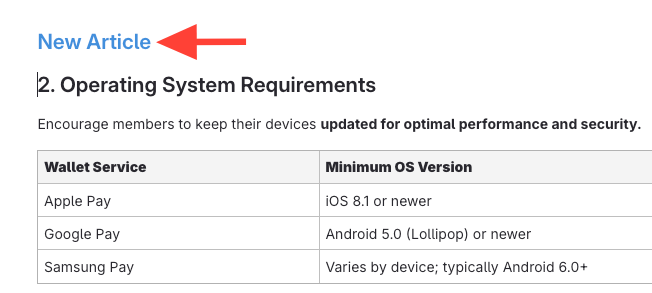
- Select content to move
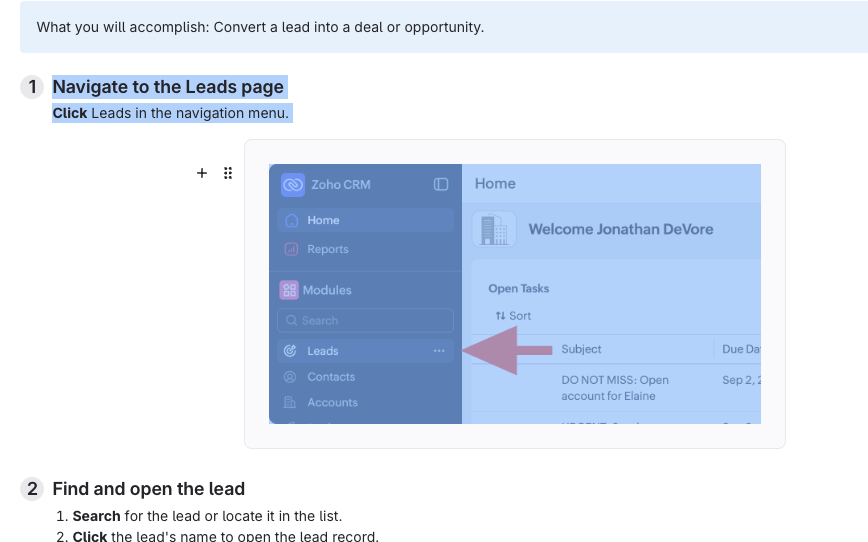
Select the text or section you want to move into a new article.
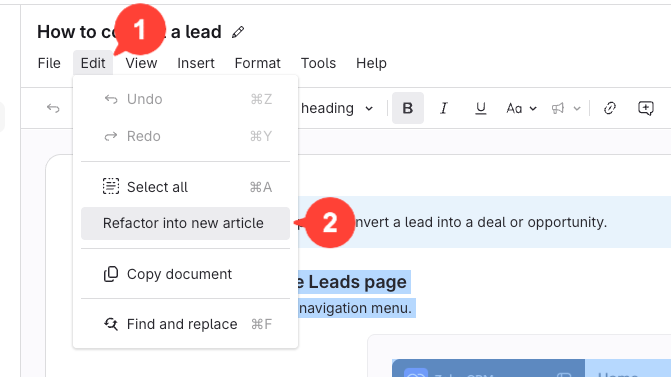
- Open the Edit menu > click Refactor into new article
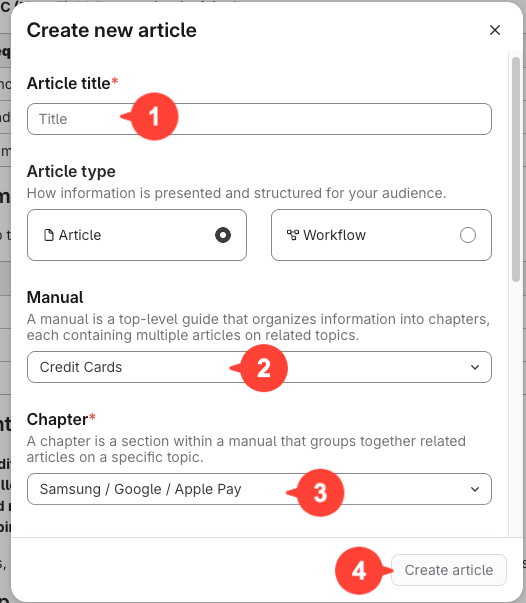
- Set new article details
- Enter a new title for the article.
- Select the manual
- Select chapter for the new article.
- Click Create article
- Remove the hyperlink if needed