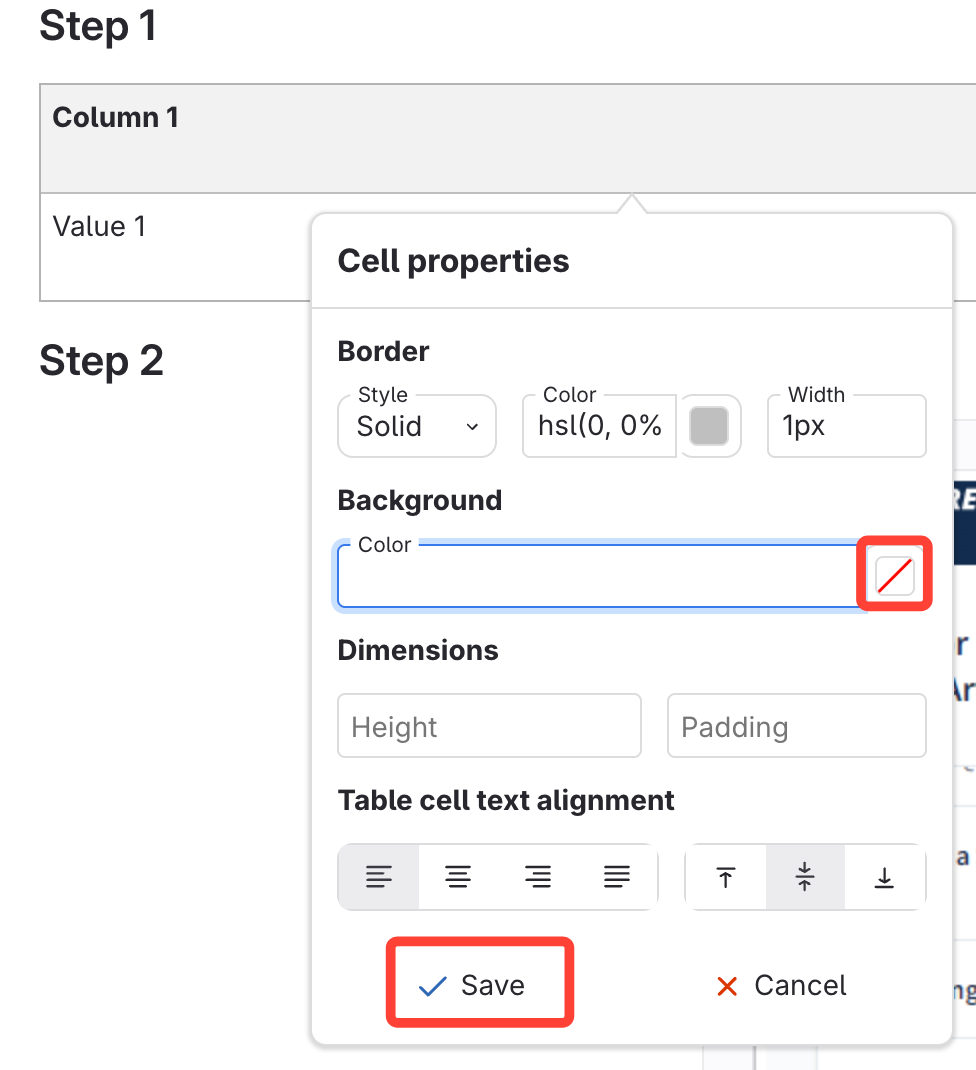
Change one cell's background color
- Click in the cell that you want to change the color to.
- Click Cell Properties.

- Select the color under Background, or type in the color you'd like the cell to be.
- Click Save.
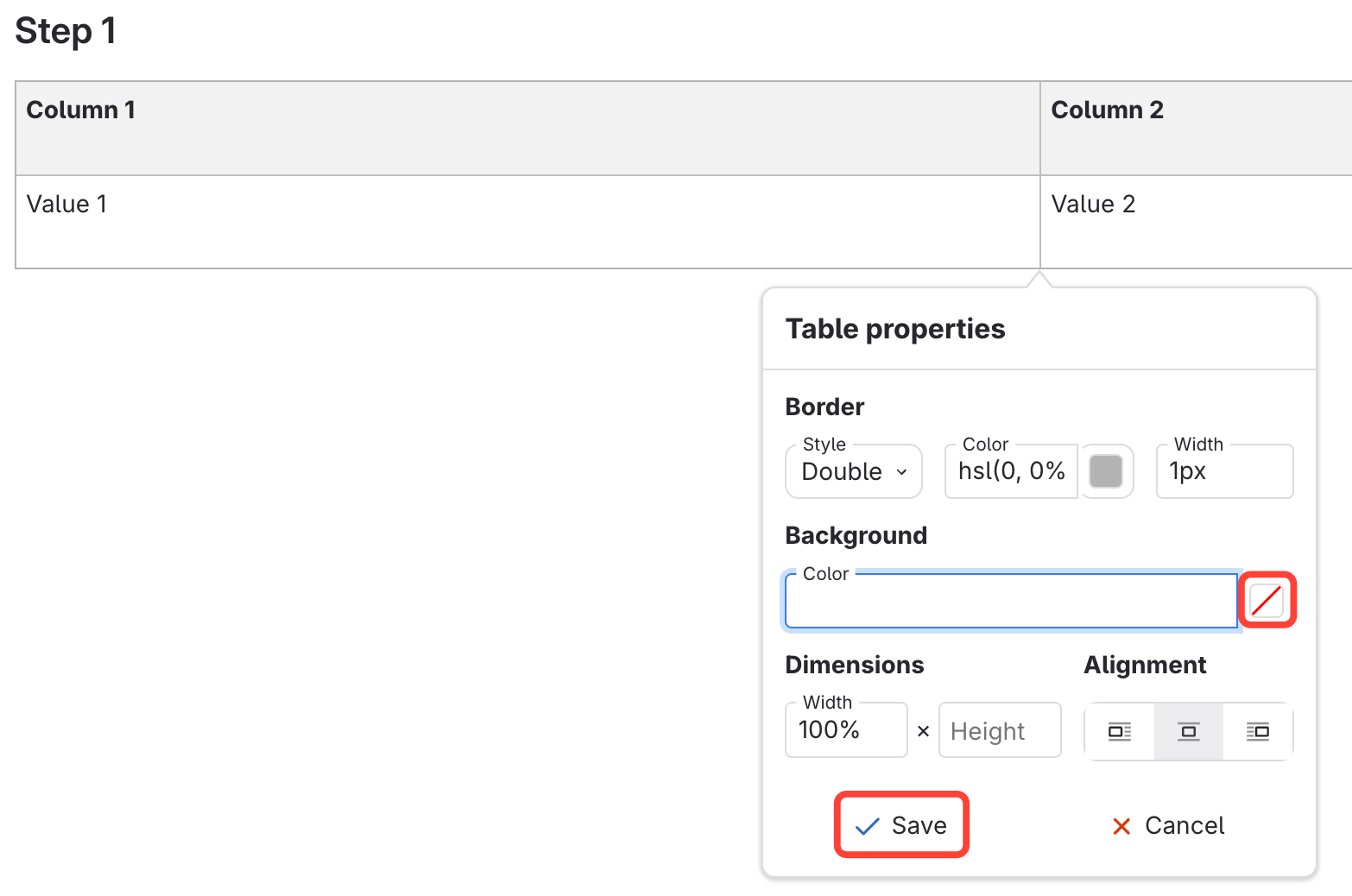
Change all cells' background color
- Click anywhere in the table.
- Click Table Properties.

- Select the color under Background, or type in the color you'd like the whole table to be.
- Click Save.