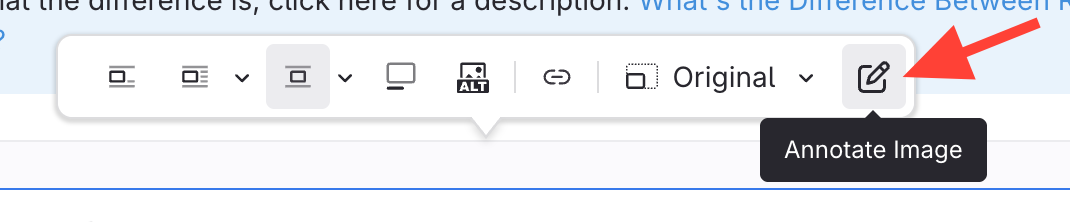
- Click the image you want to annotate

- Select the Annotate Image Edit icon
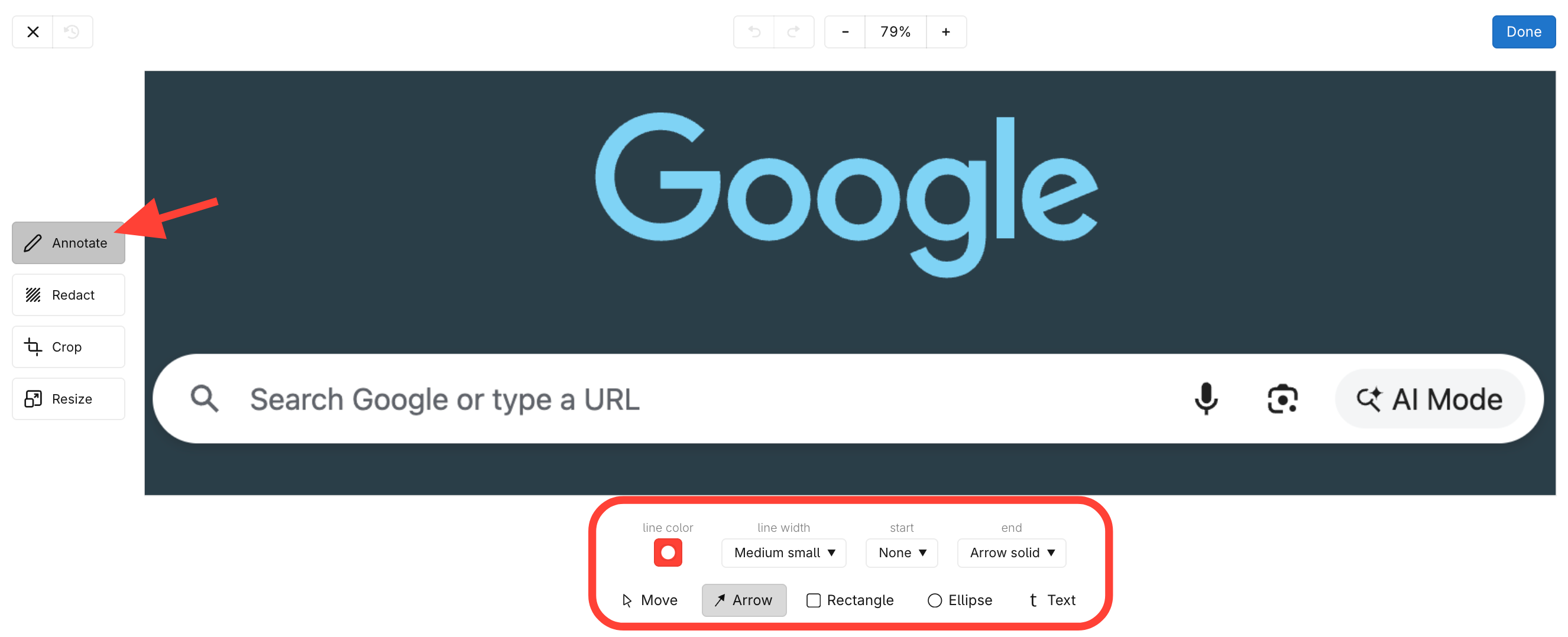
- Select the annotation
Choose from:
- Arrows
- Rectangles
- Circles/ellipses
- Text boxes
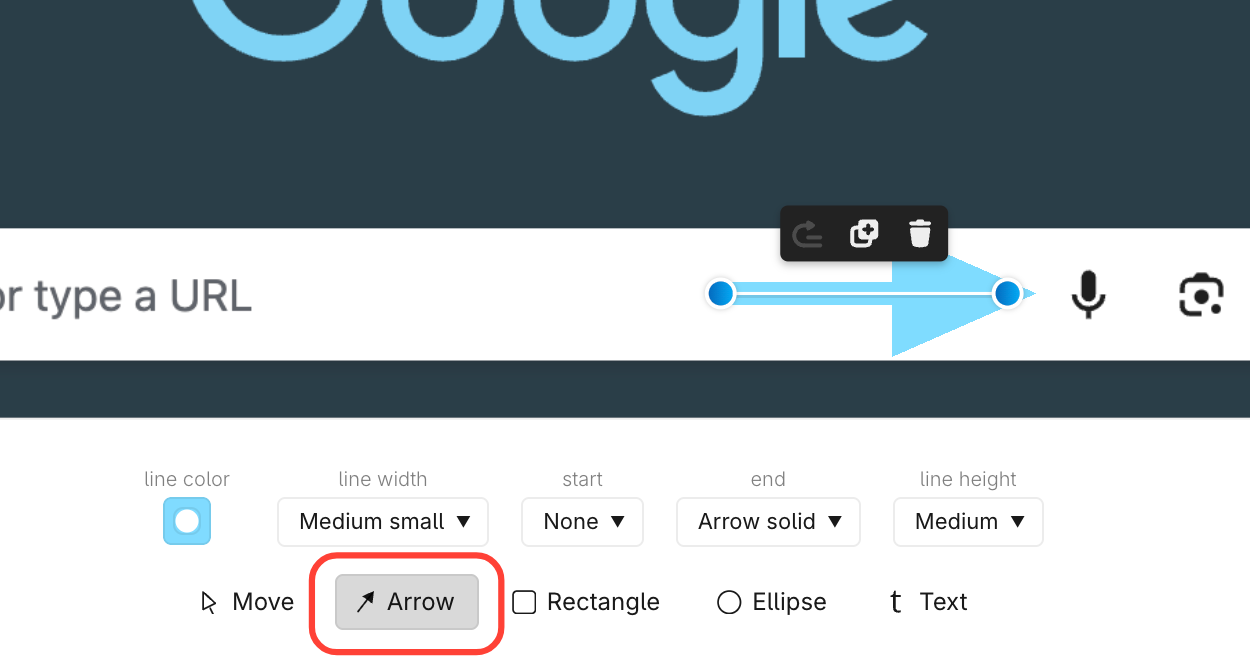
- Draw the annotation
Click and drag your mouse to add the selected annotation.
Updated on
Choose from:
Click and drag your mouse to add the selected annotation.