- Navigate to the article Editor
Navigate to the article
- Open the editor
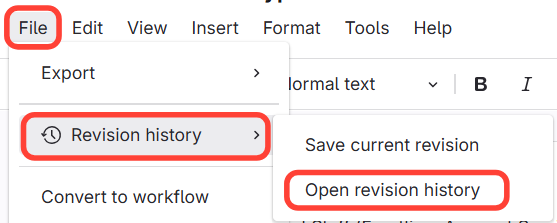
- Open Revision History
- Click File
- Hover over Revision History
Click Open Revision History
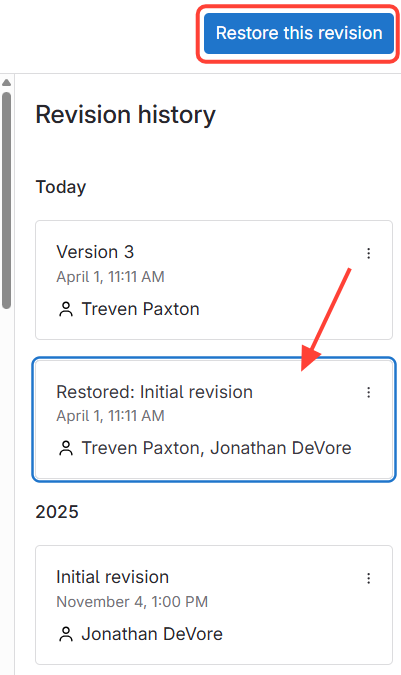
- Review and Restore
- Select the Version you want to restore
- Click Restore this revision
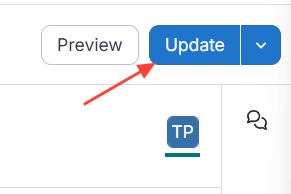
- Click Update
How to Restore a Previous Version of an Article
Updated on