- Navigate to the Chapter
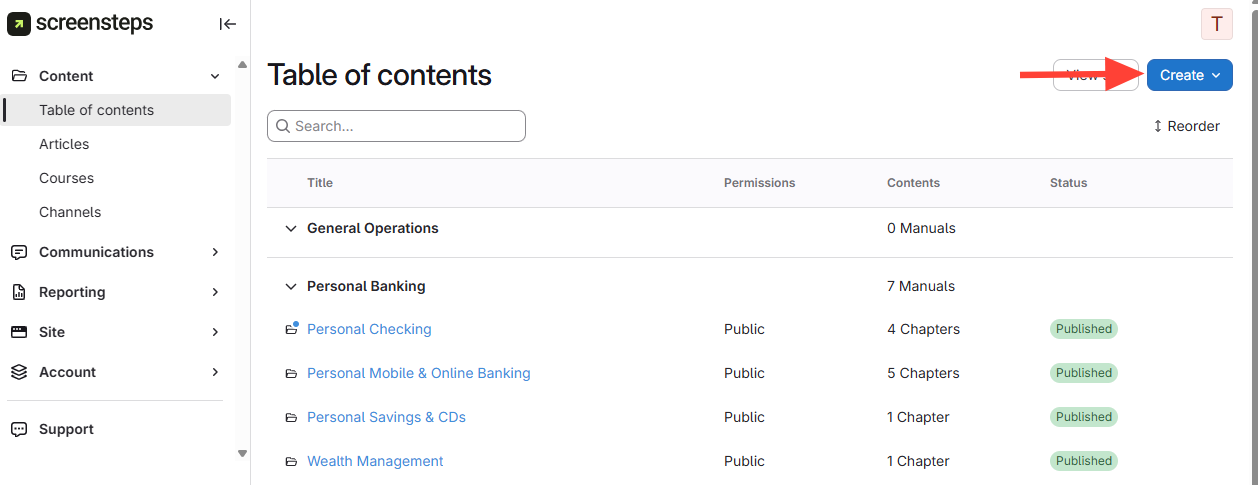
- Go to the chapter where you want to add the article.
- Click the chapter name.
- ClickCreate Article.
- Name and Set Article Type
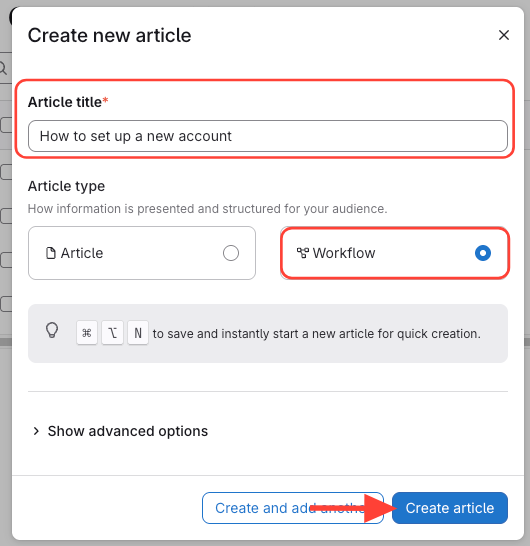
- Enter the article name.
- SelectWorkflow as the article type.
- ClickCreate Article.
- Verify and Edit the Workflow Article
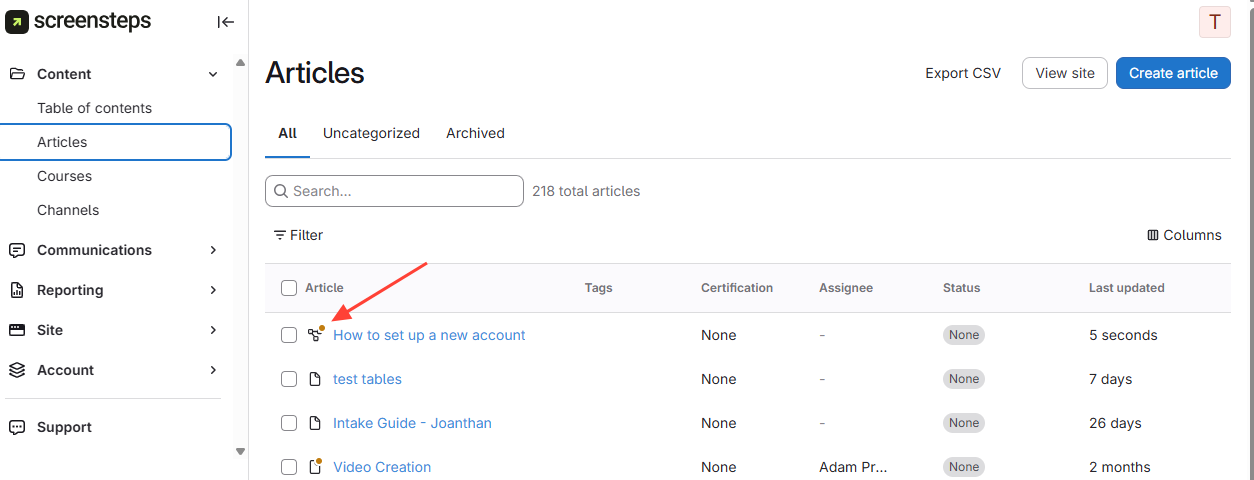
- Look for the workflow icon next to your article title.
- Edit the article and add your content: How to Edit an Article
How to Create a Workflow Article
Updated on