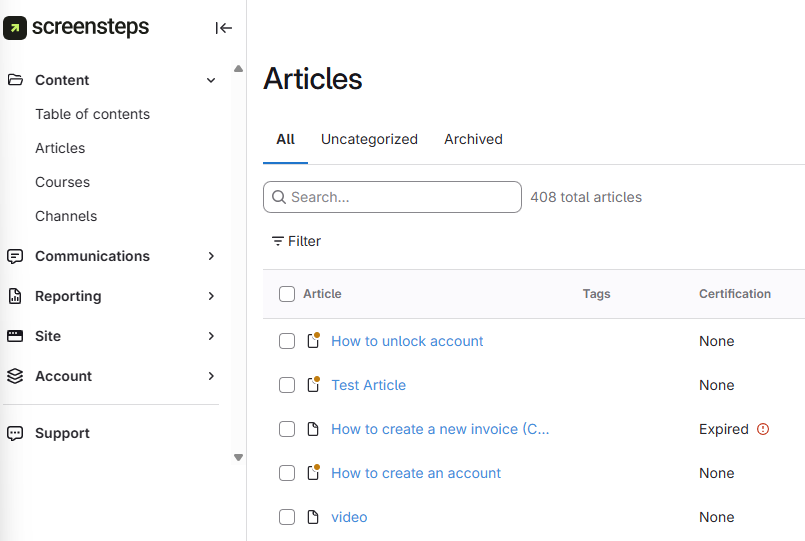
- Navigate to the article
You can navigate to the article either by:
- Navigating to the Table of Contents and clicking the Manual > Chapter > Article.
- Navigating to the All Articles section and scrolling/searching for the Article.
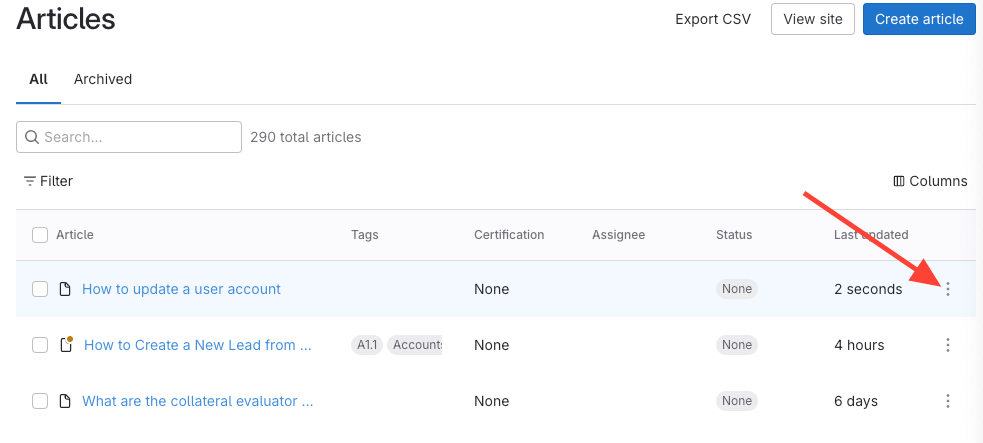
- Click the action menu (three dots) to the right of the article
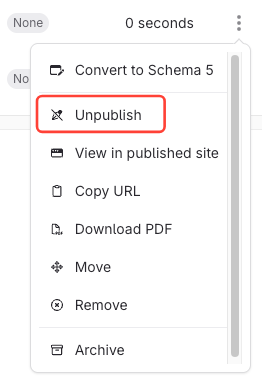
- Select Publish