Overview of Formatting Options Within an Article
Formatting options within an article refer to the various ways you can change the appearance and structure of text and content. These options help organize information, highlight important points, and make articles easier to read and understand.
- Formatting enhances clarity and emphasis in articles.
- Options include text styles, headings, lists, and content styles.
Access Formatting Tools
Format Tab
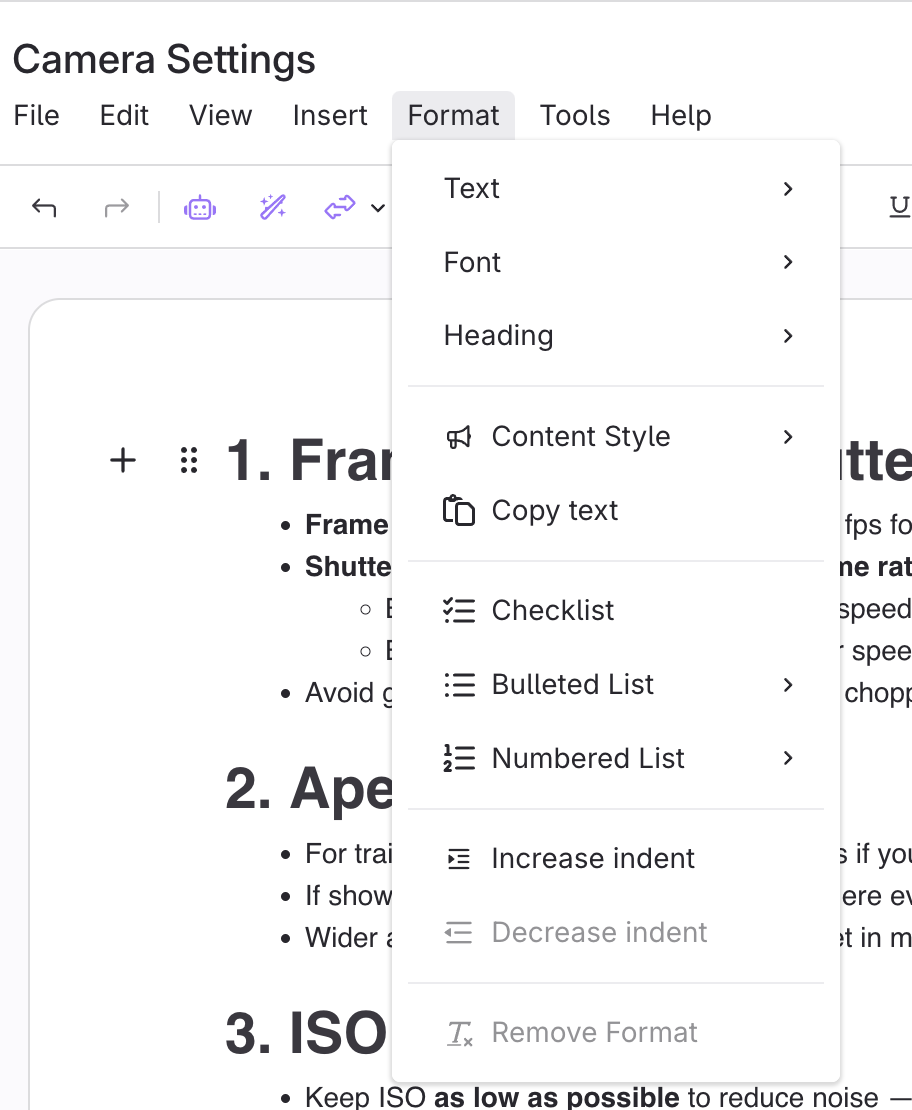
Format Ribbon

Formatting Options
Format Text
- Bold
- Italic
- Underline
Strikethrough- Superscript
- Subscript
Code
Format Text in Format Tab Image
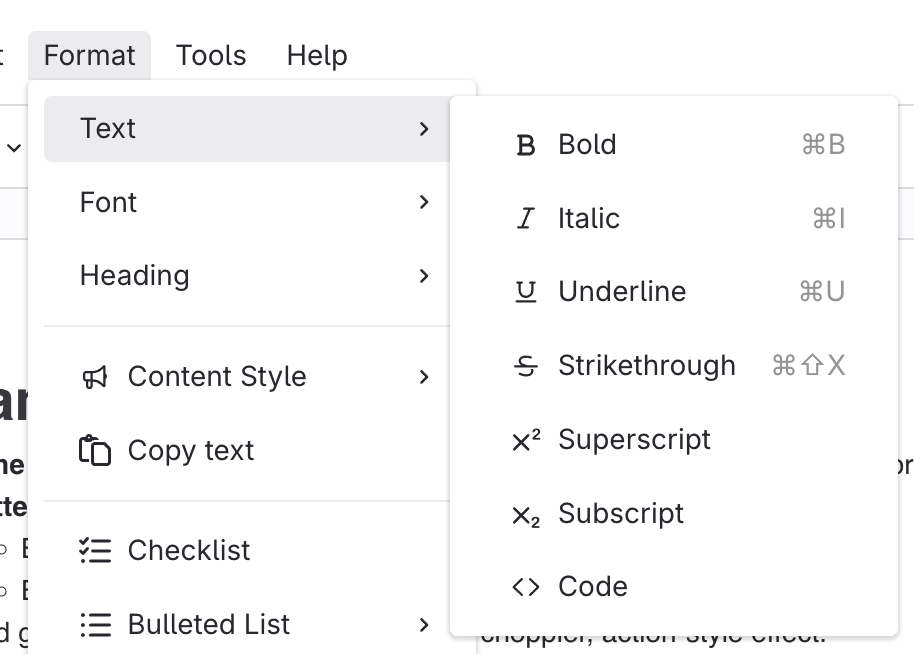
Format Text in Ribbon Image
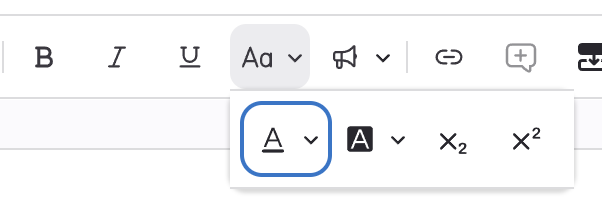
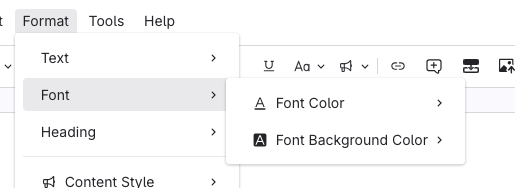
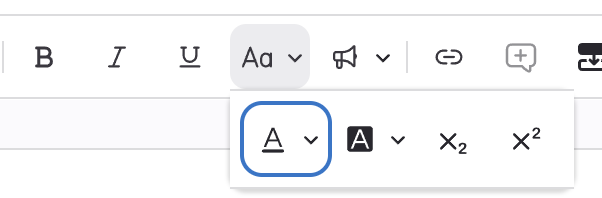
Format Font
- Font Color
- Background Color
Format Font in Format Tab Image
Format Font in Ribbon Image
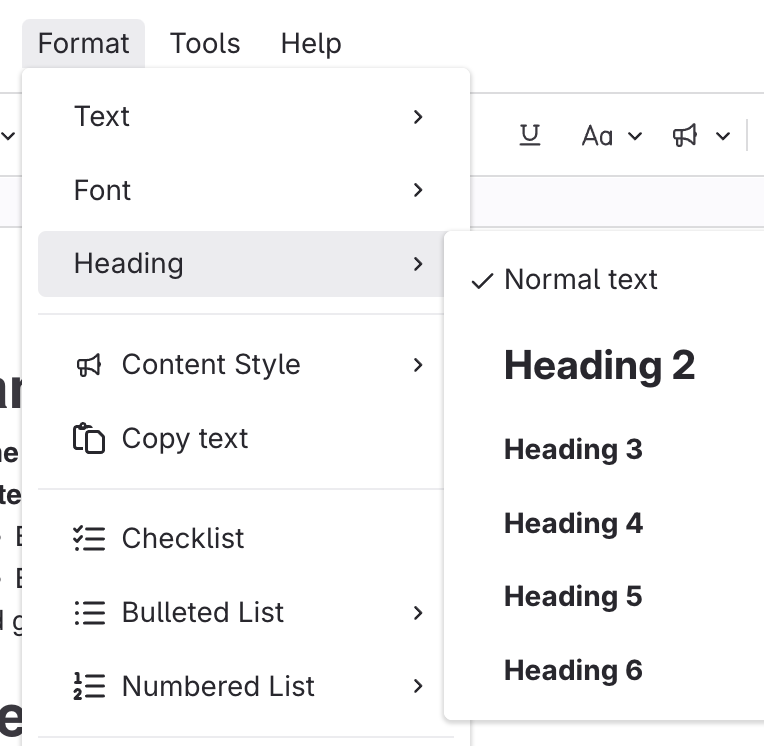
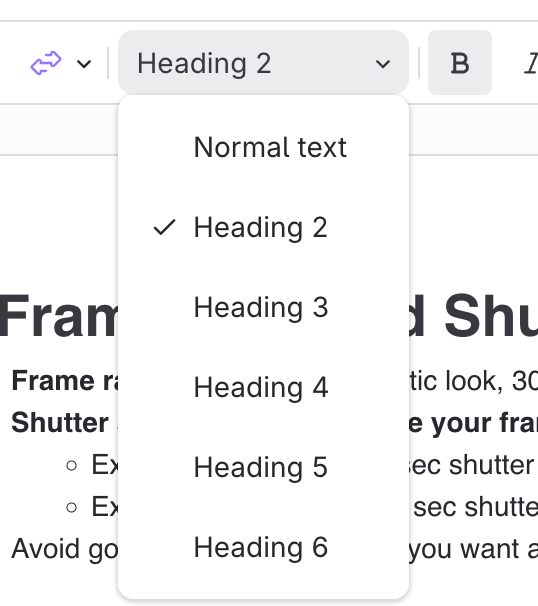
Format Headings
- Headings: Organize content into sections (sizes 2–6).
Format Headings in Format Tab Image
Format Headings in Ribbon Image
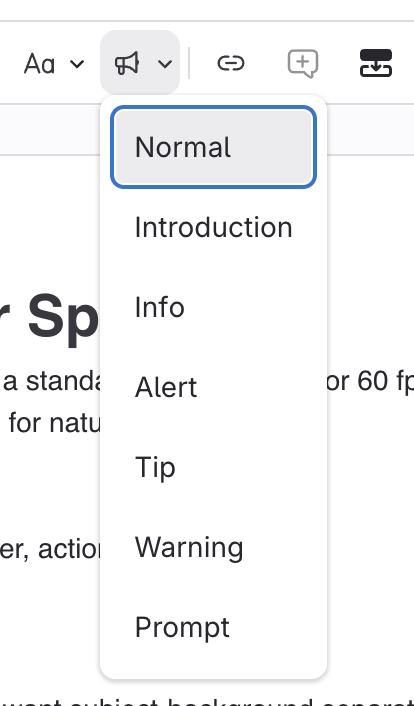
Call out Text with Content Styles
Normal
Content Style from Format Tab Image
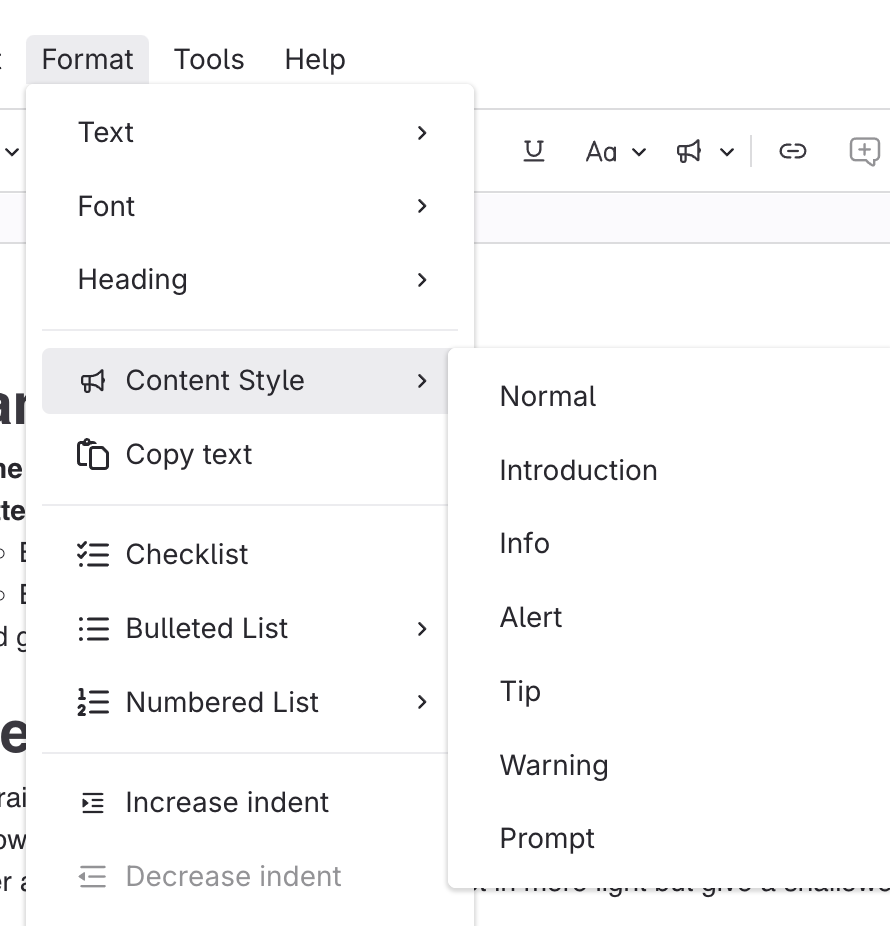
Content Style from Ribbon Image
Format with Lists
- Checklists
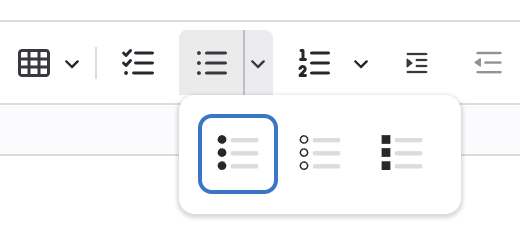
- Bulleted lists
- Select bullet style
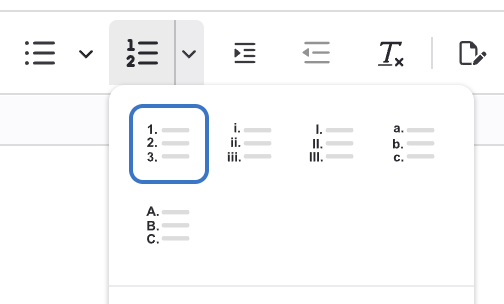
- Numbered lists
- Numbers (1. 2. 3. / 01. 02. 03)
- Alphabet (a. b. c. / A. B. C.)
- Roman Numeral (i. ii. iii. / I. II. III.)
Lists from Format Tab Images
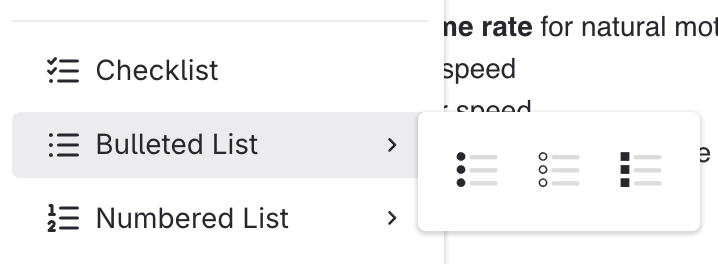
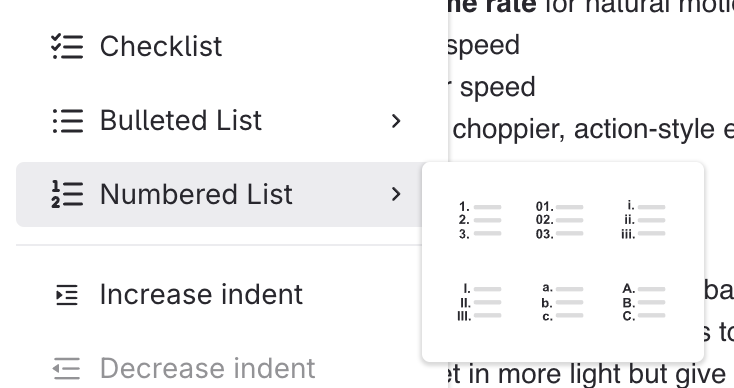
Lists from Ribbon Image
Indentation
- Adjust paragraph spacing for structure.
Format Indentation from Format Tab Image
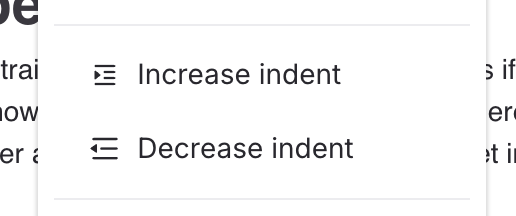
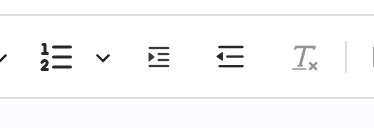
Format Indentation from Ribbon Image