- Select Text
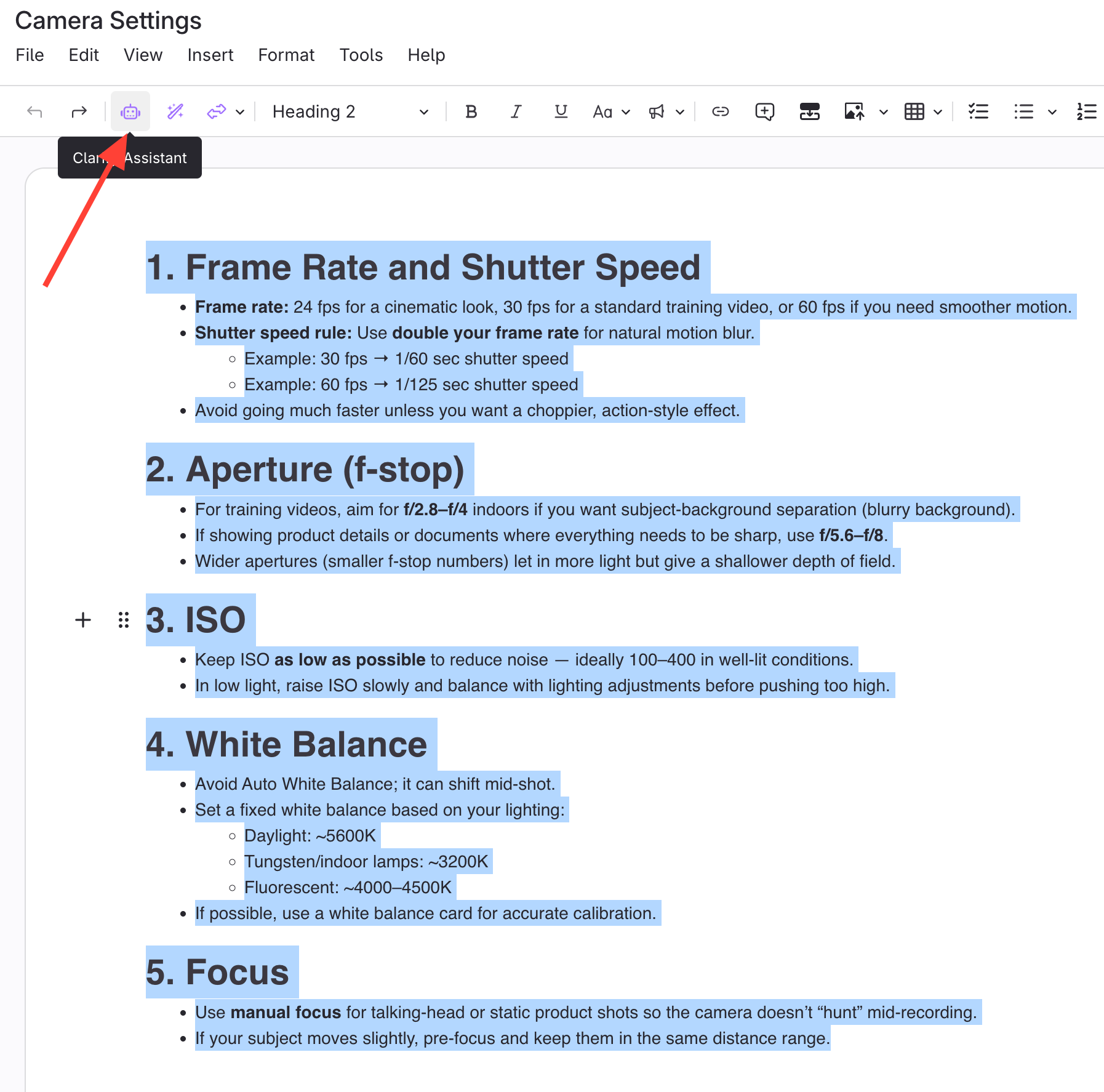
- Open the article with existing content.
- Select the text to translate.
- Click the robot icon for Clarity Assistant
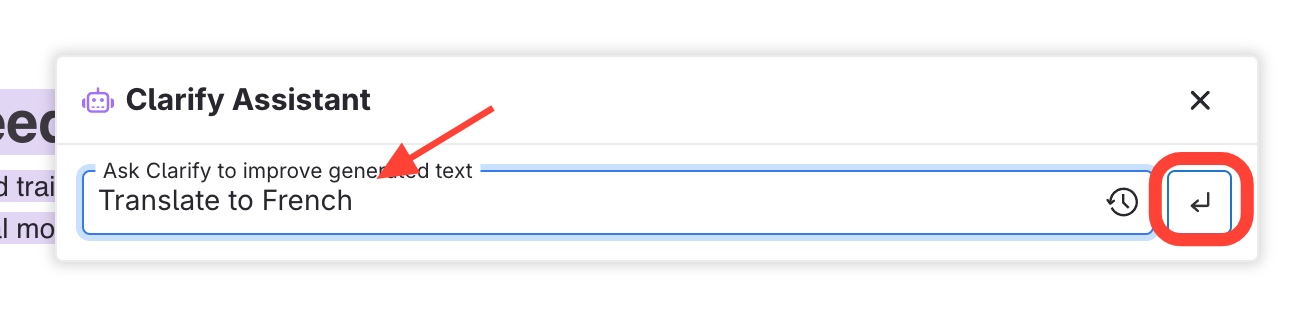
- Enter Prompt
- Type your prompt (e.g., "translate to French").
- Press Enter.
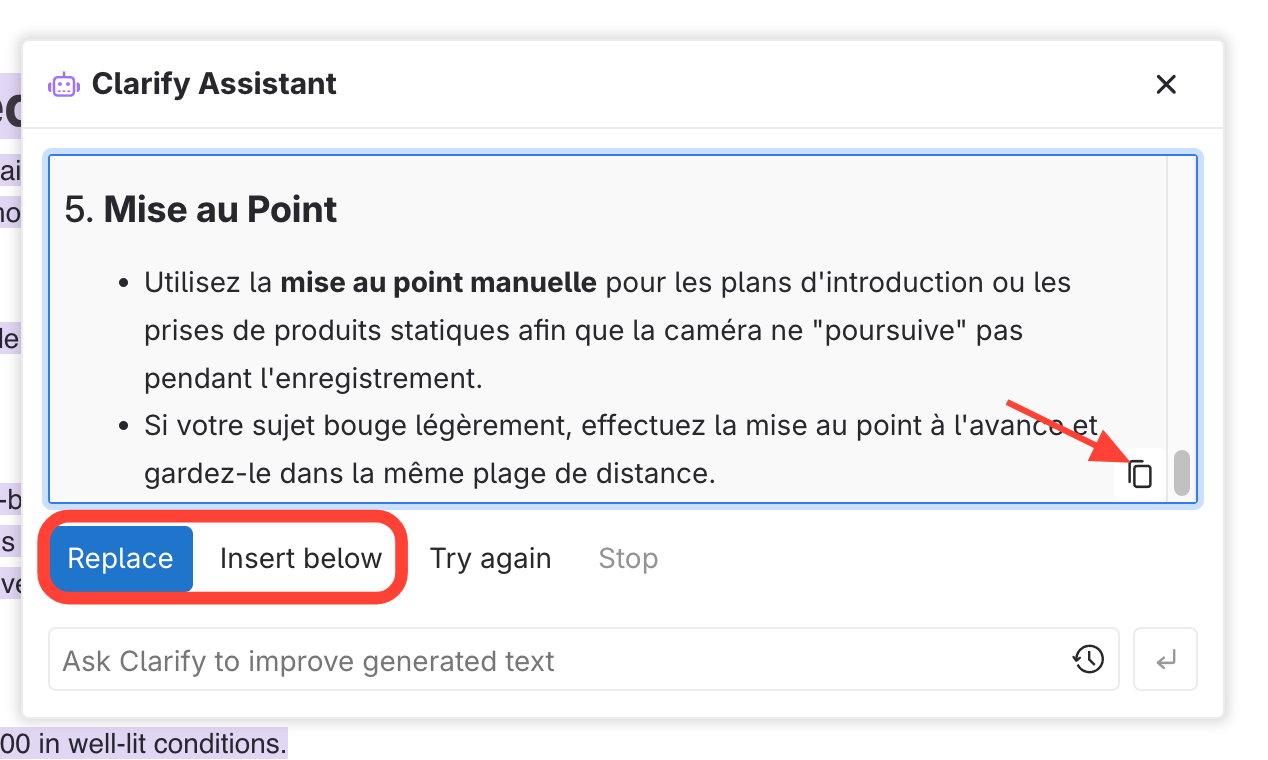
- Select Action for the Text
- Choose to Replace or Insert the translation.
How to use Clarity Assist to Translate Content into a Different Language
Updated on