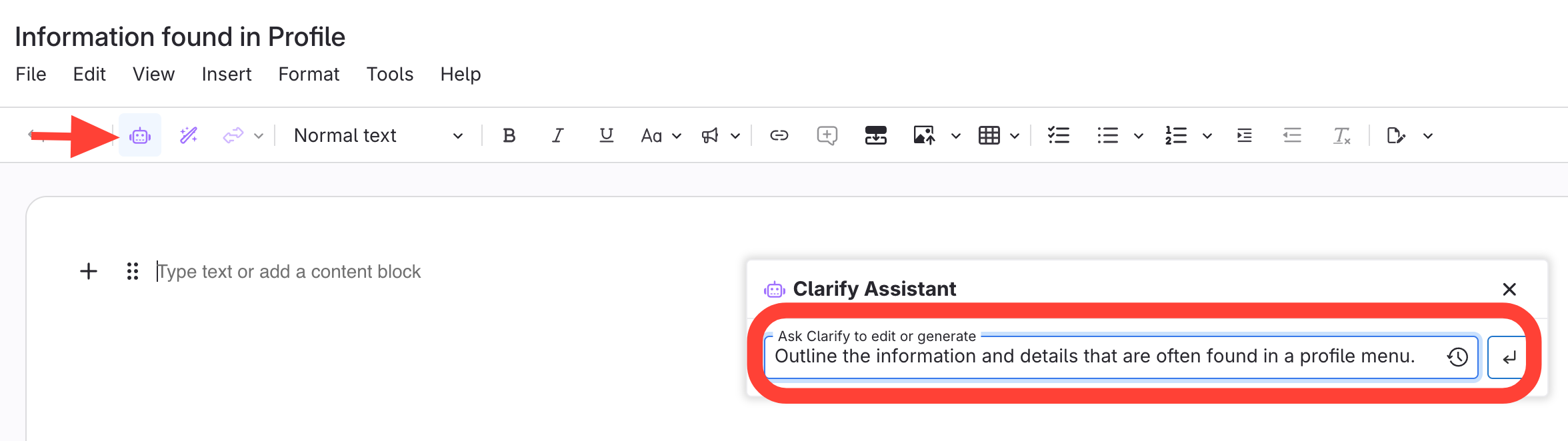
- Open Clarity Assistant
- Click the Clarity Assist icon.
- Type a description of the content you want.
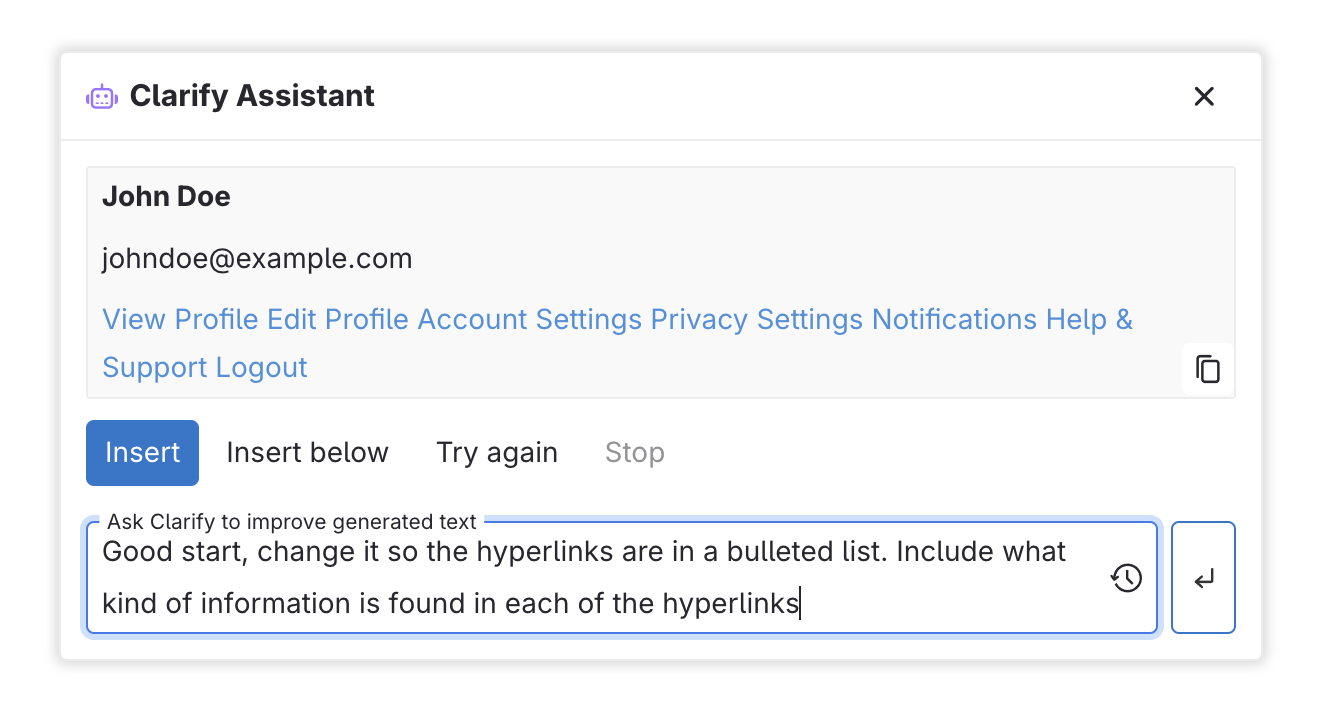
- Type a prompt for any changes needed
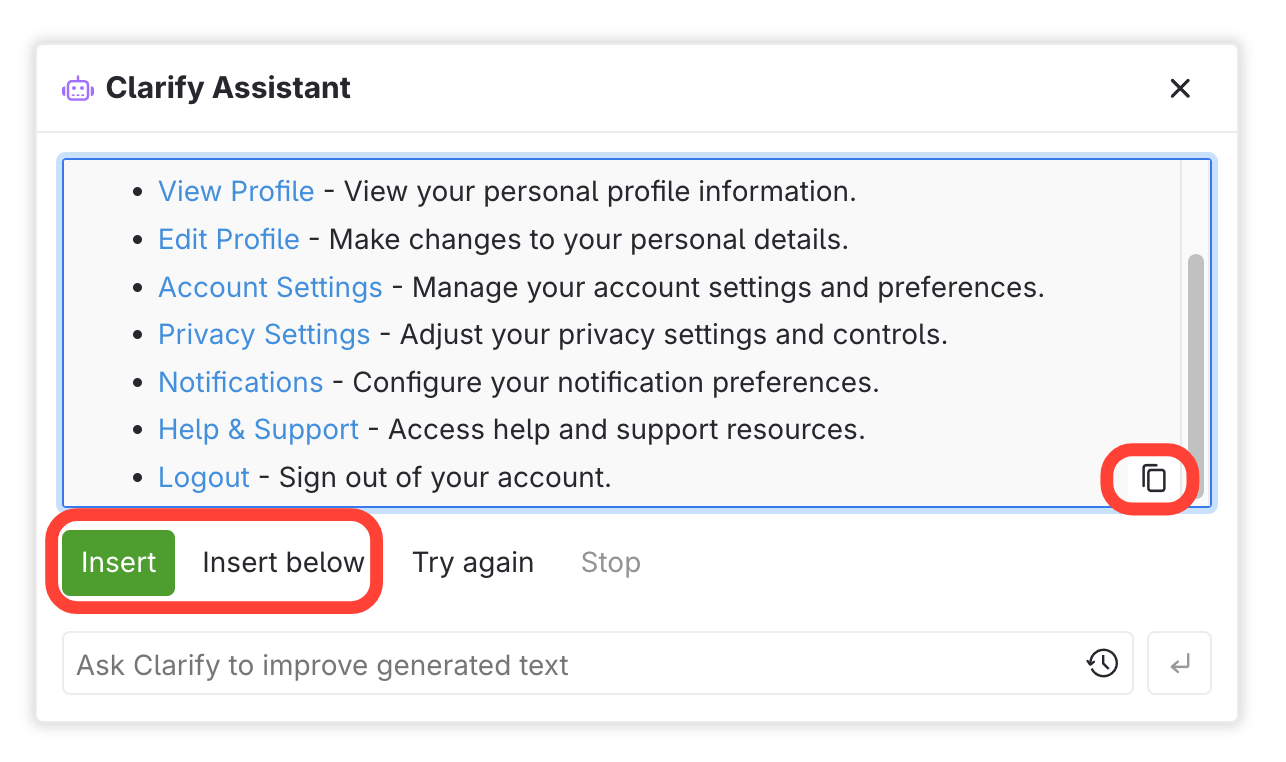
- Add to article
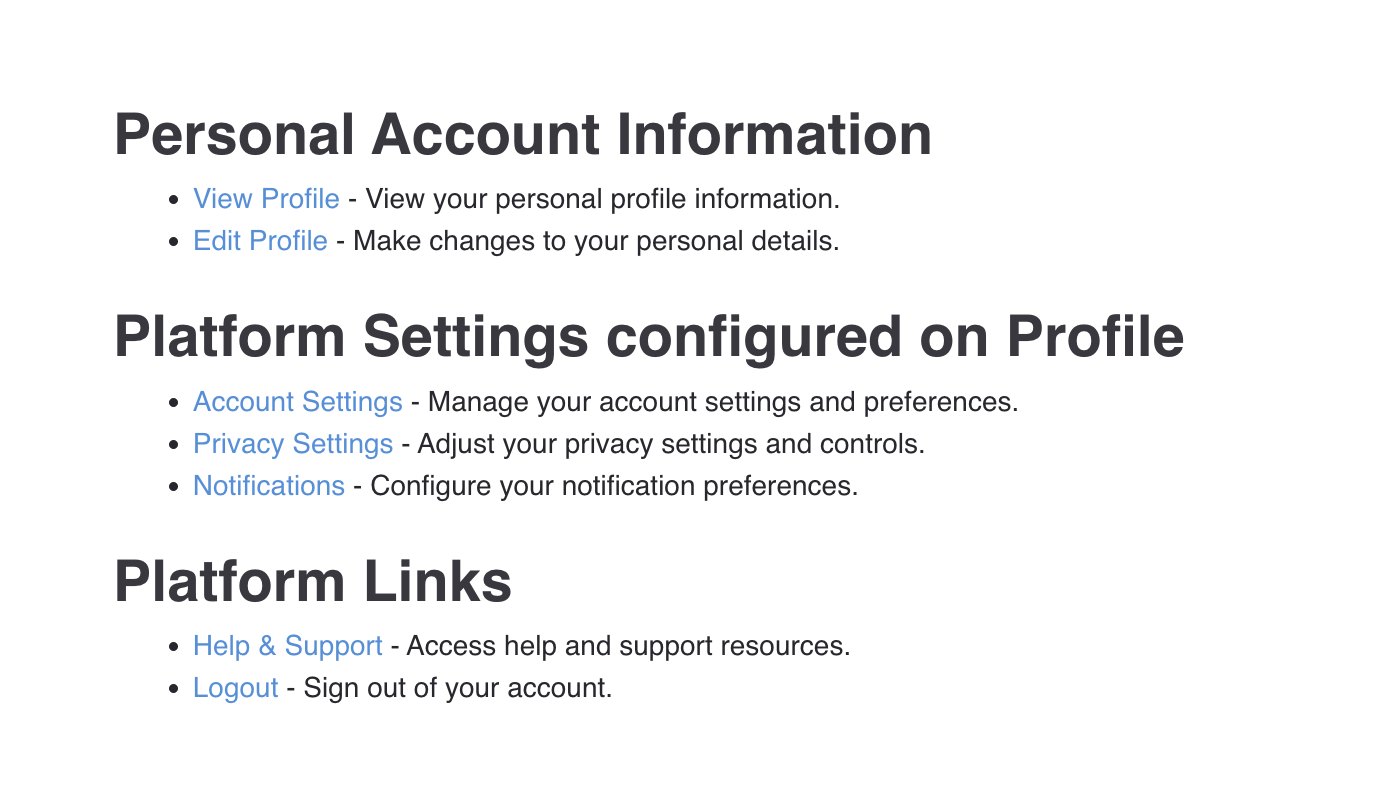
- Edit/Add content as needed
How to use Clarity Assist to Create Content from Nothing
Updated on
Updated on