- Open Clarify Create in a new article
- Open a blank article.
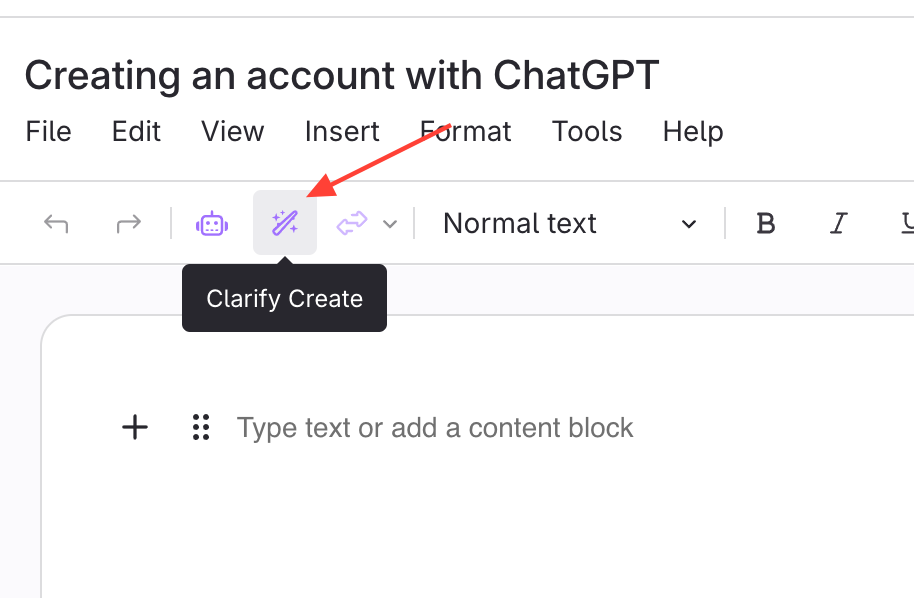
- Click Clarify Create.
- Click Upload a file
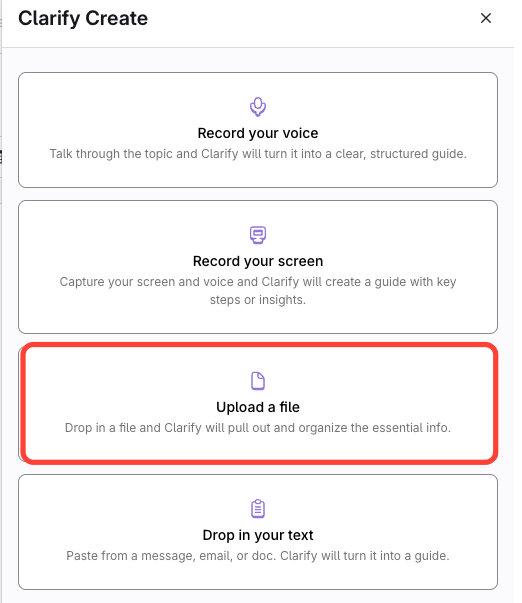
- Upload a file
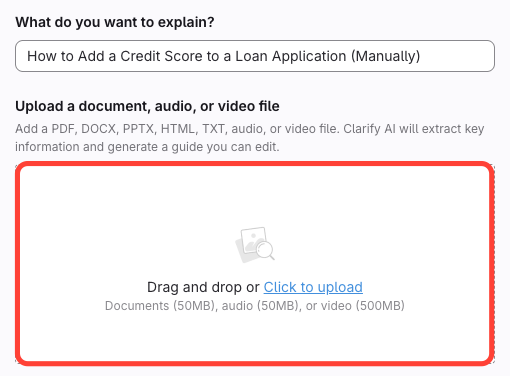
- Drag and drop the file or select Click to Upload.
- Select your procedure document.
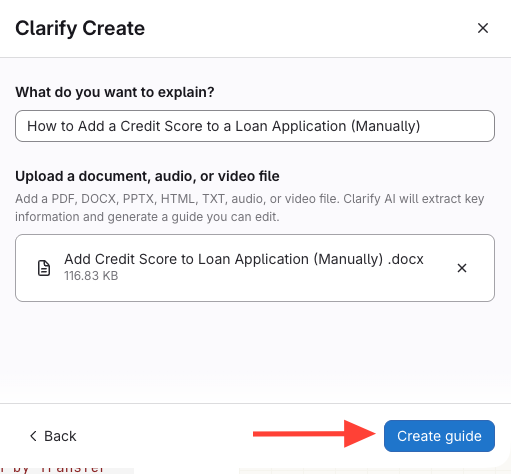
- Click Create Guide
- Confirm the correct document was selected
- Click Create Guide.
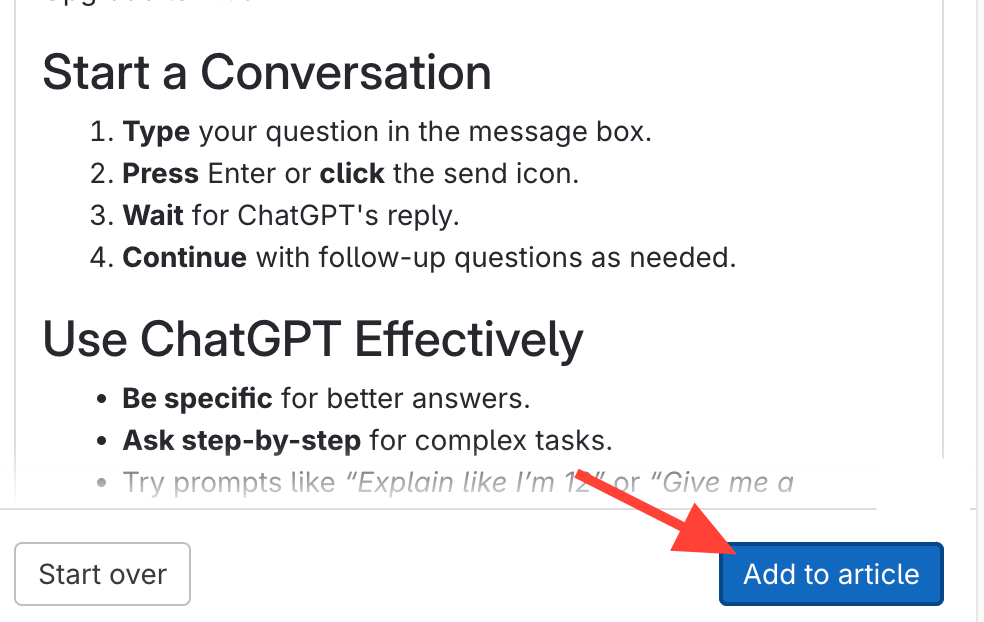
- Add to Article to edit as necessary
- Select Add to Article.
- Edit as needed
How to Bring in Existing Content using Clarify Create (Word, Text, PDF)
Updated on