- Select Text and open Clarify Assistant
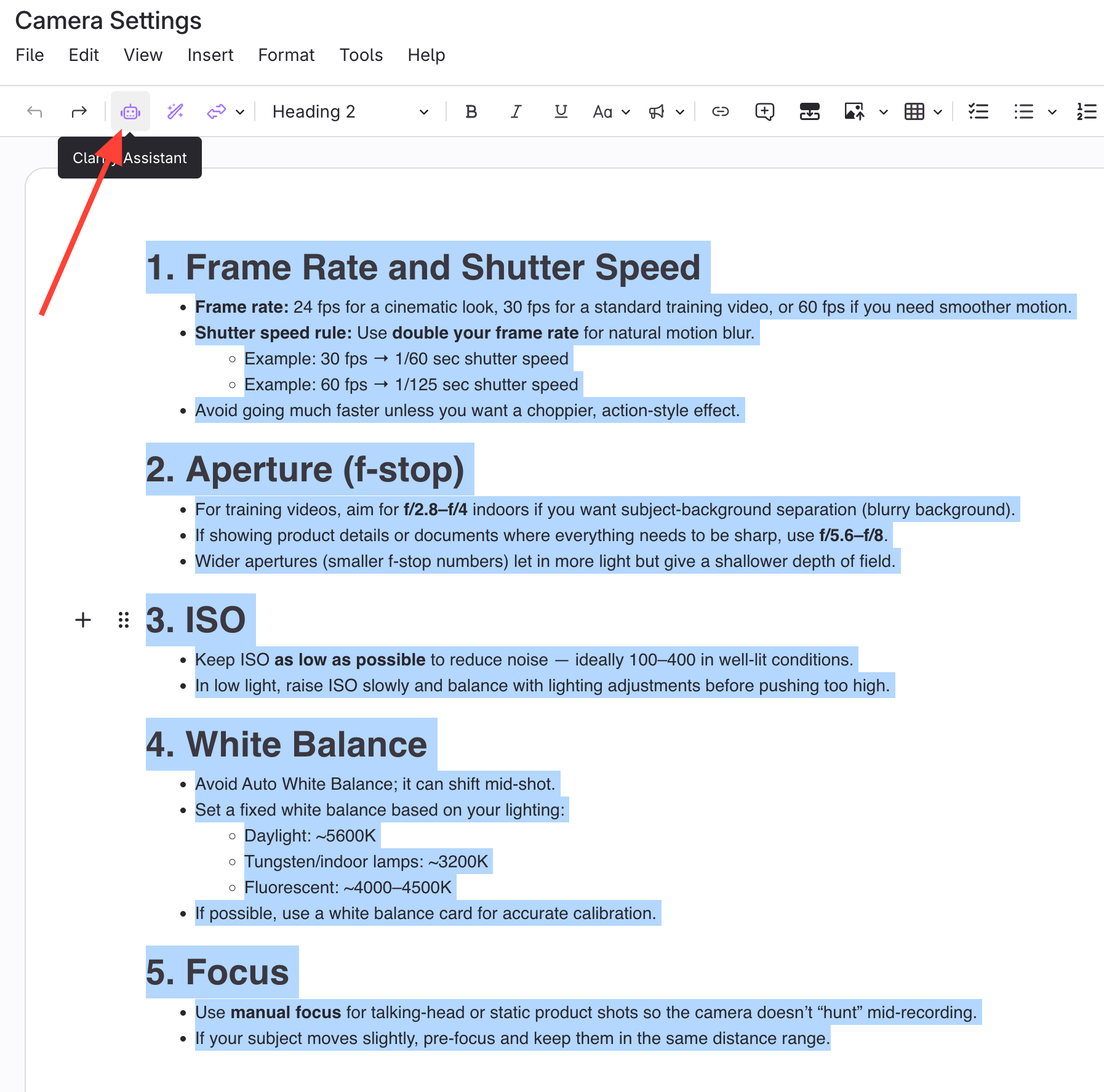
- Select the text to change.
- Click Clarify Assistant.
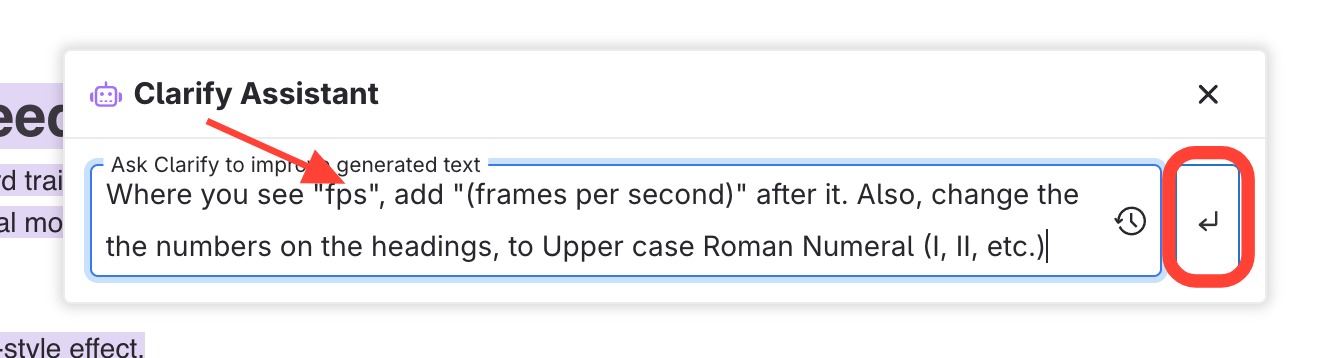
- Enter command for AI
- Type your command or instructions for the AI.
- Hit Enter
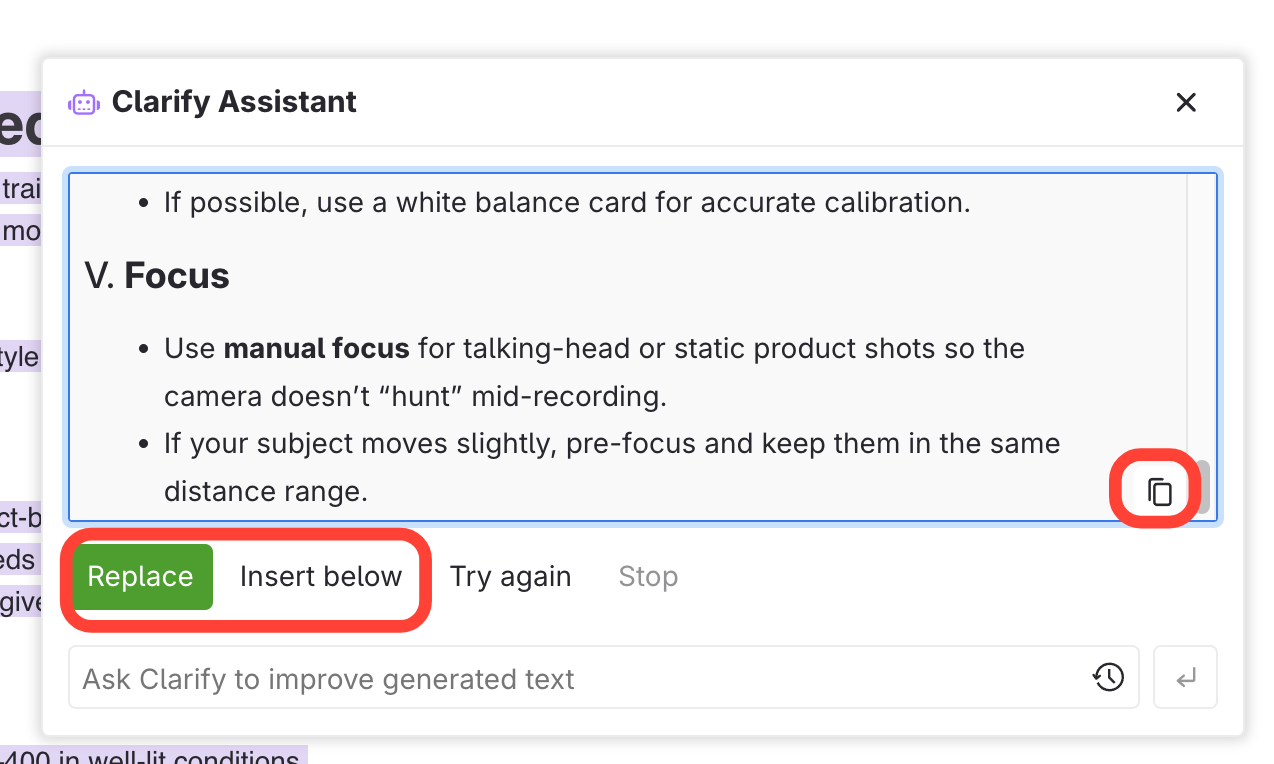
- Select Action for modified text
Click Replace, Insert Below, or Copy to Clipboard.
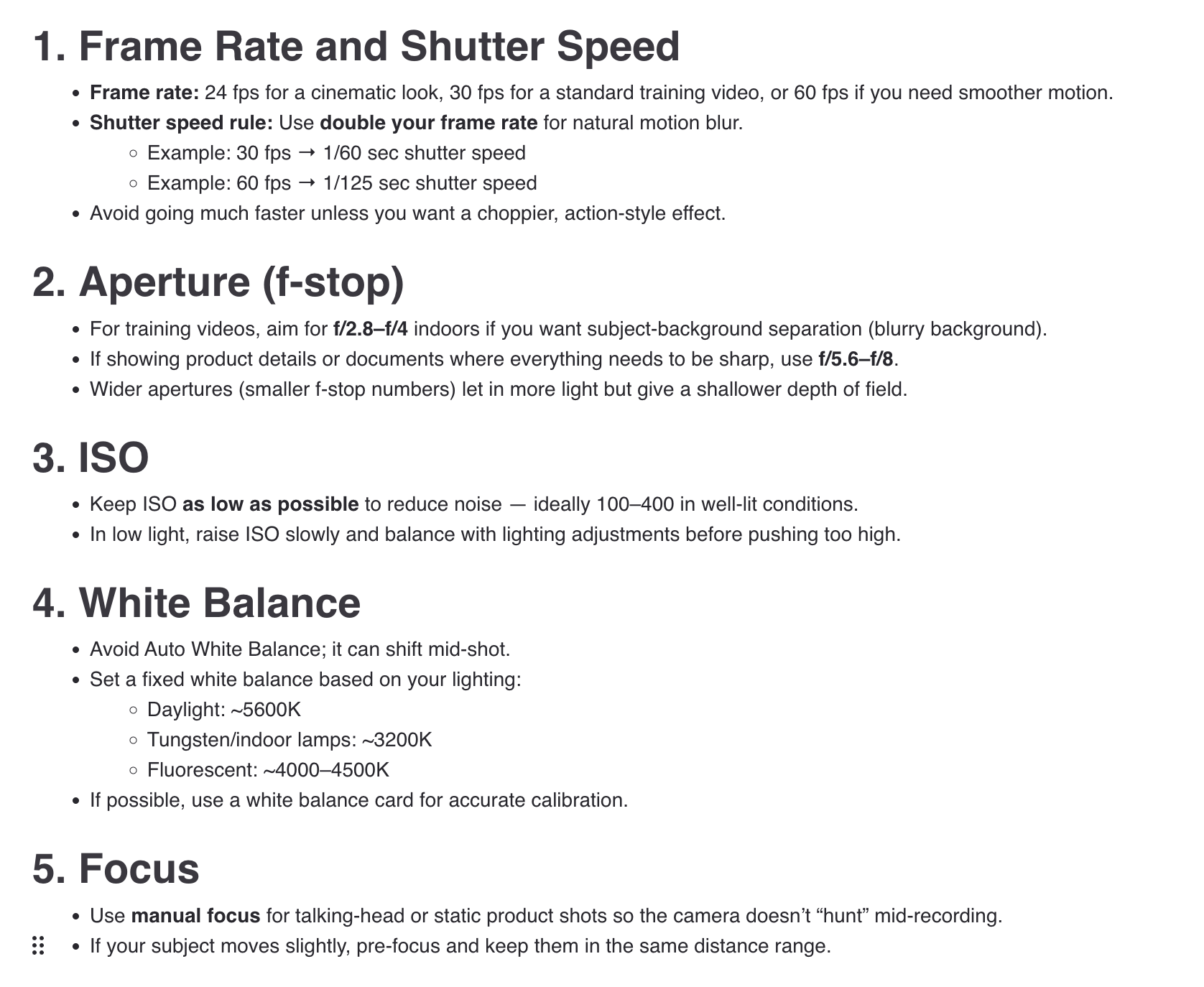
Before and After Example
Before
After
How to use Clarity Assist to Modify Existing Content
Updated on