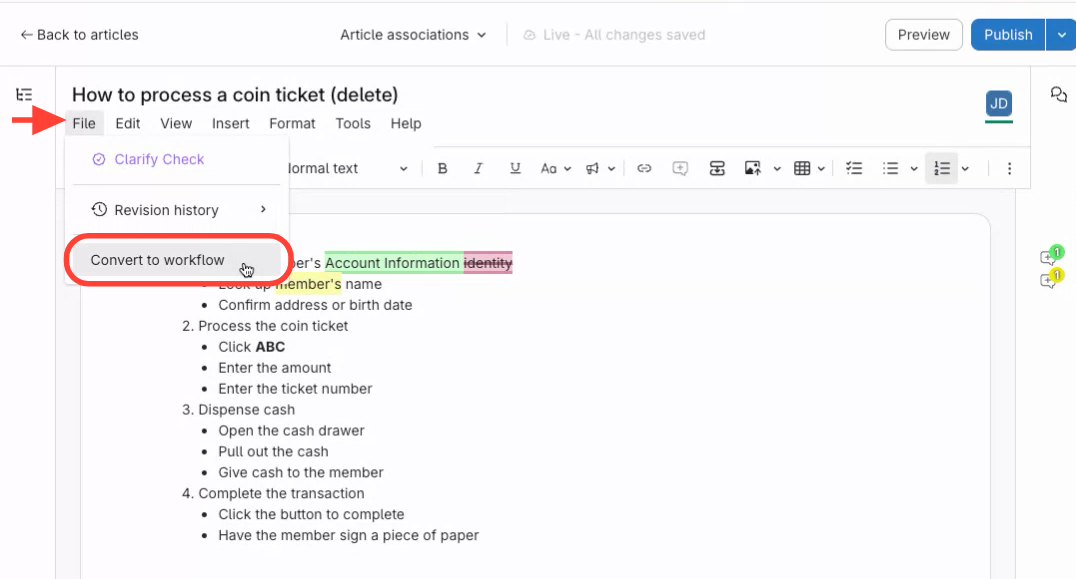
- Access the File Menu
- Open the article you want to convert.
- Click the File menu.
- Select Convert to Workflow.
- Confirm Conversion
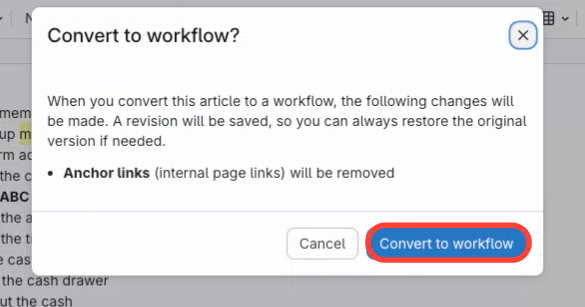
- Read the instructions in the confirmation dialog.
- Click Convert to confirm.
- Review Workflow Article
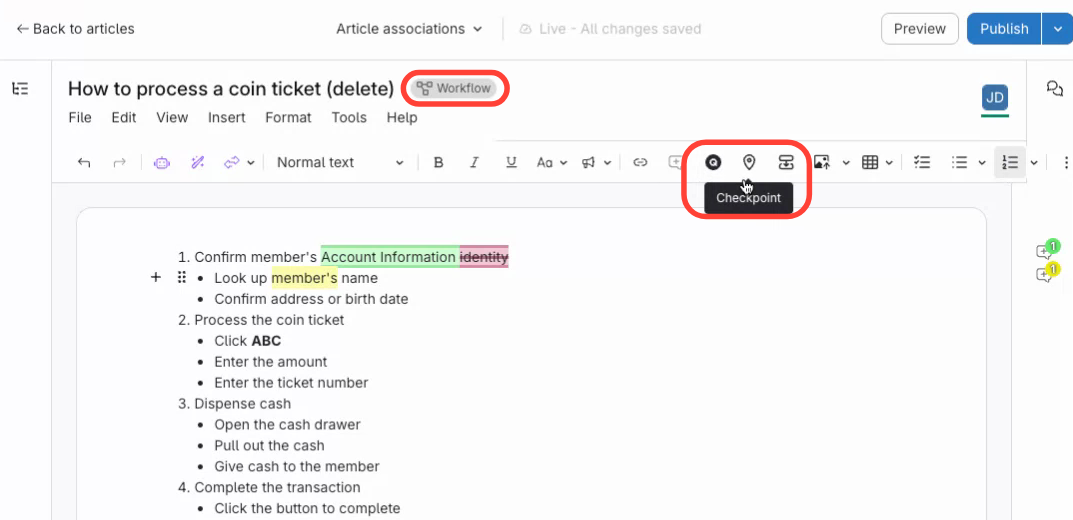
- Check that the article is now a Workflow article.
- Add questions or checkpoints as needed.
How to Convert an Article to a Workflow Article
Updated on