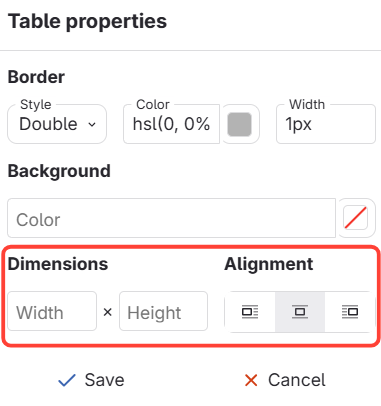
Navigate to the Tables Properties Menu to make changes
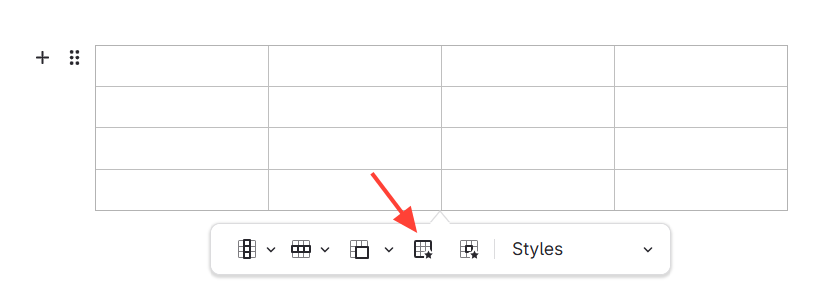
Select the table to want to change > Select table properties
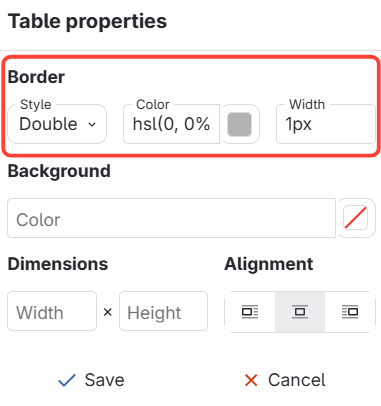
Border
Here you can choose what style, color and the width of the boarder around the whole table.
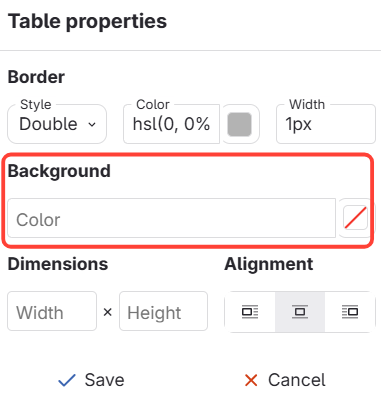
Background
Here you can choose what color you want the background of the whole table to be.
Dimensions and Alignment
Here you can change the width and height of the table. You can also change its alignment in the article.