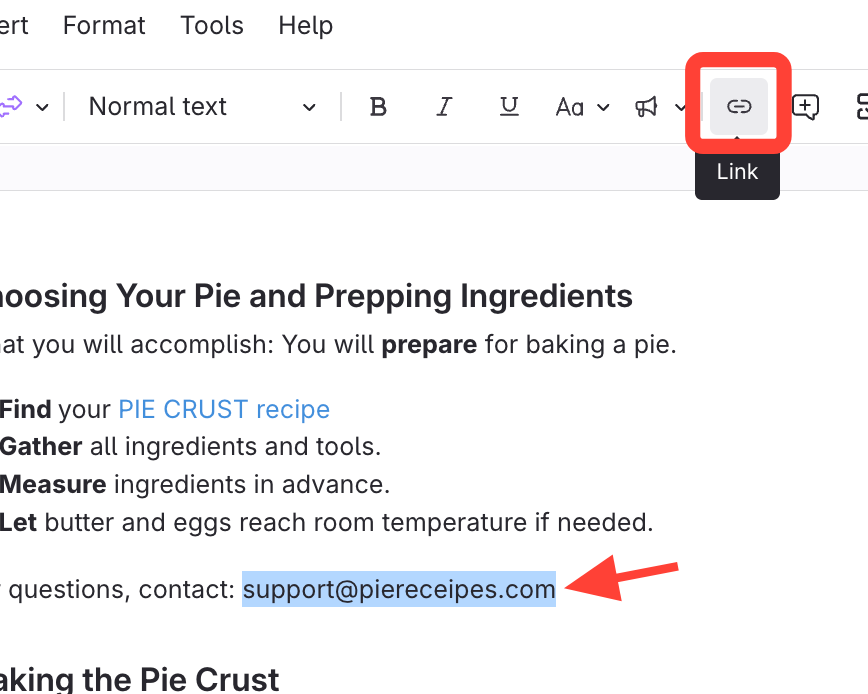
- Select text and open Link options
Write the text you want to turn into a link.
Highlight the text.
Click Link
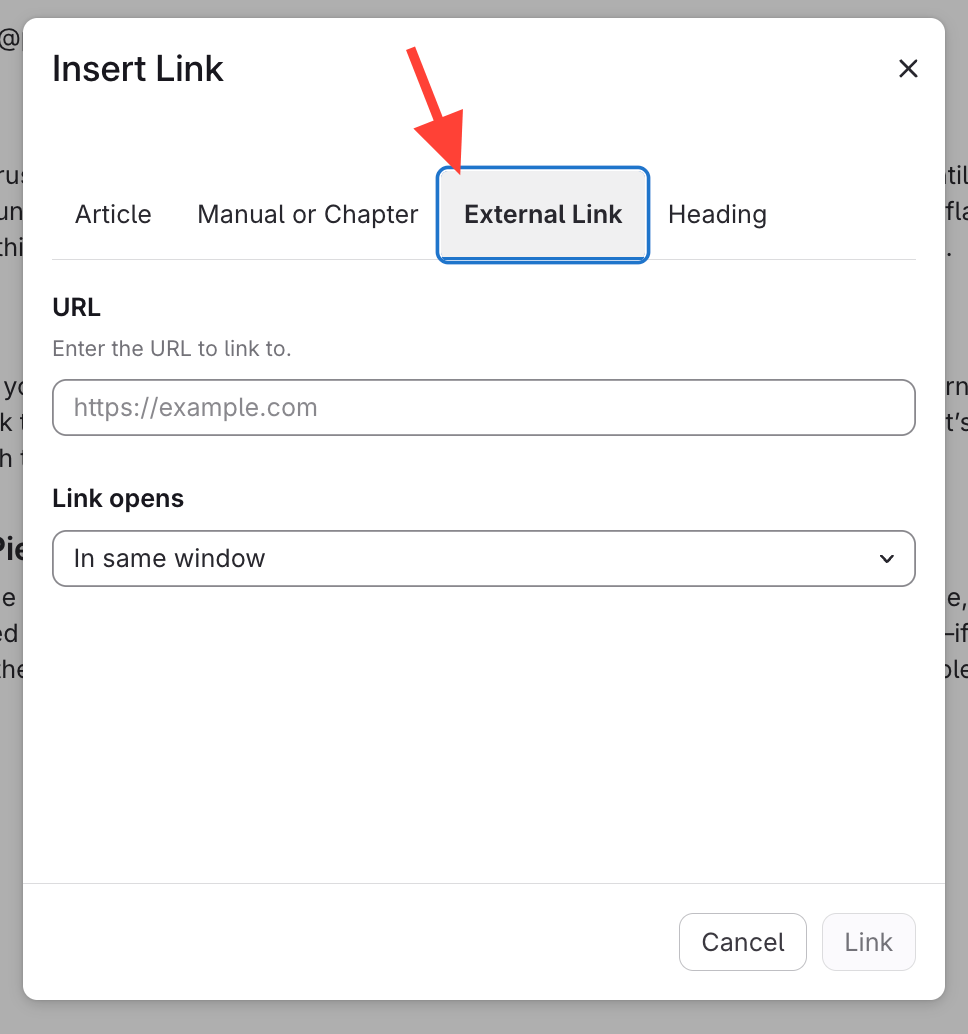
- Open External Link
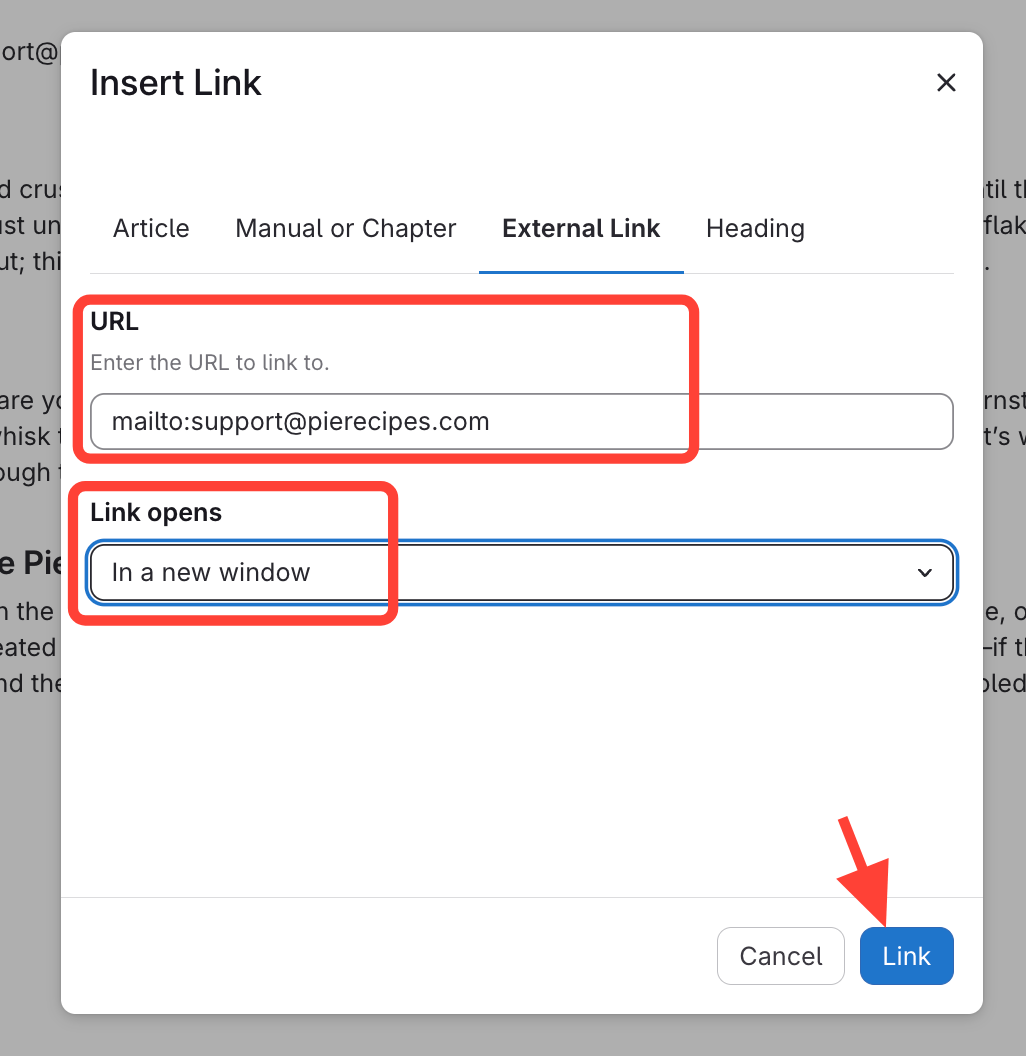
- Link to mailto:[email_address)
Type
mailto:followed by the email address.Set link to open In a new window
Click Link to save
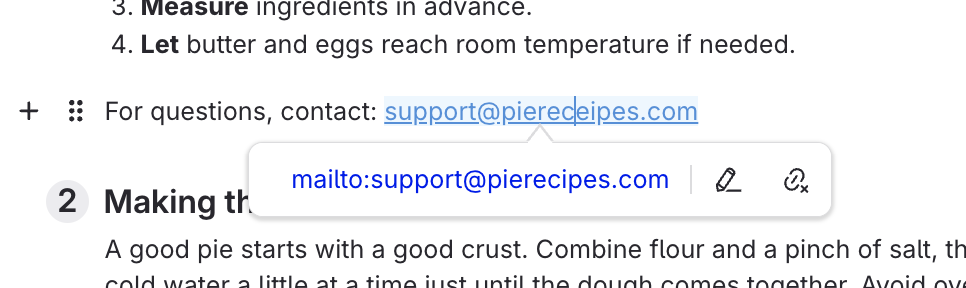
- Click the link to create email
After you publish the article, that text will be a hyperlink. When you click the hyperlink, it will open up the reader's email application and include that email in the To field.