- Highlight or Place Cursor
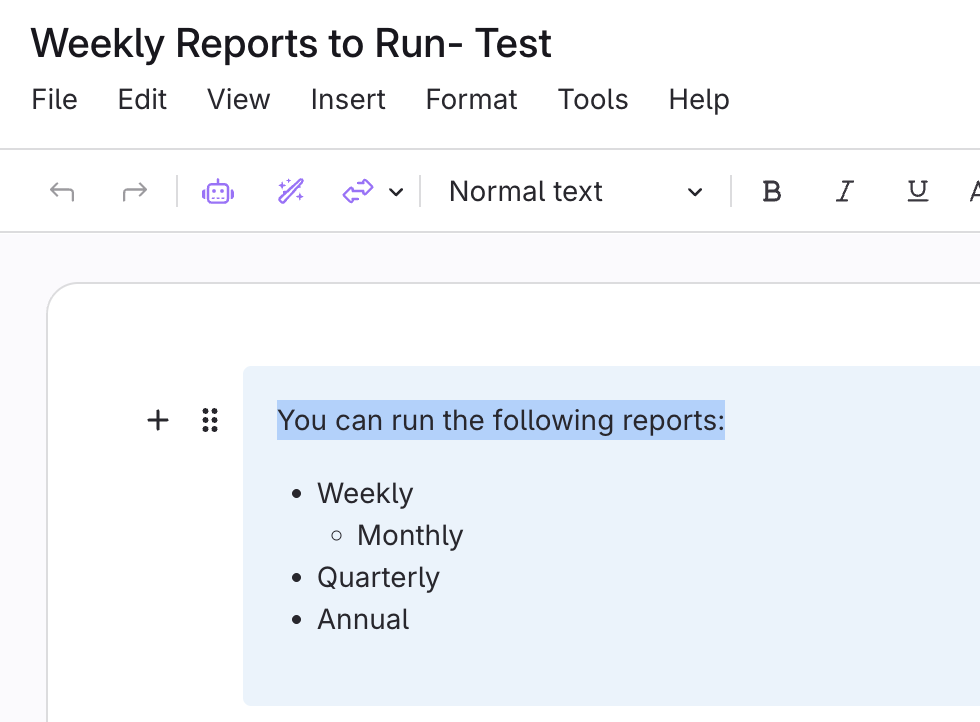
- Highlight the text to turn into a link.
- Or, place your cursor where the link will be inserted.
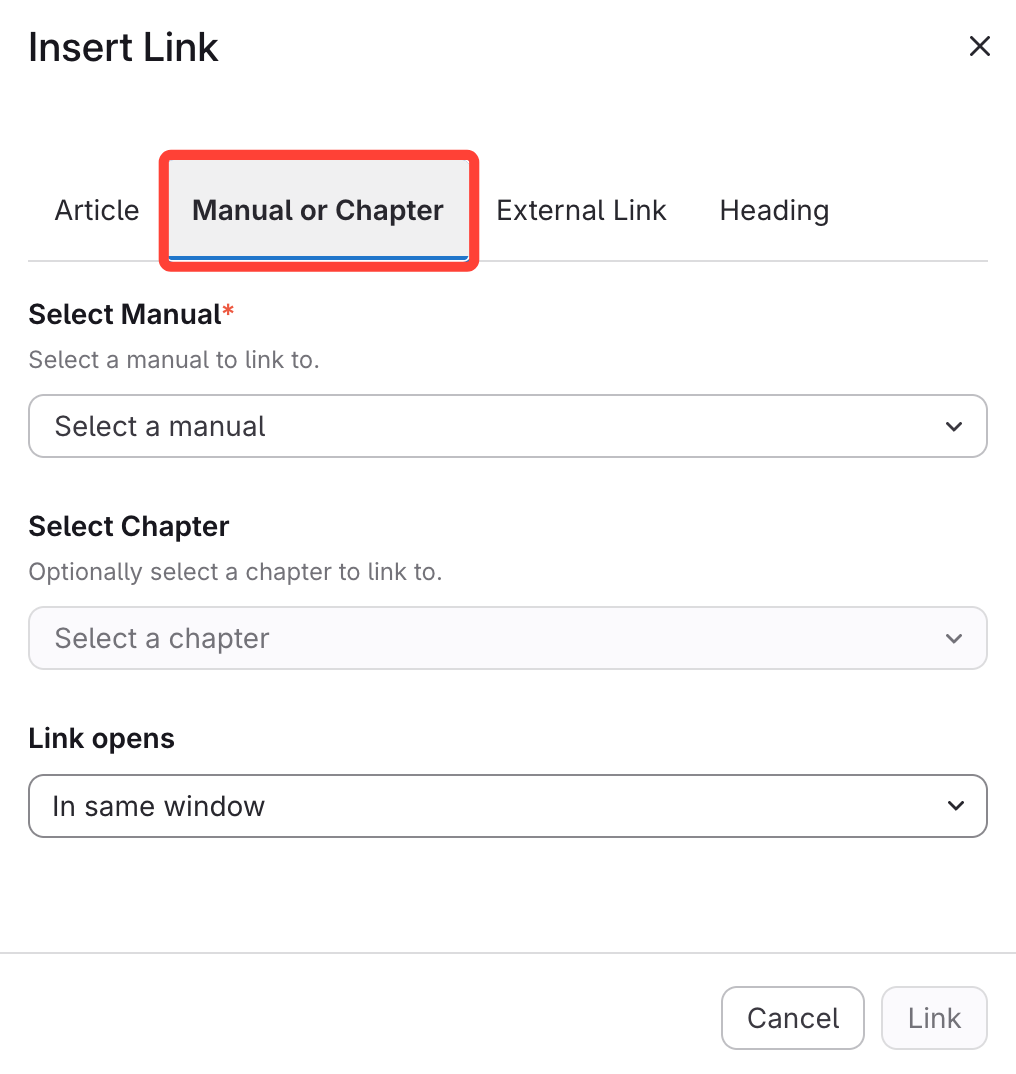
- Link to Manual
- Select Manual
- Select how you want your Link to open
- Click Link
How to link to another manual in ScreenSteps
Updated on