- Click the image and hold down the mouse button
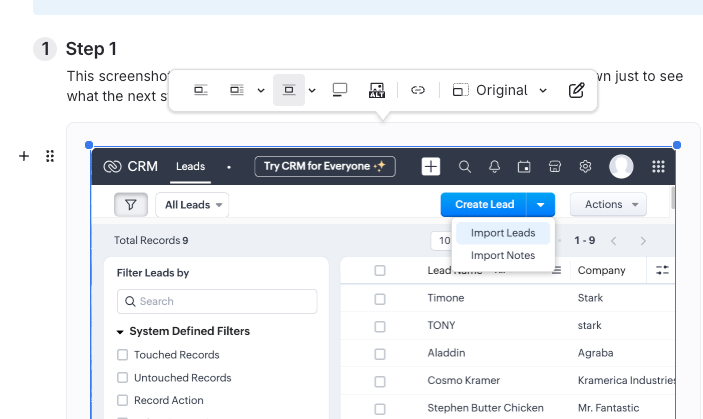
- Click anywhere on the image in the editor.
- A blue border will appear around the image when it's selected.
- Keep holding the mouse button down.
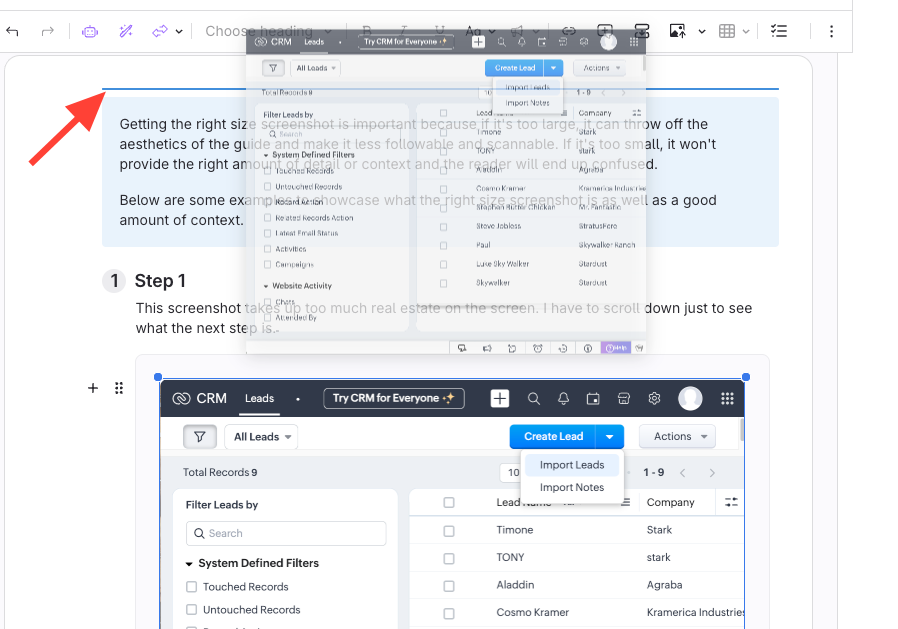
- Drag it to the desired location (while holding down the mouse)
- Release when you see the blue line appear
The image will be moved to wherever that blue line is.
How to Move an Image to a Different Location in the Editor
Updated on