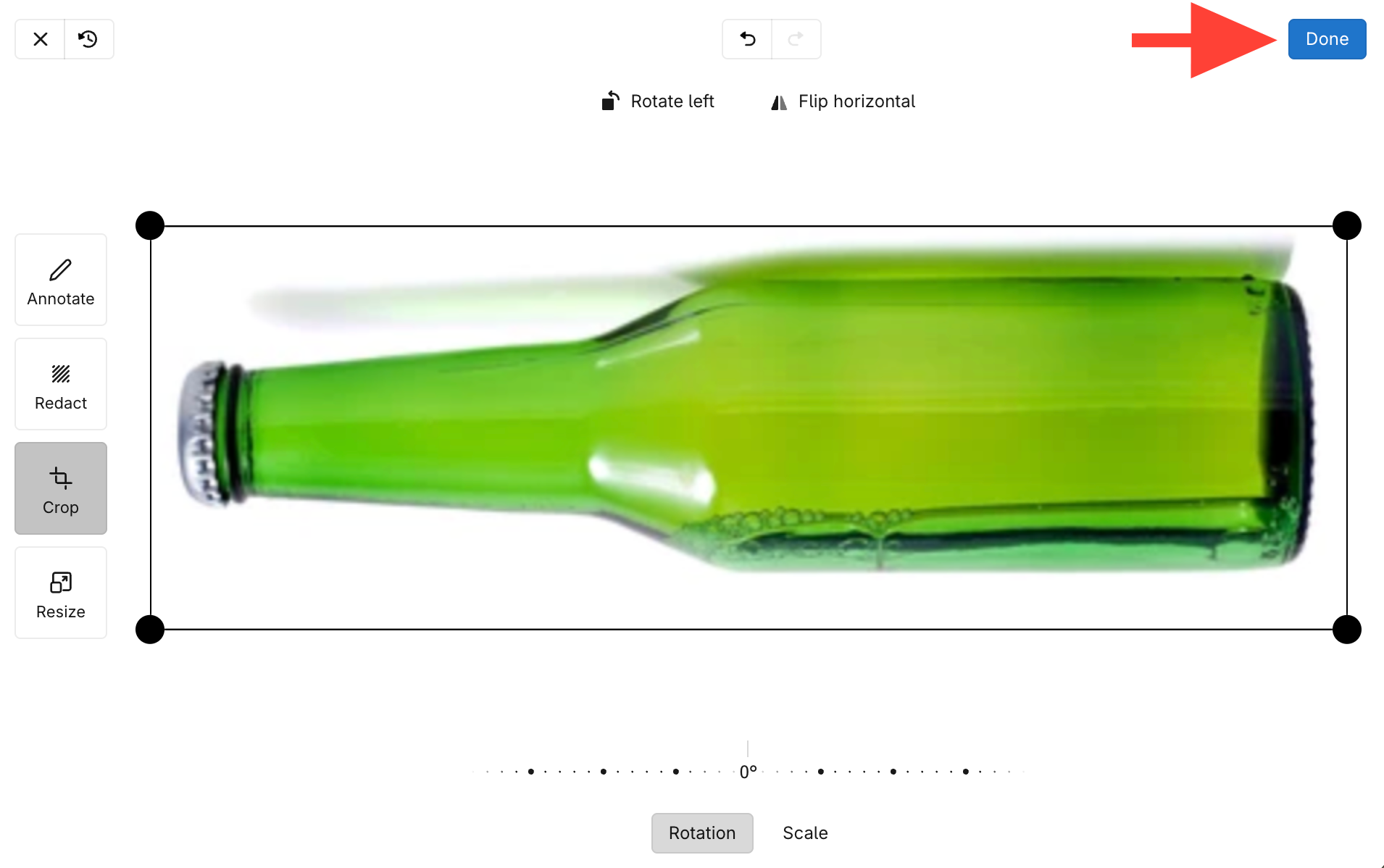
What you will accomplish: You will rotate an image using the crop or annotate tools.
- Click on the image you want to rotate
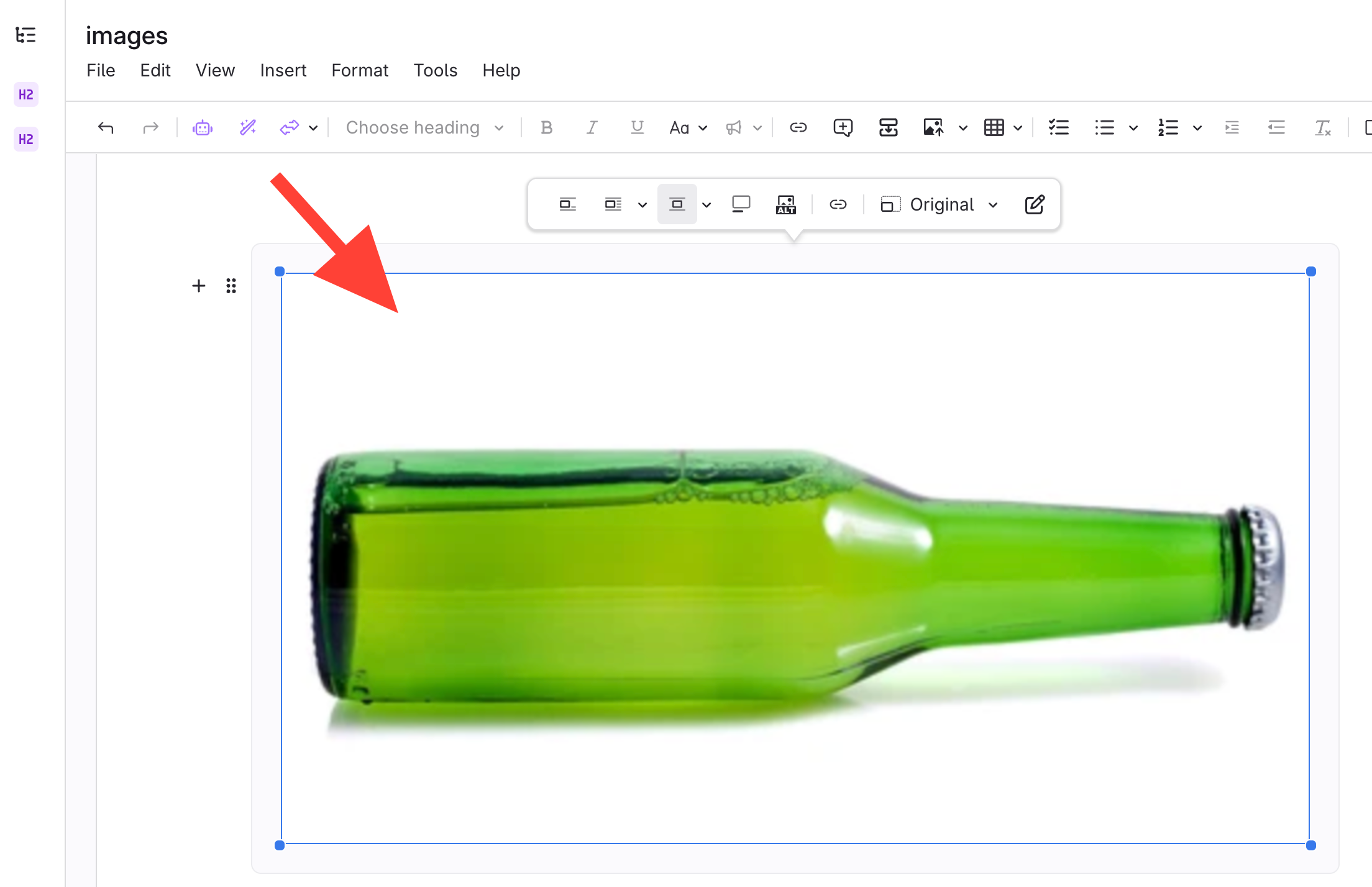
- Select Annotate Image

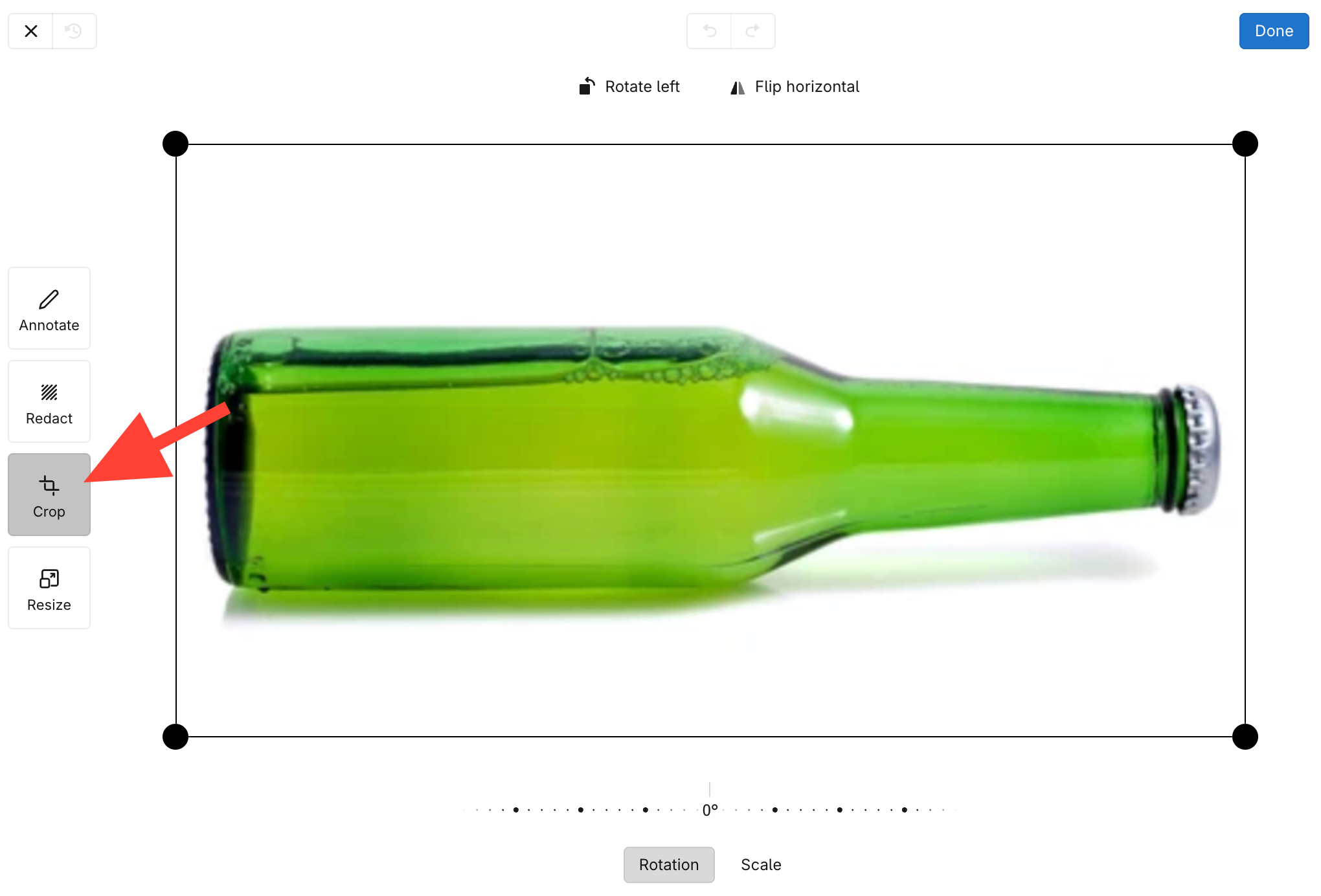
- Open Crop or Select Crop
- Options for Rotating an image:
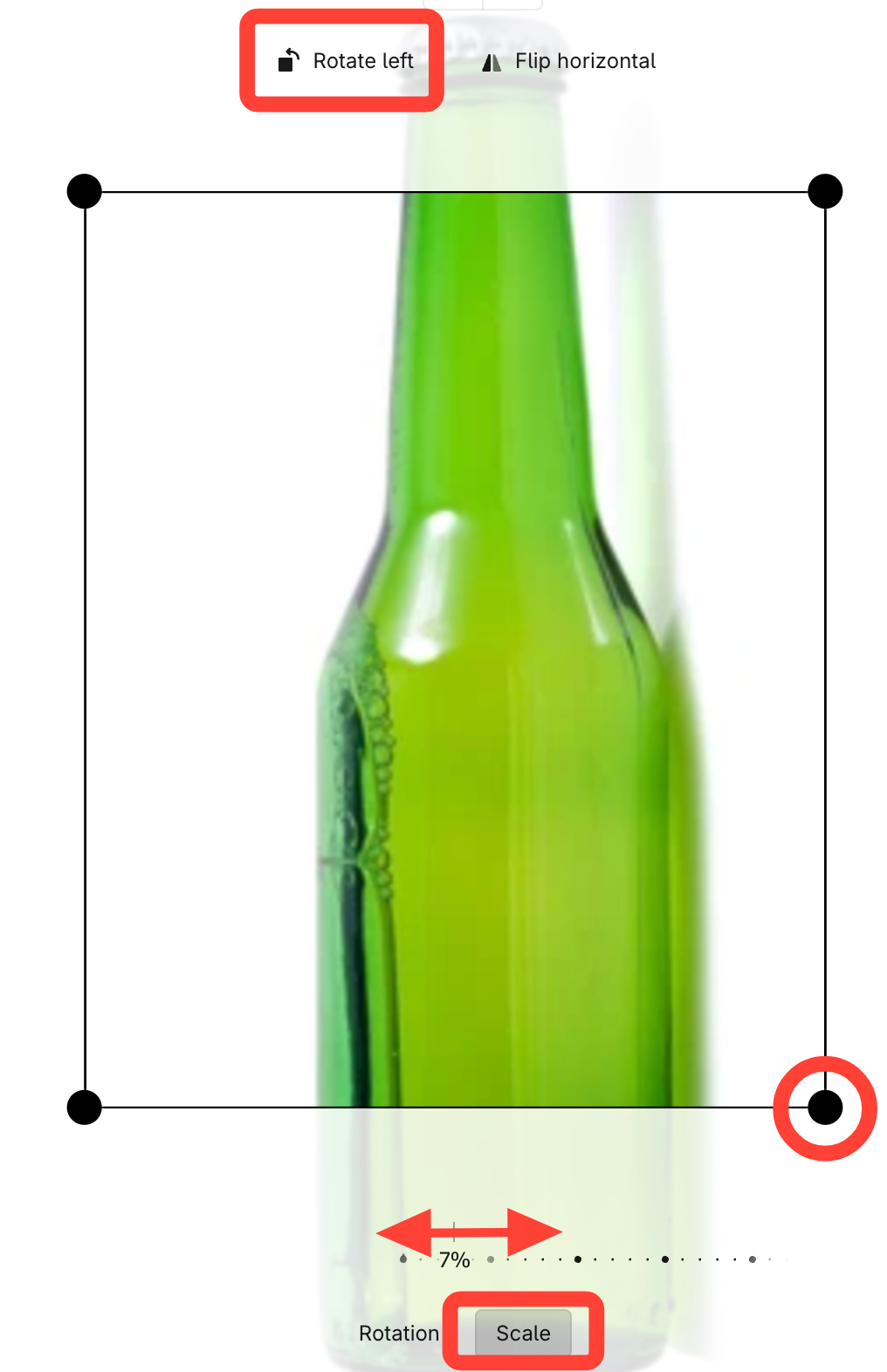
Rotate left
- Click as many times as needed for correct orientation
- Reposition Crop lines and adjust Scale (if needed)
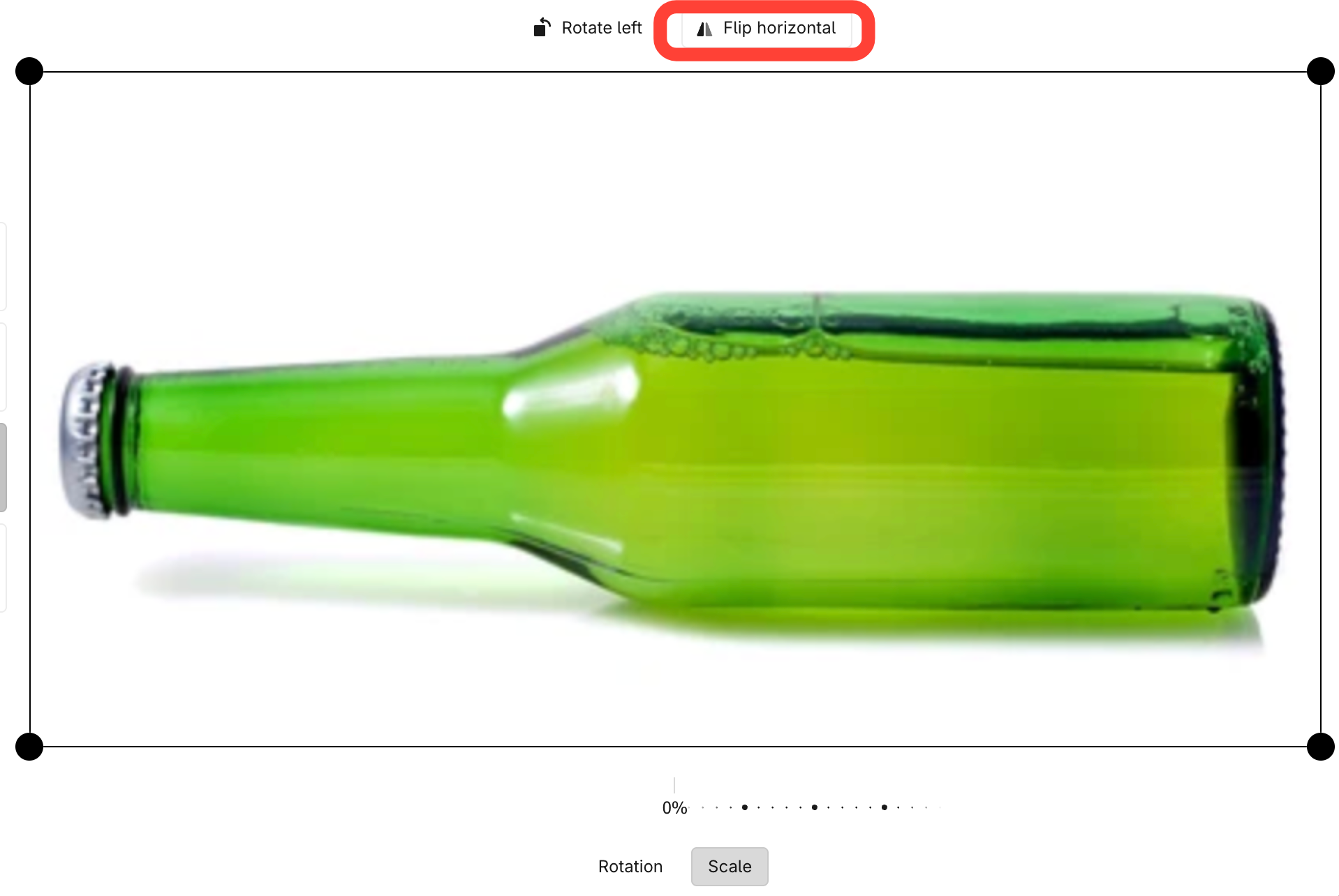
Flip horizontally (Mirror image)
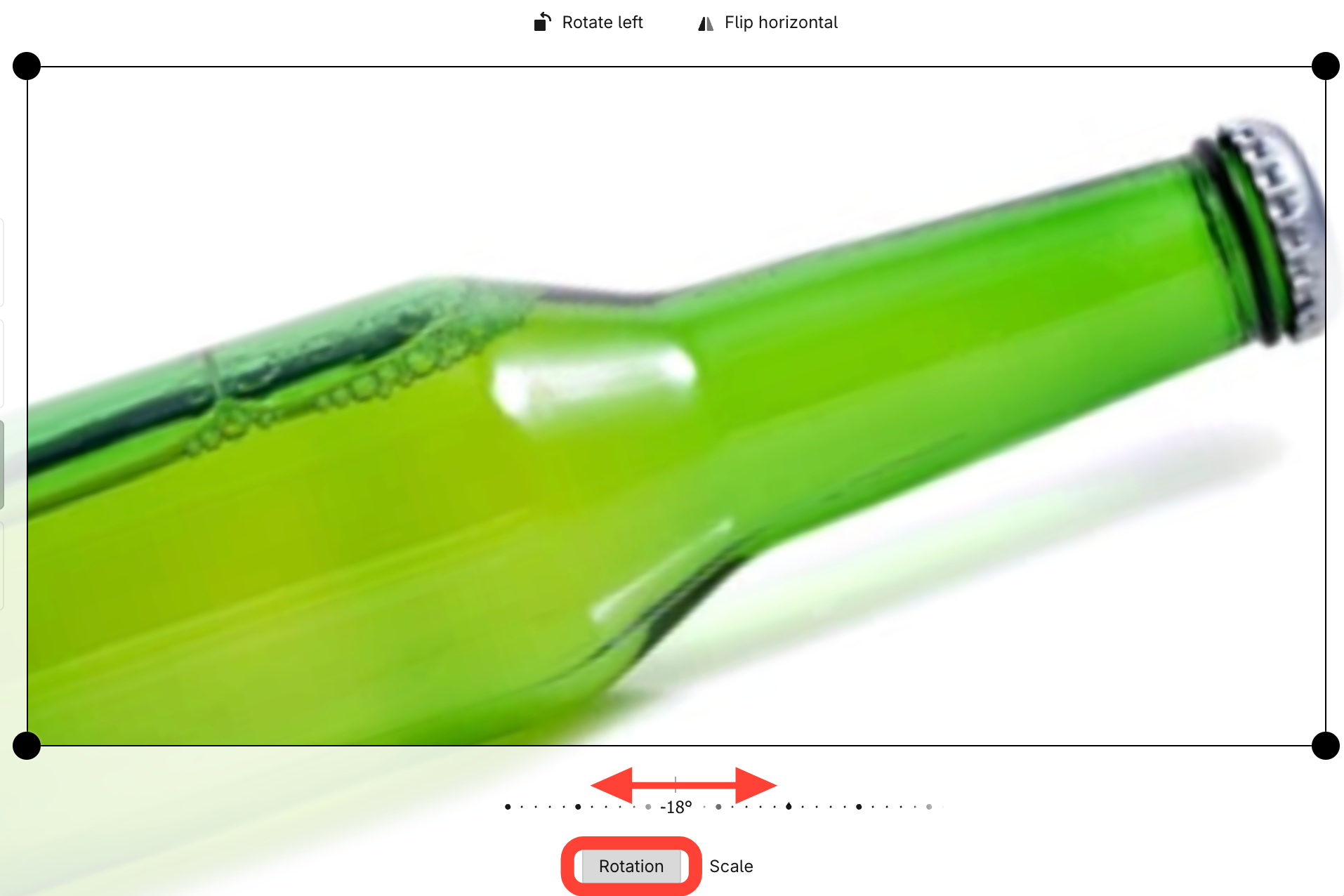
Rotate Angle (adjust rotation percentage)
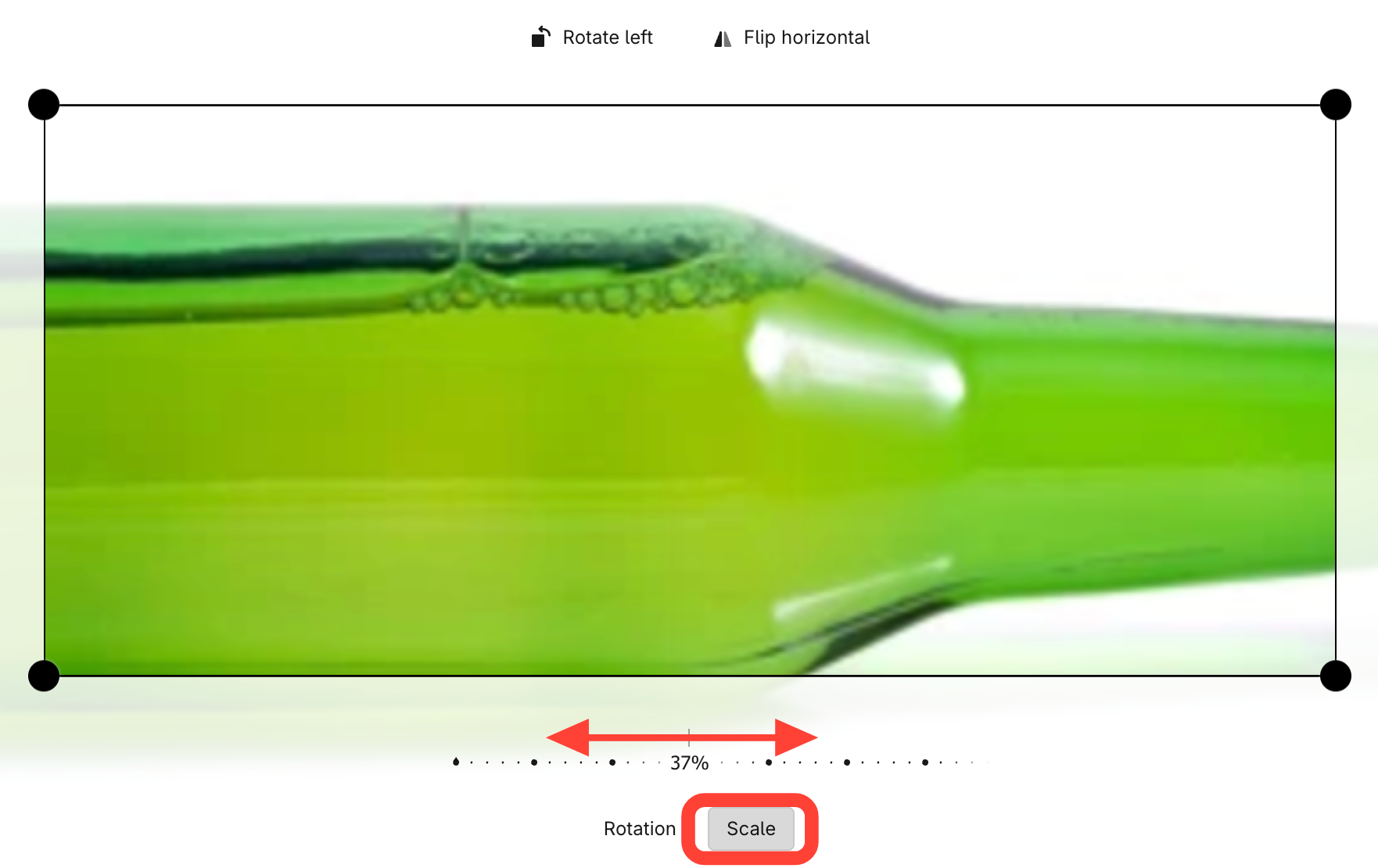
Change Scale
- Click Done to save