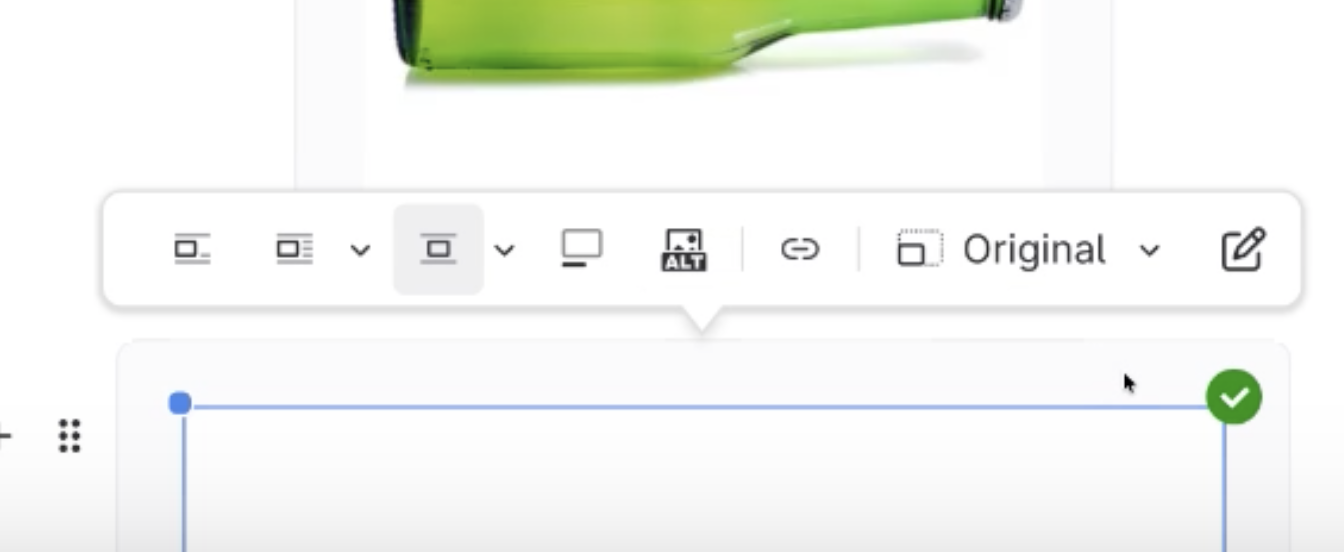
- Take a screenshot of the image in the editor
Use your computer's screen capture tool.
- Paste the screenshot into the editor
- Watch for Green Check
- Annotate Image will now be available to click/open
- Delete the original image
What to do if I can't Annotate an Image?
Updated on