- Open the Article Editor
Click here for instructions on how to open the article editor: How to Edit an Article
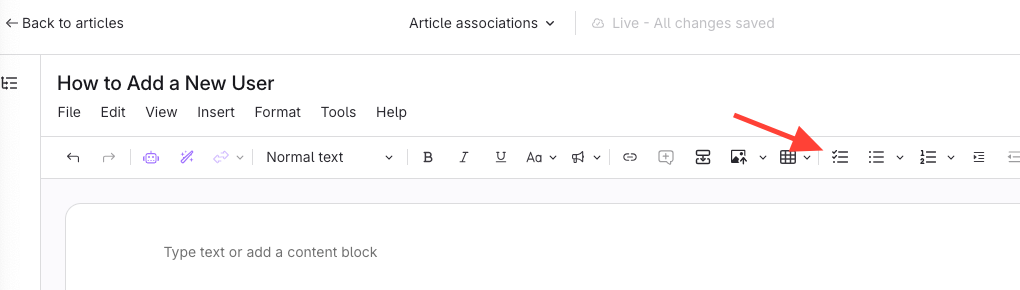
- Click the Checklist icon
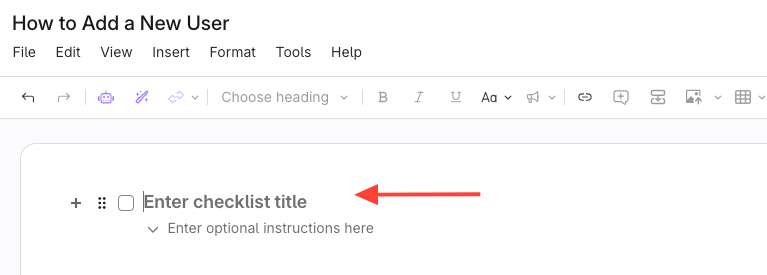
- Checklist Item is added
- You can add more details/instructions under a checklist item and the checklist will be formatted as a foldable section.
- After you enter a checklist title, click Enter to add another checklist item below.