- Get the embed code from the video platform
- Click Share under the video

- Select Embed

- Copy the embed code
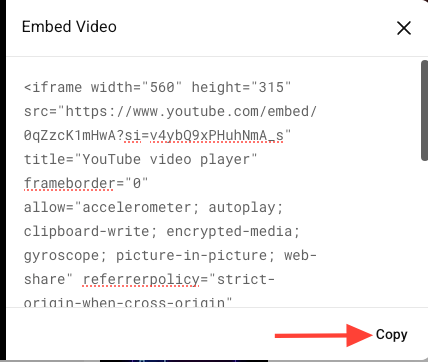
- Click Share under the video
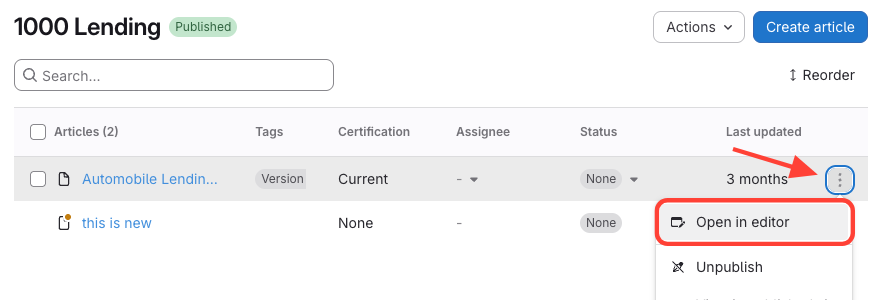
- Open your ScreenSteps article
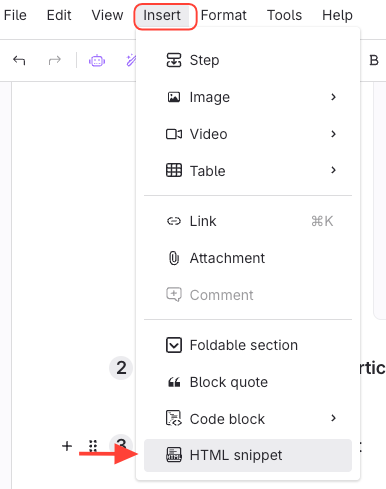
- Click Insert HTML snippet
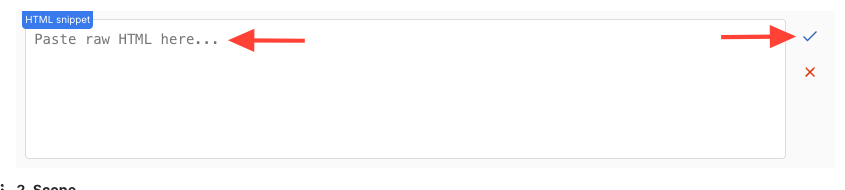
- Paste the embed code into the snippet > Click checkmark
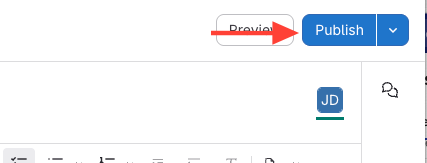
- Publish the article > the video will appear inline
How to Embed/Add Video (e.g. YouTube) to an Article
Updated on