- Click the image

- Click the edit icon to open annotation tools

- Change the opacity of the annotation
- Select the annotation.
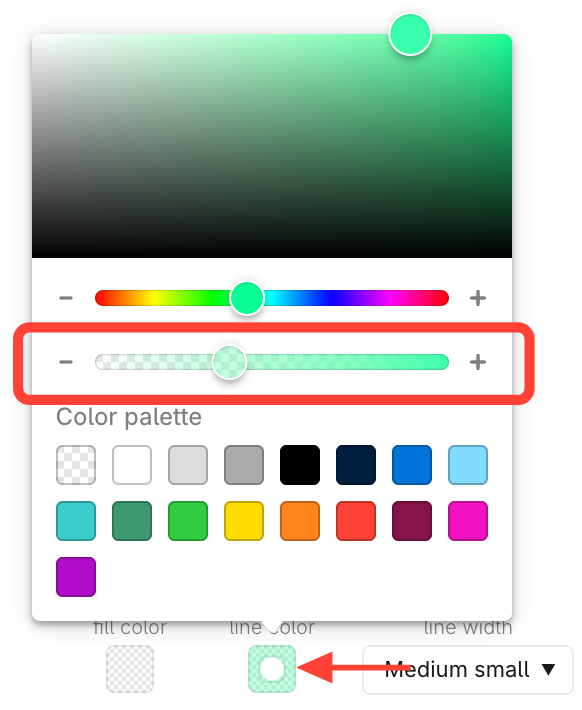
- Click the color box.
- Slide the opacity bar.
- Click Done to save changes

How to change the opacity of an annotation color
Updated on