What you will accomplish: You will create a foldable section. This will allow you to have sections within your article that can expand and collapse when clicked. Foldable sections are helpful when you have information you want the user to be able to access when they need it rather than having the information always present.
Option 1: Convert Existing Text
- Make Content a Heading
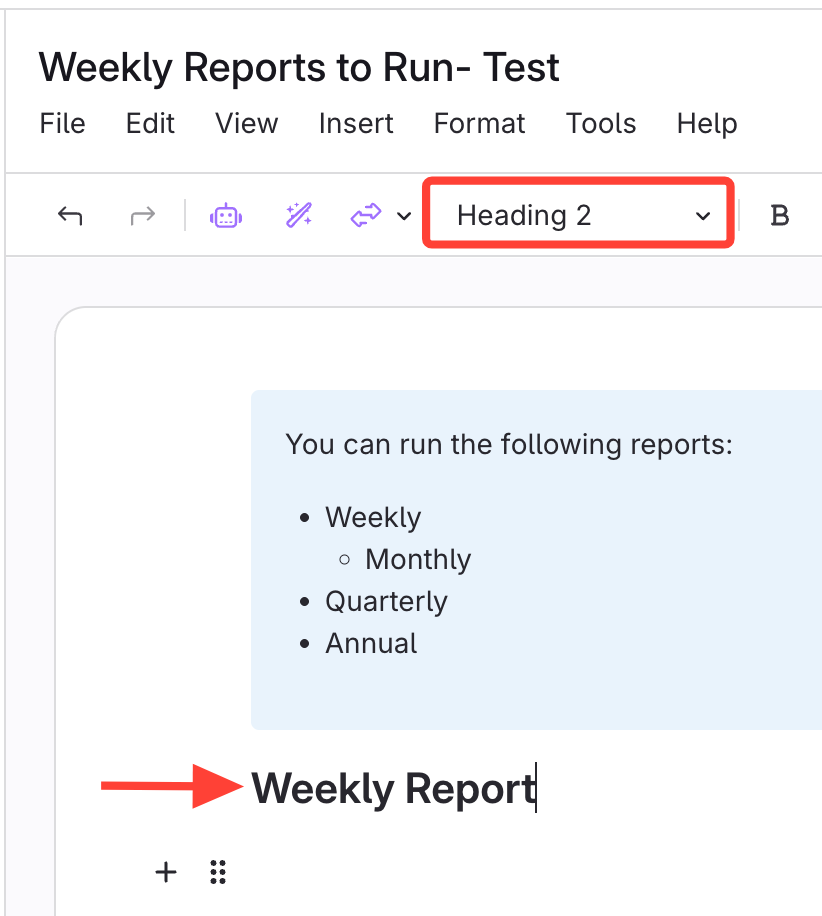
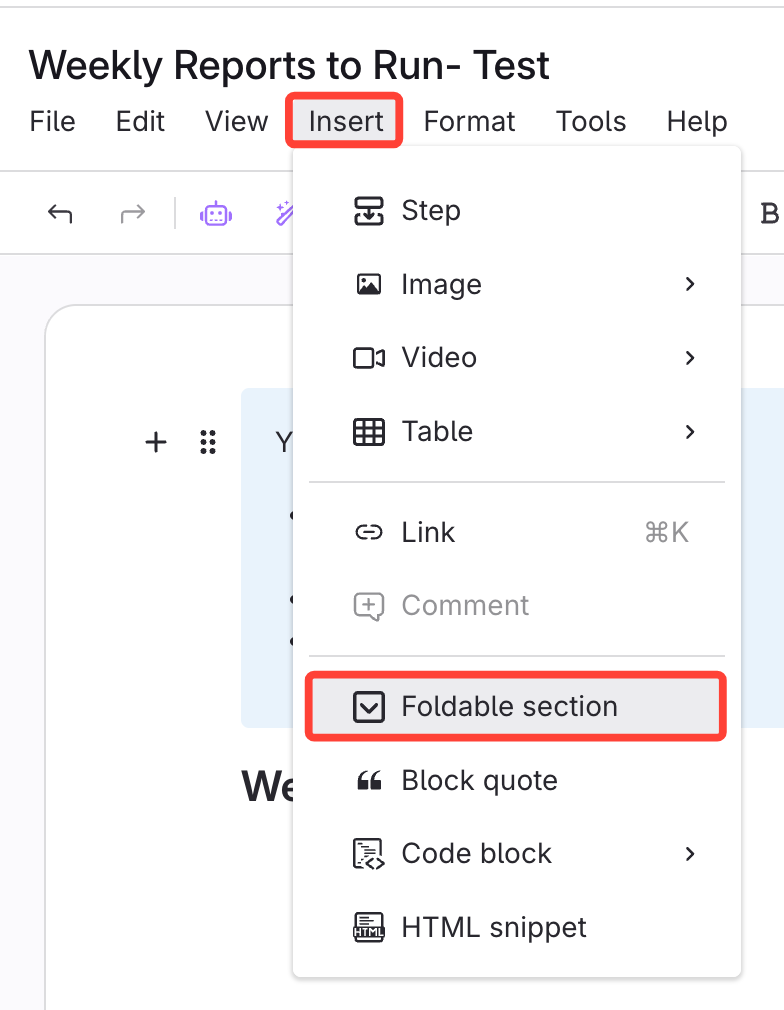
- Insert Foldable Section
- Click Insert (top left).
- Select Foldable Section.
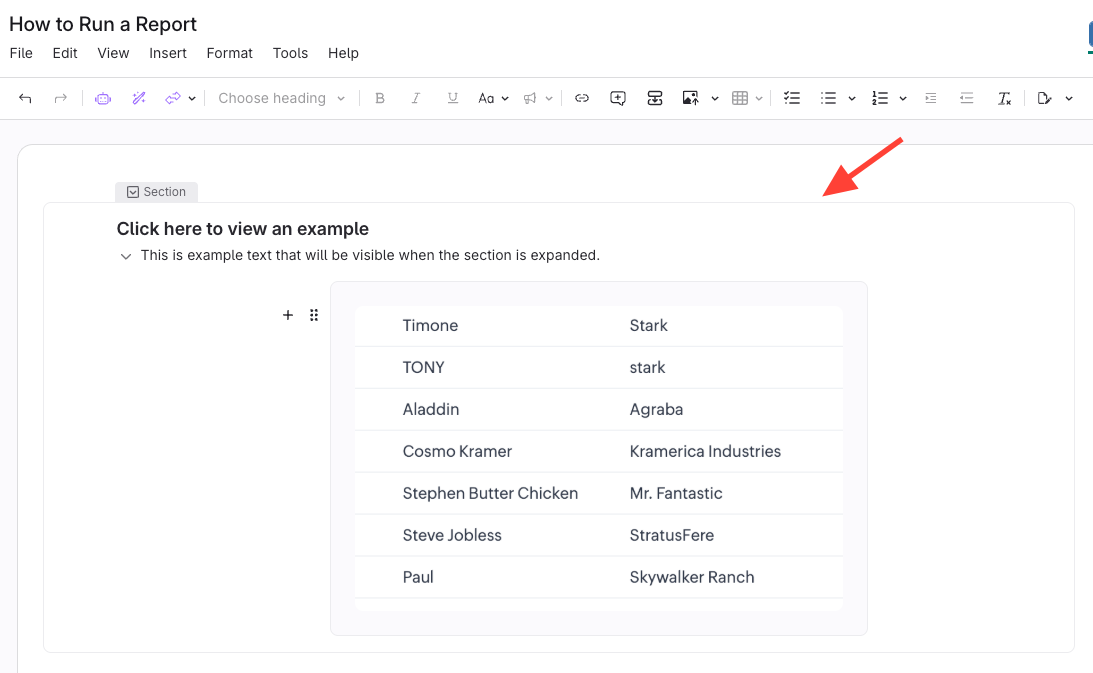
- Your heading is now a foldable section

- Add Content within the section and it will collapse
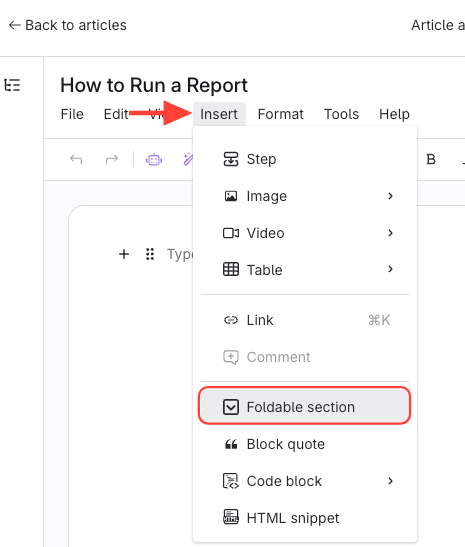
Option 2: Create Foldable Section from Scratch
- Click Insert > Foldable Section
- Enter the Foldable Section Title
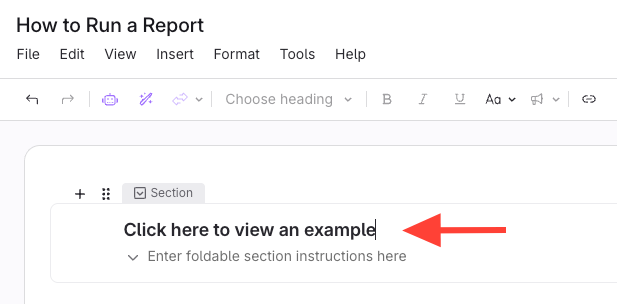
- Add Content Below and it Will Collapse