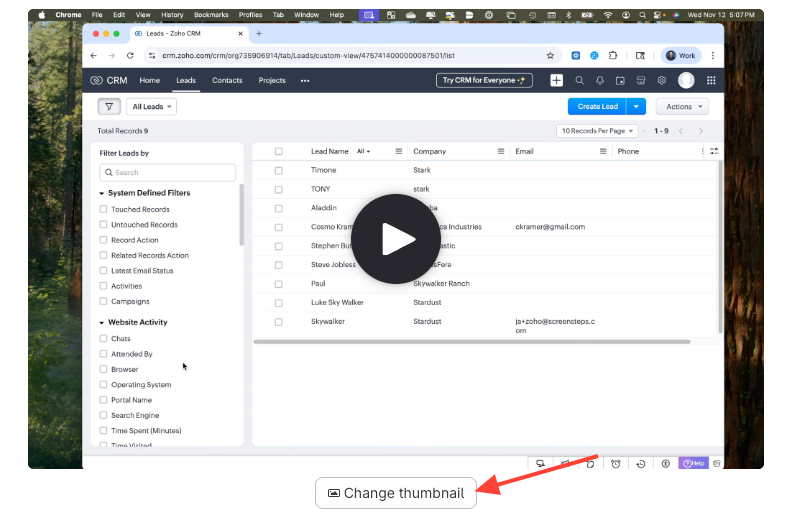
- Click Change Thumbnail under the video
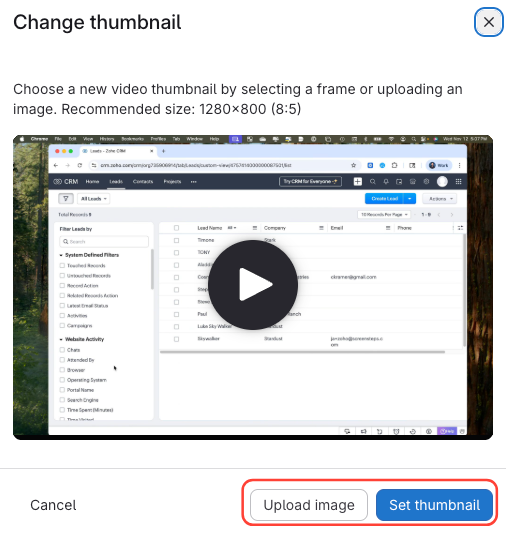
- Upload a New Image OR Set Thumbnail from Video
- If Uploading image
- Select Upload Image.
- Choose an image file from your computer.
- If Setting thumbnail
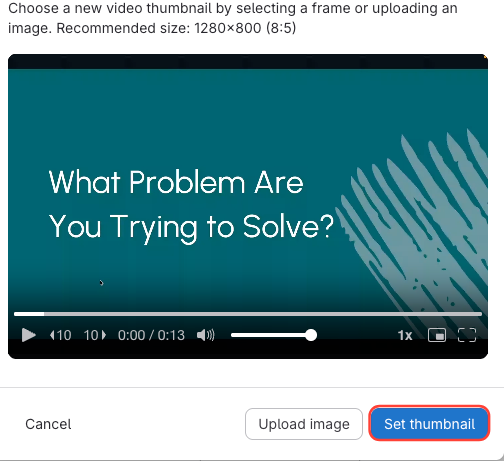
- Scrub to the desired frame in the video.
- Click Set Thumbnail.
- If Uploading image
- Click Set thumbnail
How to change the video thumbnail
Updated on