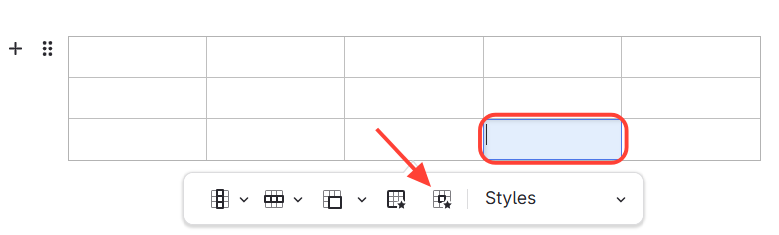
- Select the cell that you want to edit > Select Cell properties
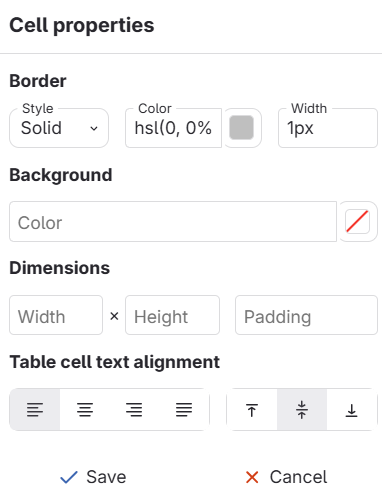
- Change a variety of different properties
- Border: This will let you change the style, color and width of the border of just that cell.
- Background: This will change the background color of just that cell
- Dimensions: This will let you change how big you want the cell box to be
- Table Cell Text Alignment: This will change the alignment of the text within the cell