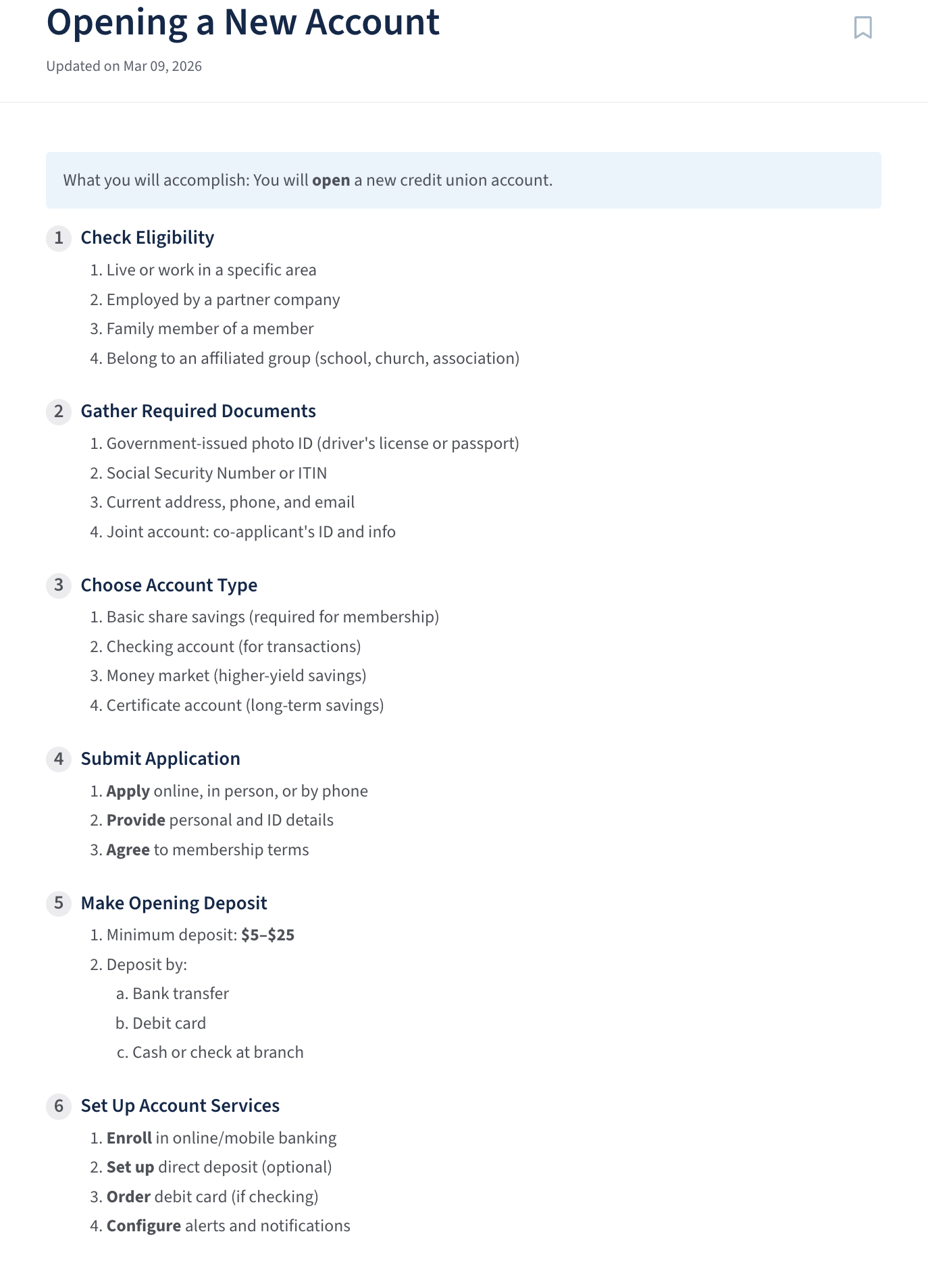
- Click inside the editor > Select Text
- Click inside the editor.
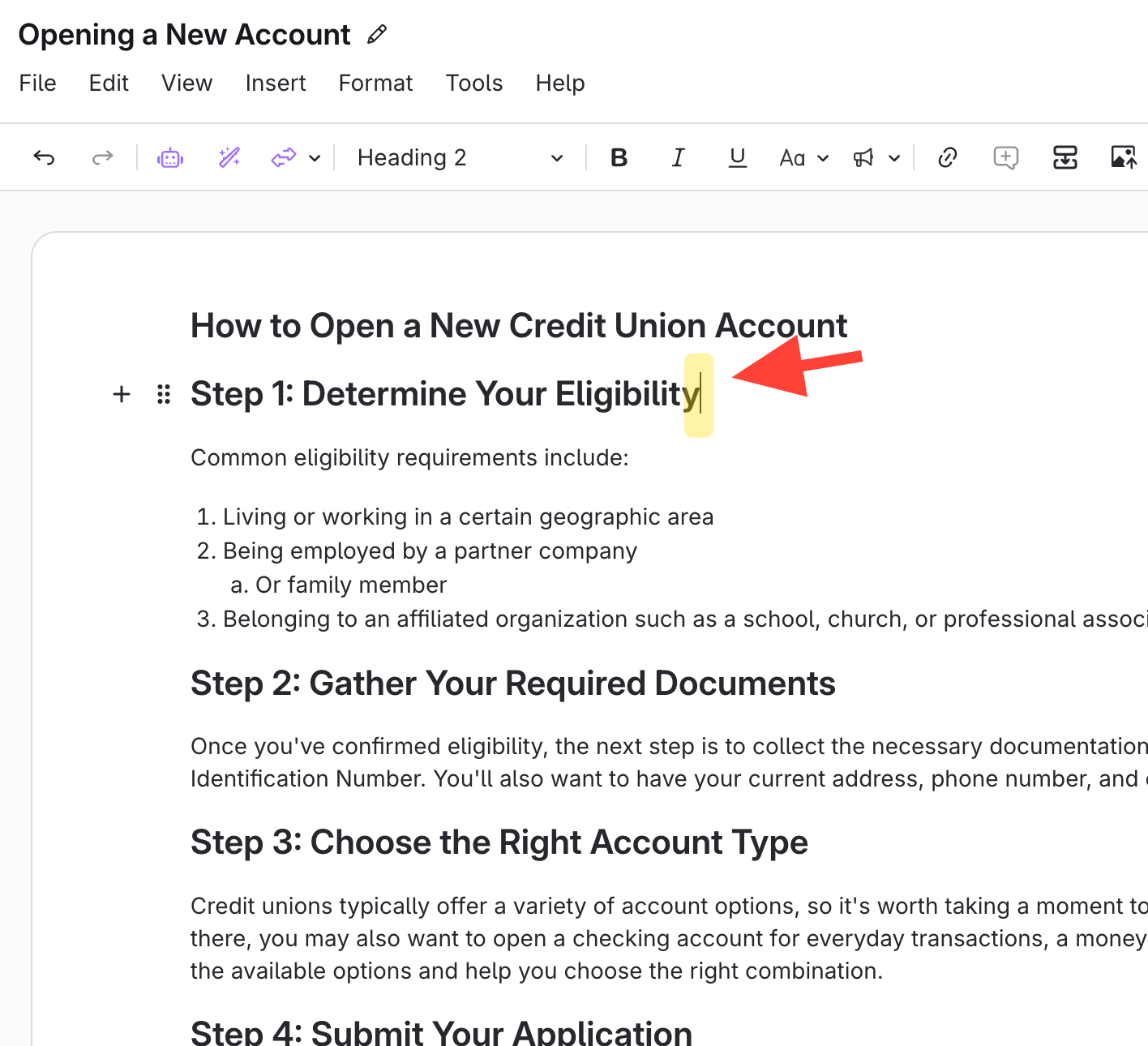
- Select all text
- Ctrl+A (Windows)
- Cmd+A (Mac)
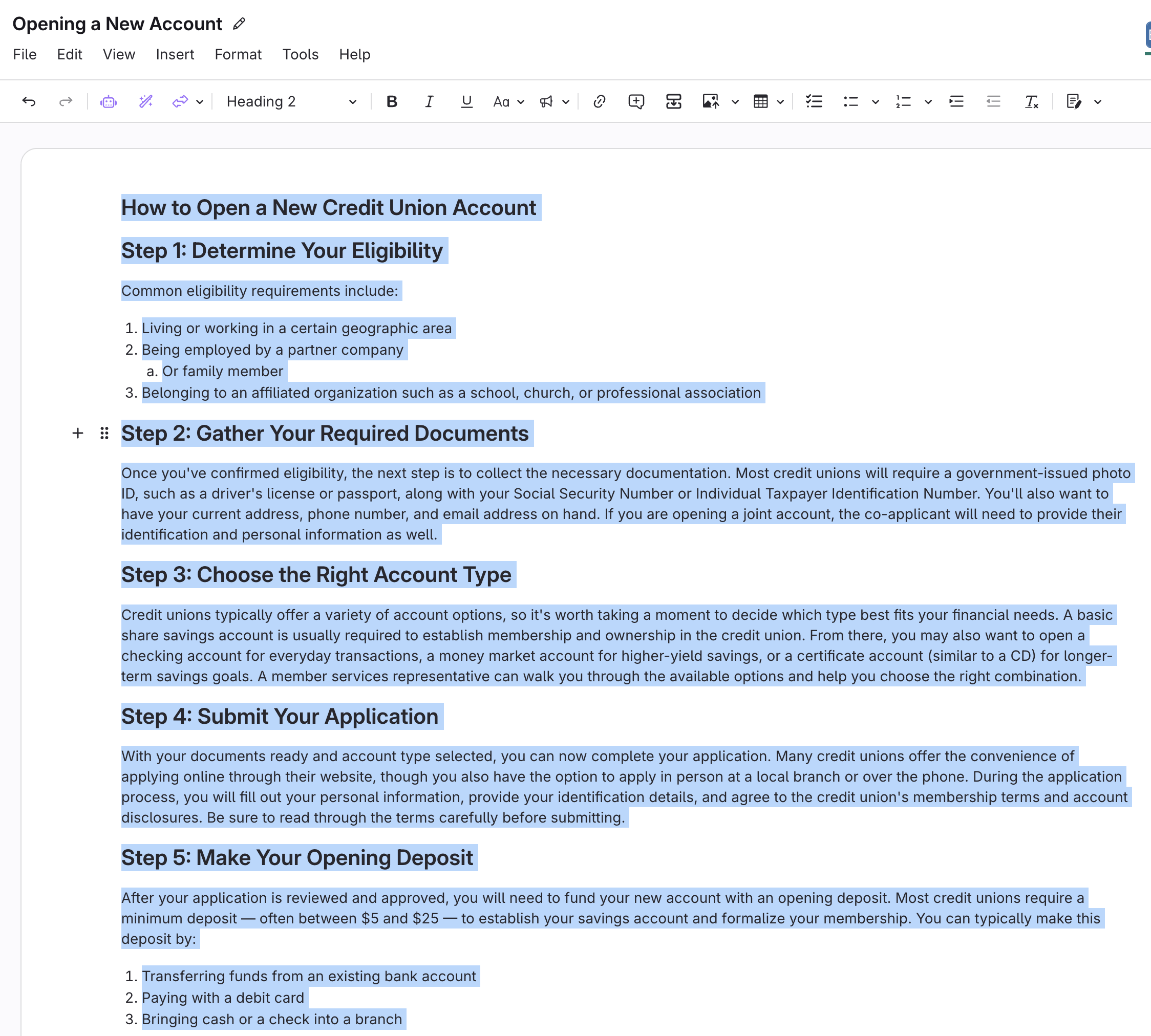
- Remove all bullet and numbered lists
- Click the numbered list button twice:
- First click: applies numbering to all text.
- Second click: removes all numbering.

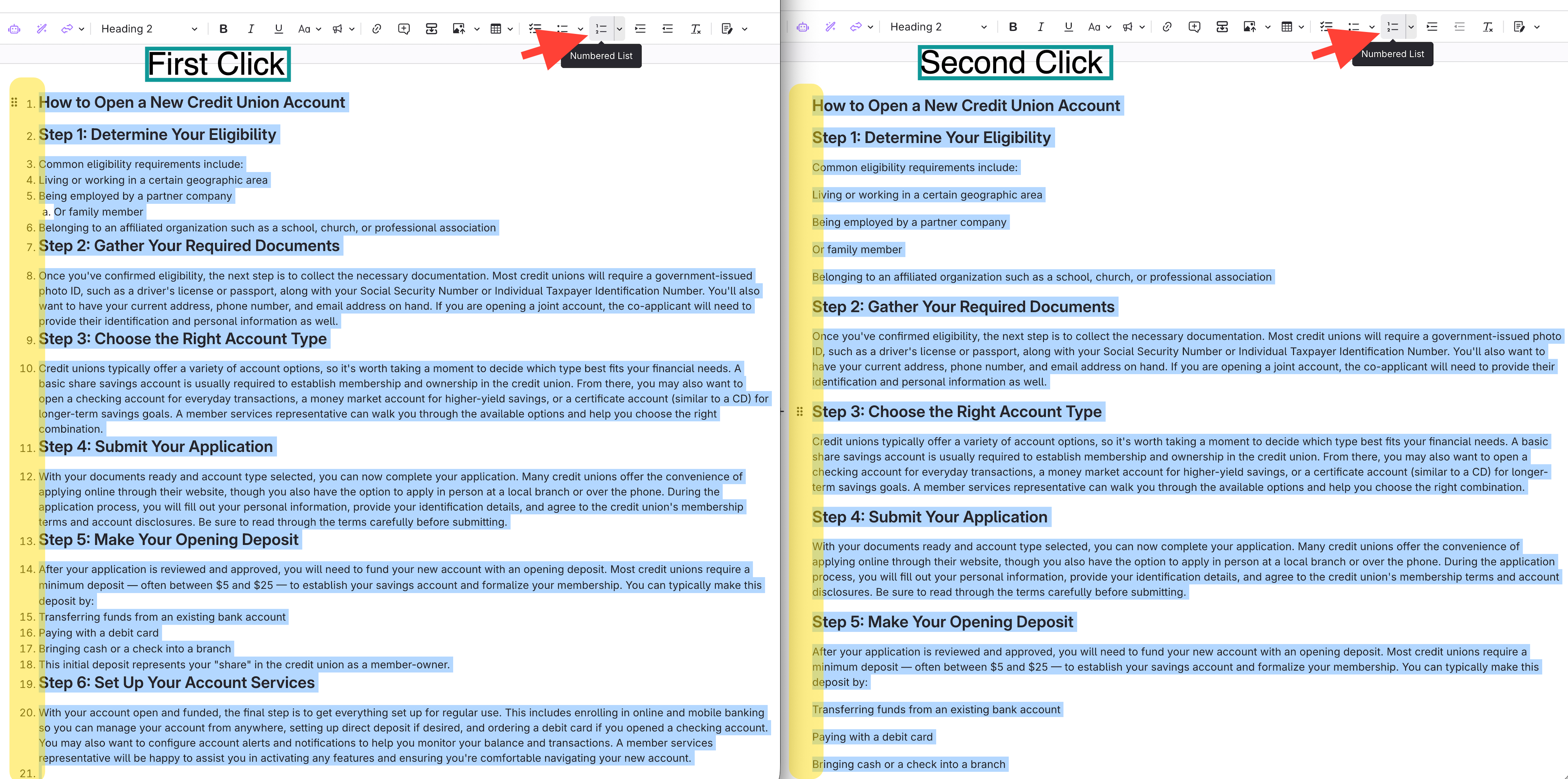
- Click the numbered list button twice:
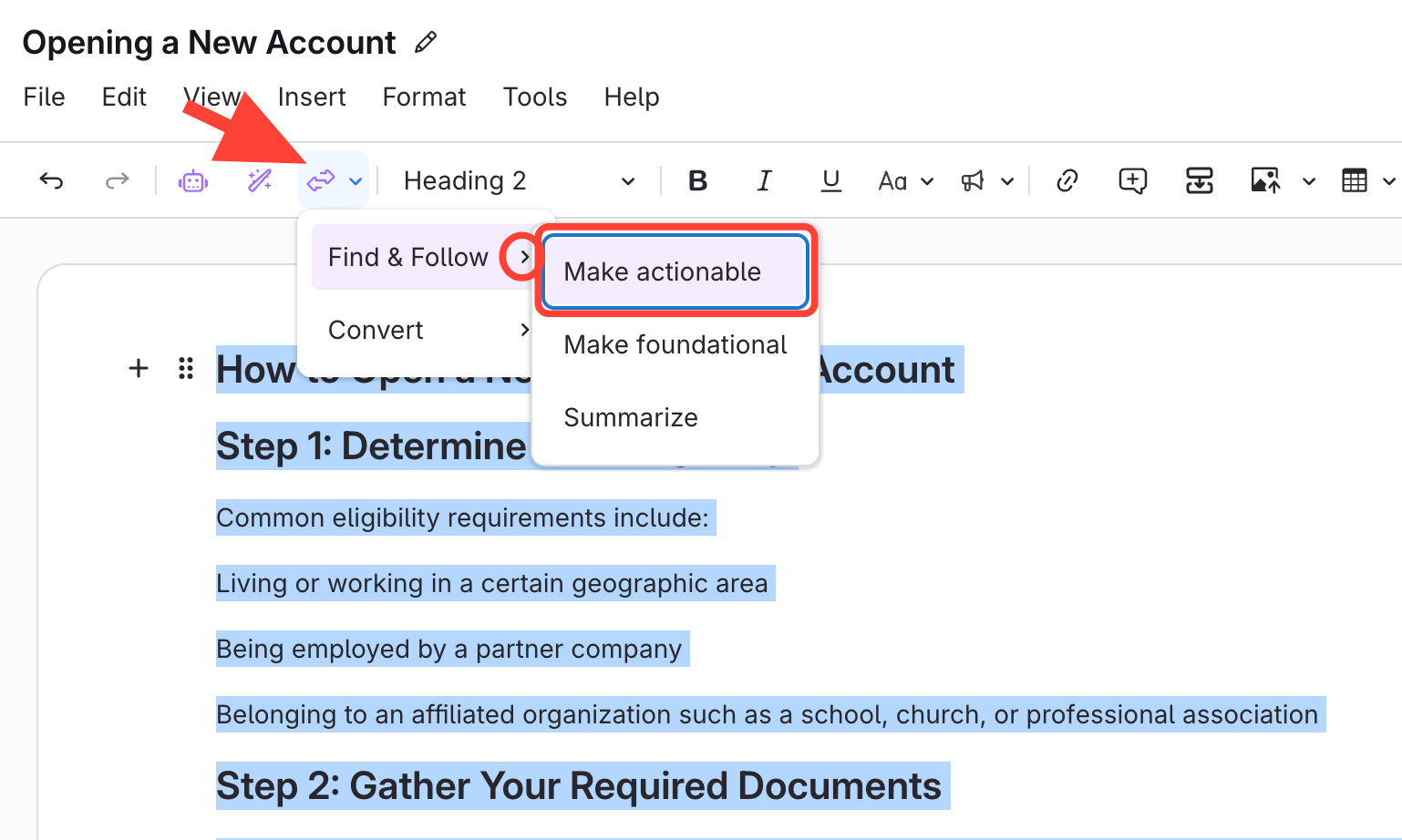
- Apply Make actionable
Click Clarify Transform > Find & Follow > Make actionable.
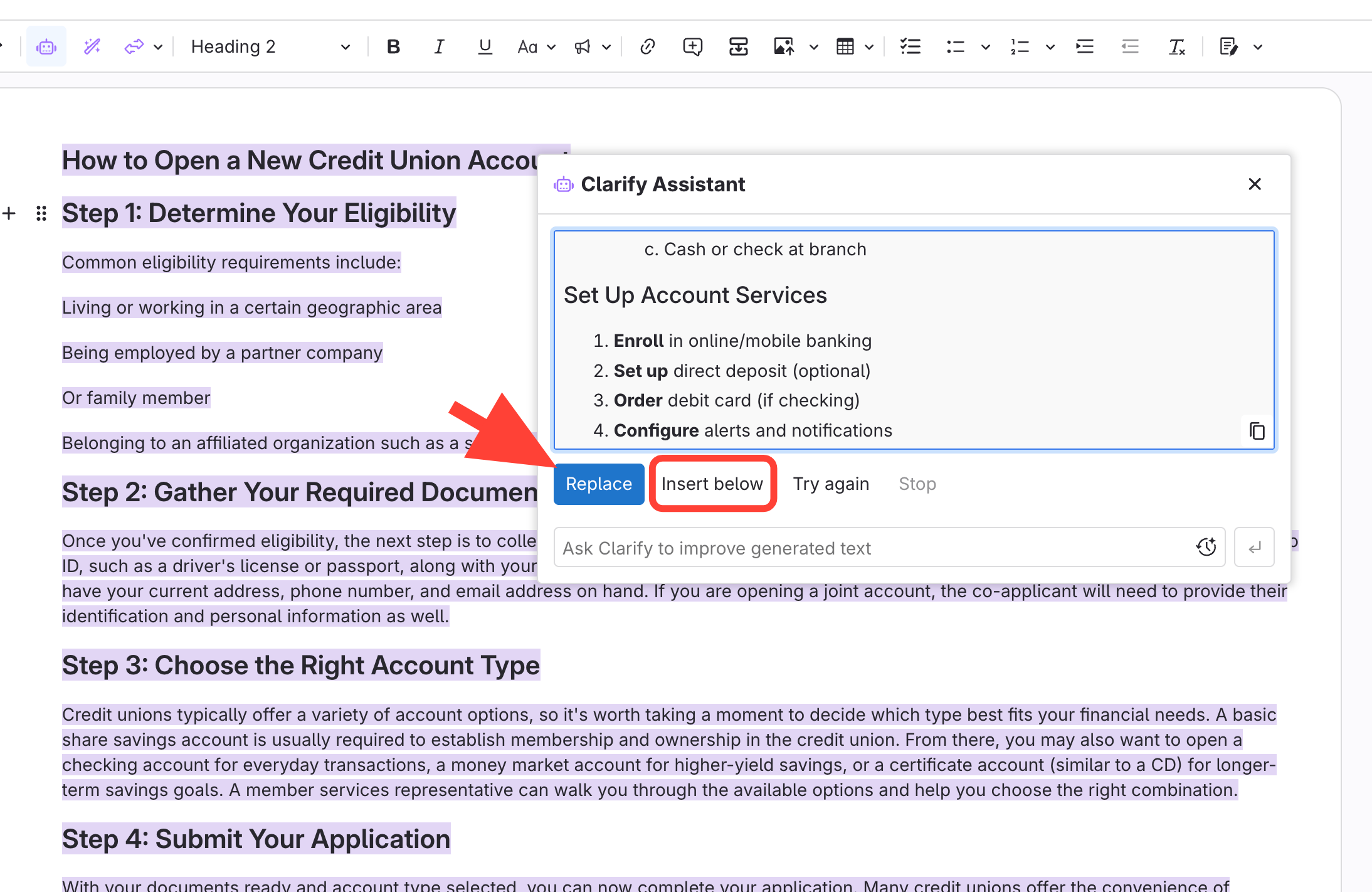
- Review the AI output
Choose to:
- Replace the original content, or
- Insert below to keep the source content above.
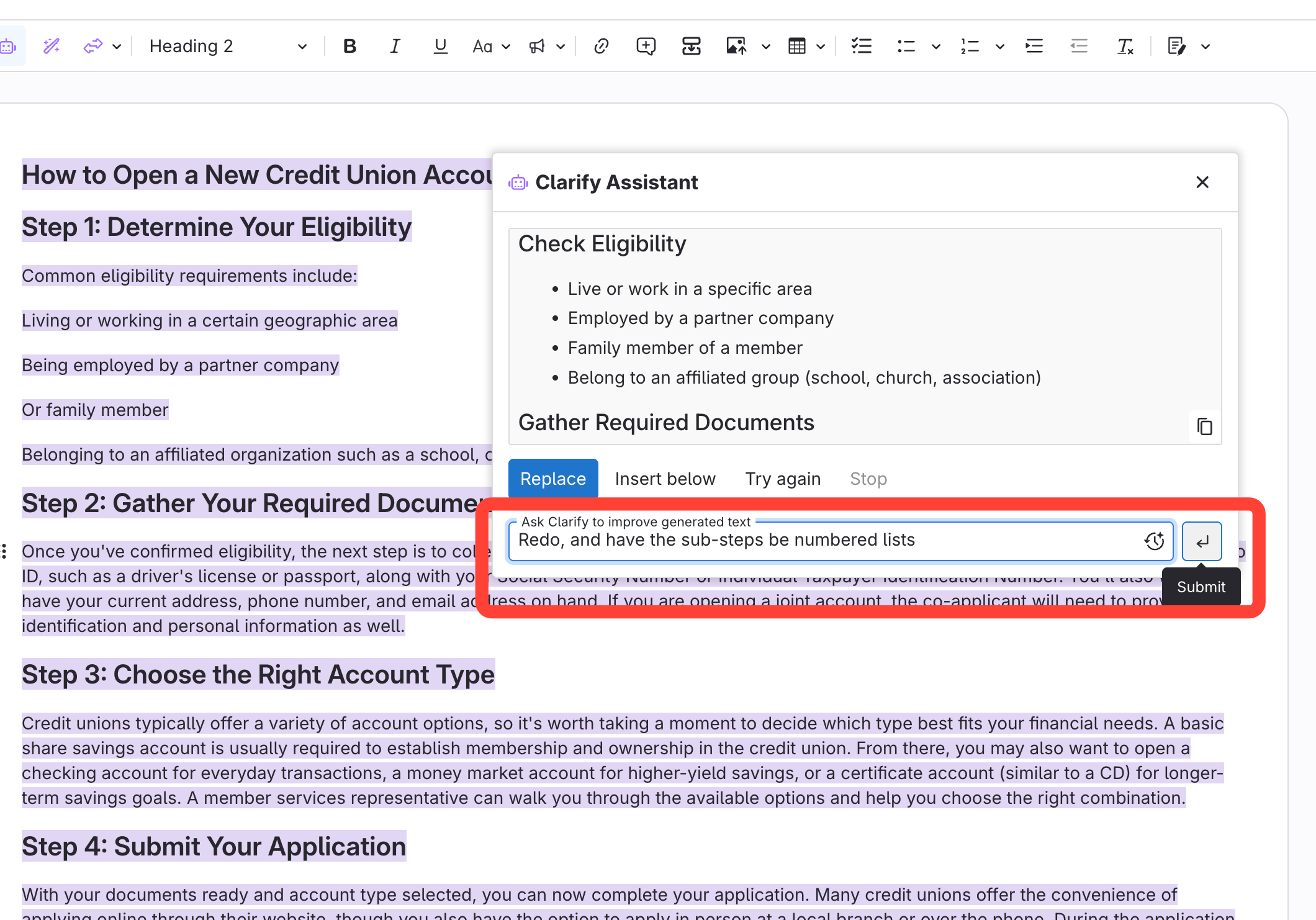
Extra instructions for AI, if needed
- Format the new content
- Select the new formatted content.
- Make sure to capture all Headings or numbered items.
- Click Steps
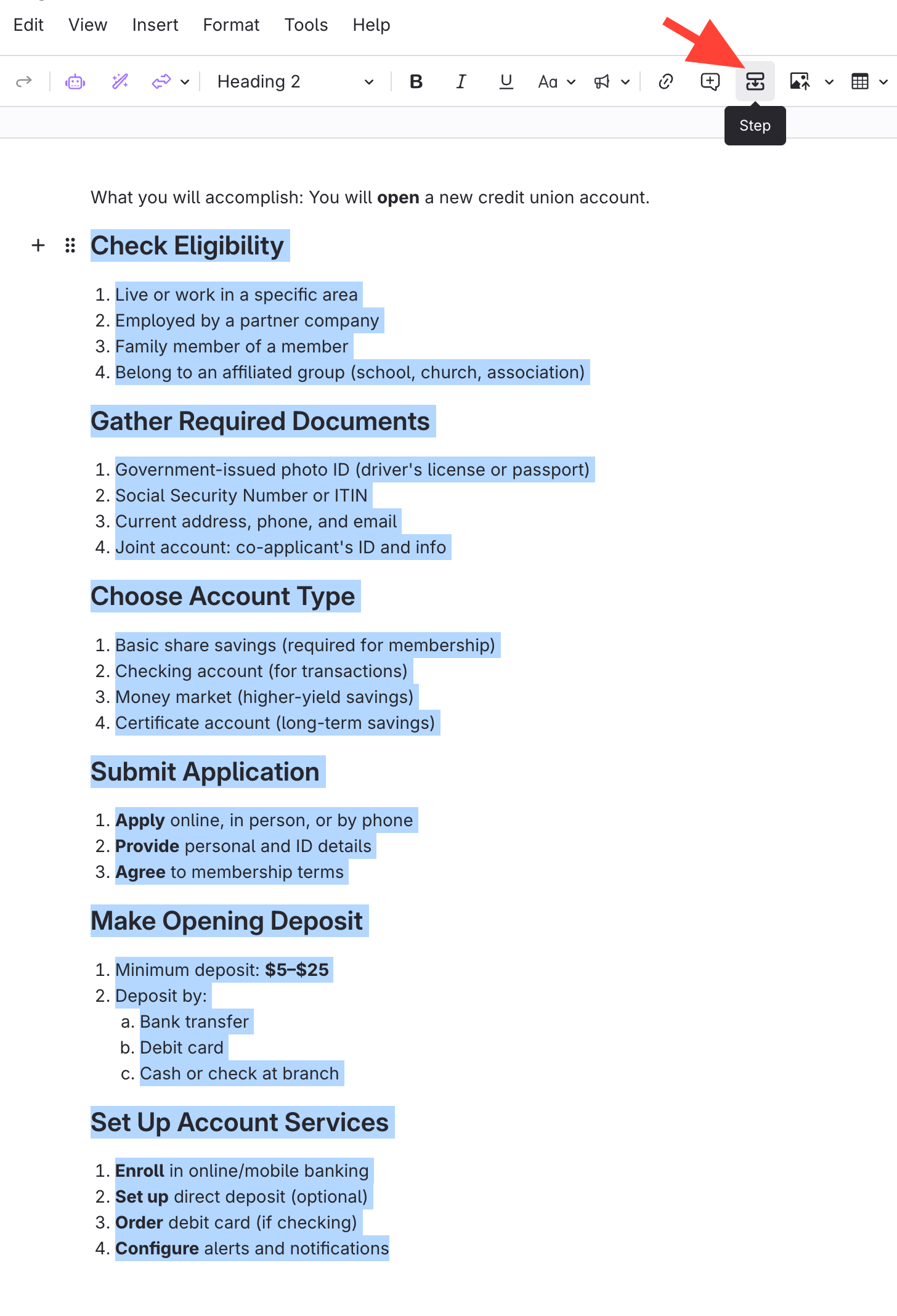
- Select the new formatted content.
- Make desired edits
Image of Formatted Content on Published site