- Navigate to the article
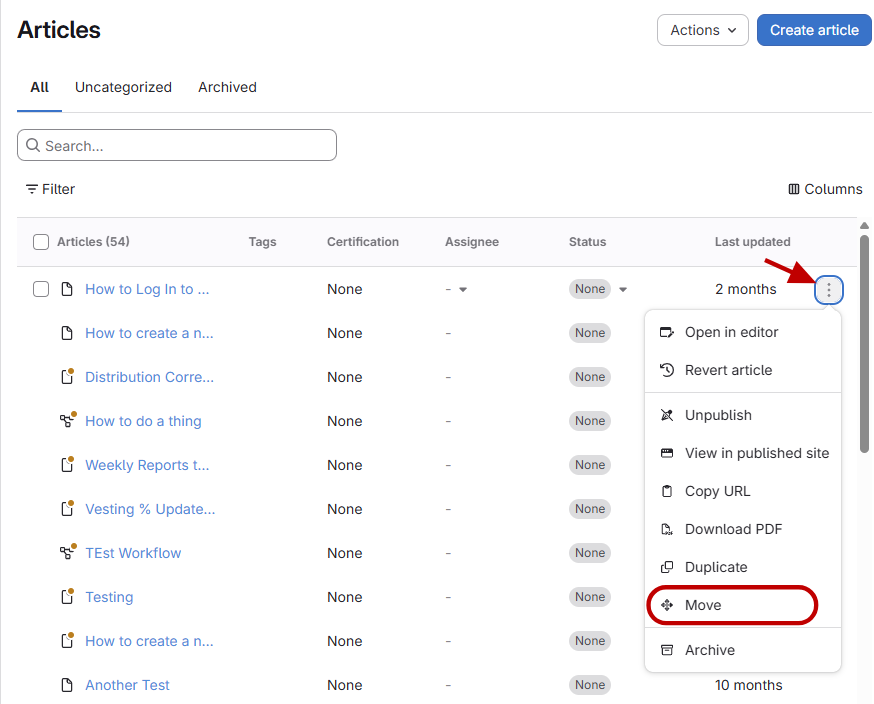
- Select Move option
- Click the three dots menu.
- Select Move.
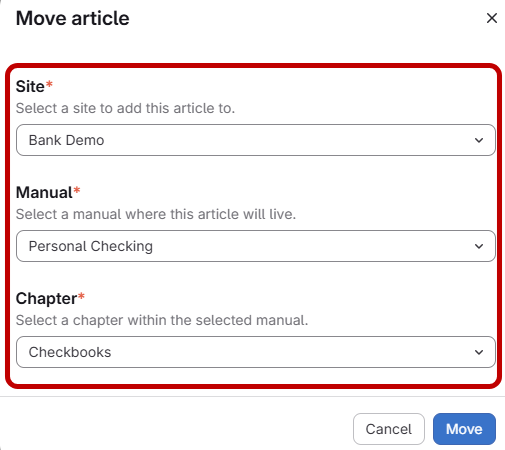
- Choose destination
- Select the site you want to move the article to.
- Select the manual.
- Select the chapter.
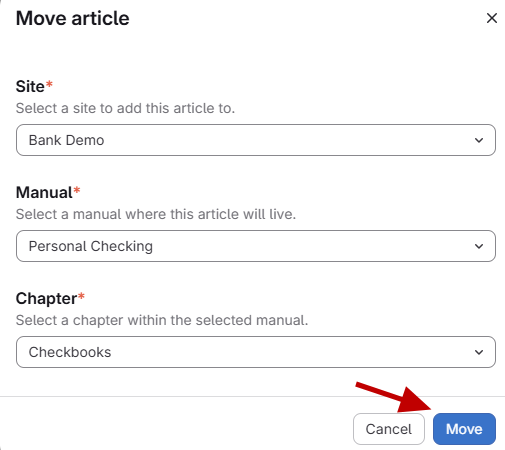
- Confirm the move
Click Move to confirm.
How to move an article to a different site.
Updated on