ScreenSteps Help

Assigning Articles or Changing Status using the Author Action Panel

Updated on

Overview

  1. Click the Author Action Button


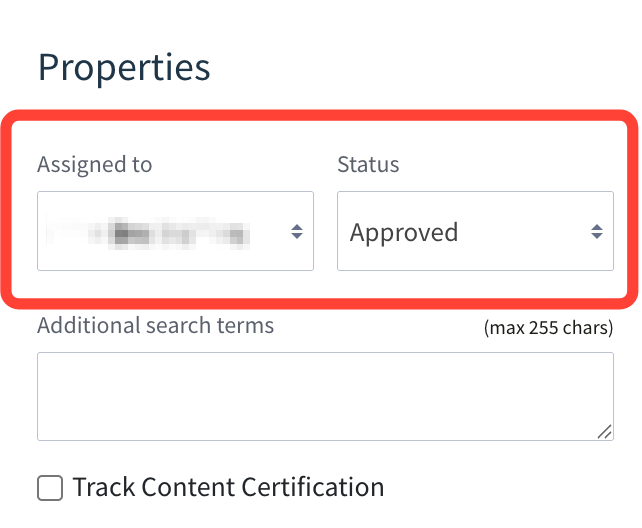
  2. Update Assigned to or Status

    These options appear when you open the Author Action Panel while viewing an article.

     

Previous Article What is the Author Action Panel and How is it Used?
Next Article Overview of Revisions and Revision History of Articles