- Select Articles to Move
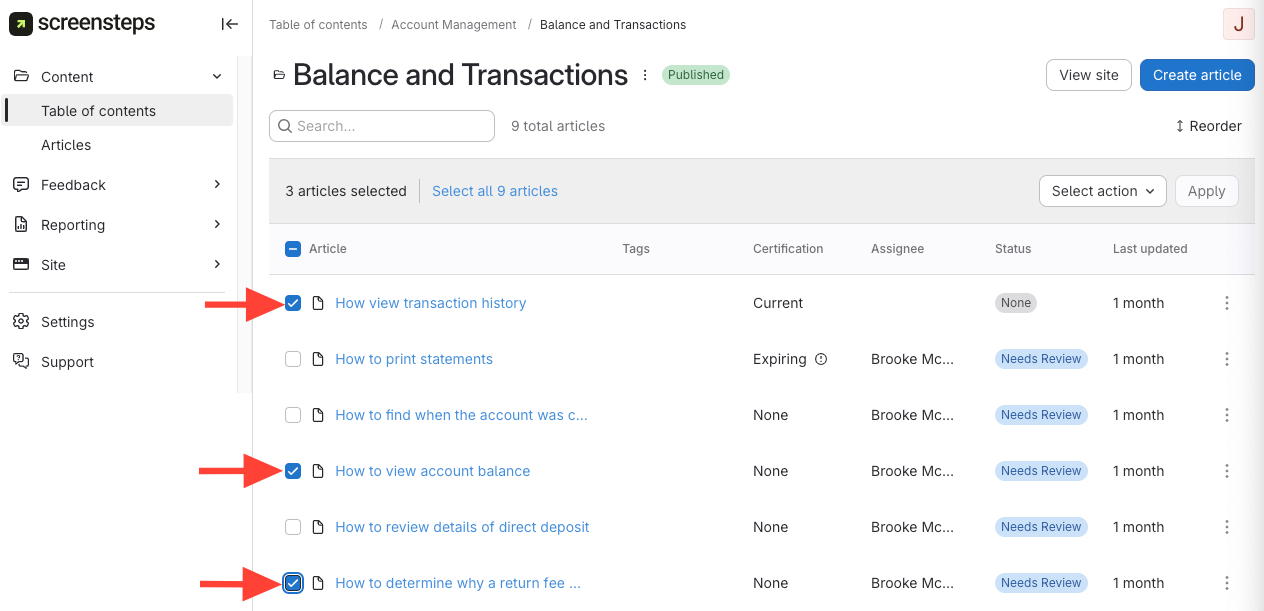
- Navigate to Articles
- You can either navigate to articles by clicking the Manual > Chapter, OR
- You can navigate to articles by clicking the Articles on the left-hand side and either searching for or filtering specific articles.
- Check the box next to each article to select it.
- Navigate to Articles
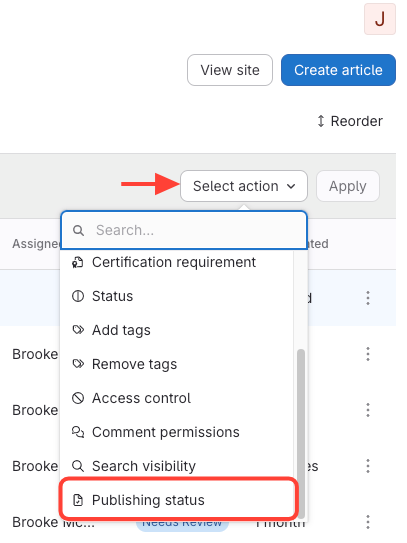
- Select Publishing Status
- Click Select Action.
- Select Publishing Status
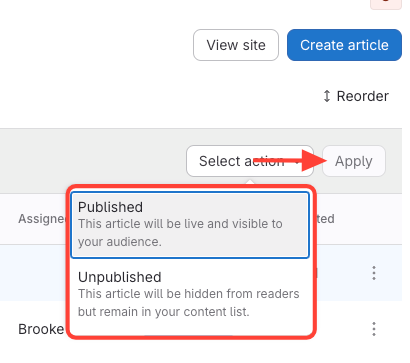
- Select Published or Unpublished > Apply
- Published: The article will be live and visible to those who can view the published site.
- Unpublished: The article will be hidden from those who can view the published site; however, it will still remain in the content list so those with editing permissions can review and update it.