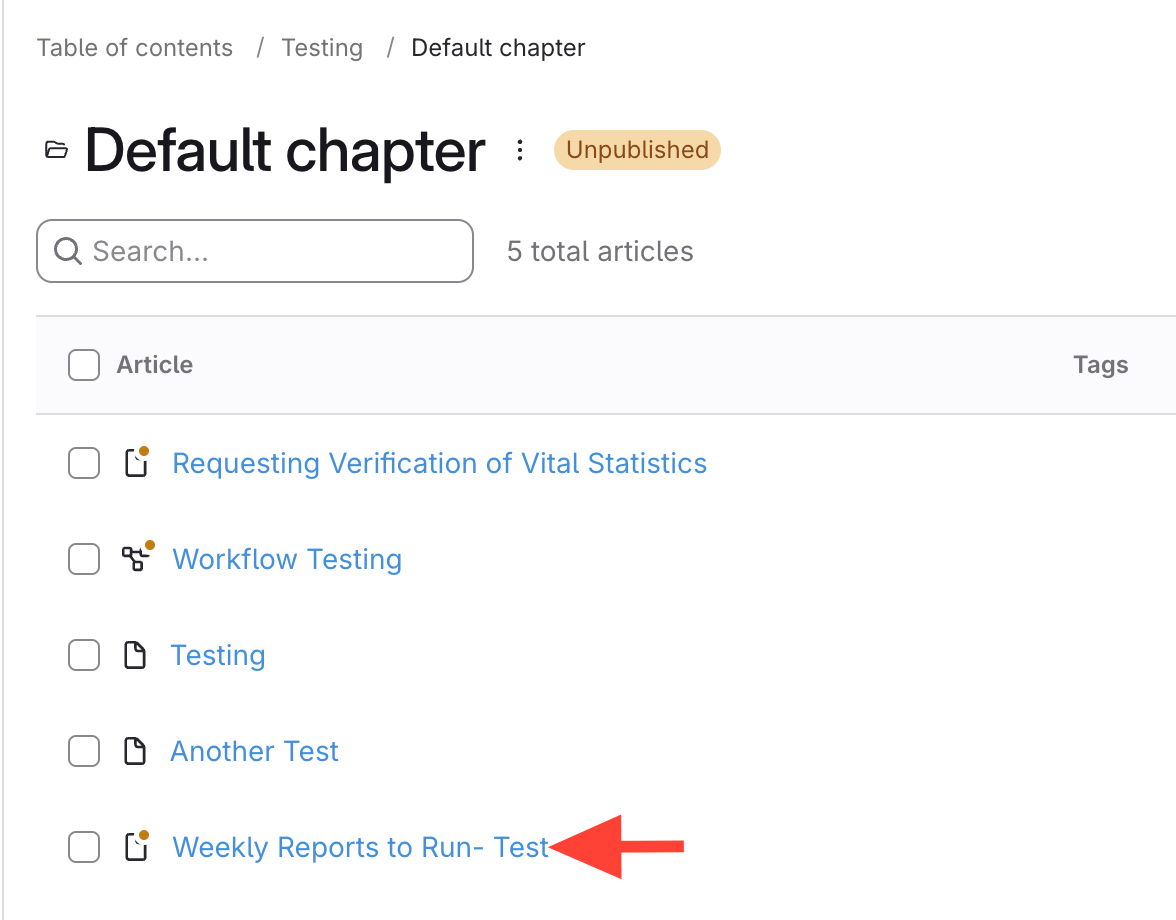
- Click the article title from the chapter menu
When you click the article title, the article preview pops out from the right-hand side.
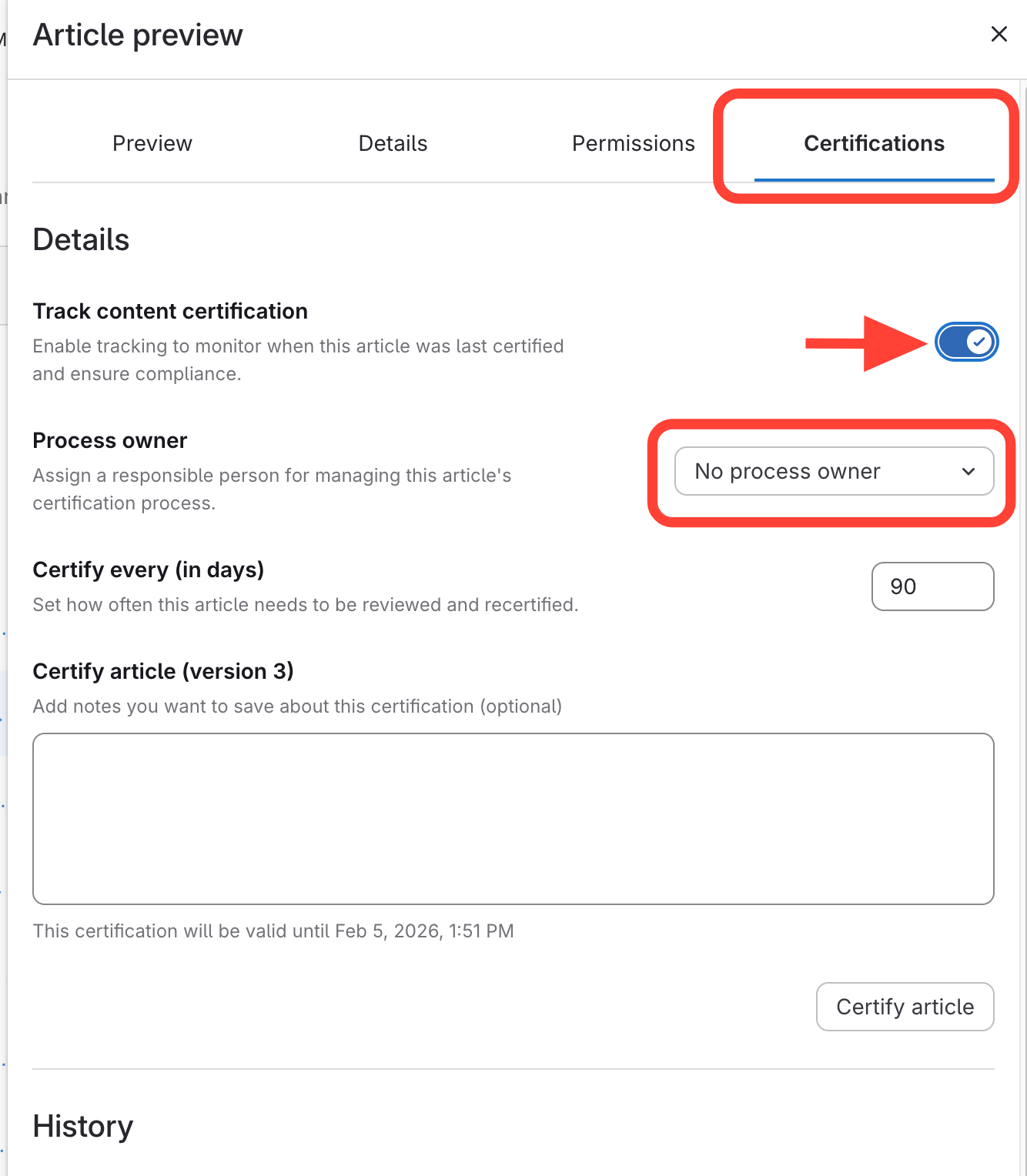
- Assign a Process Owner
- Click the Certifications tab on the right in the article preview window.
- Select Track Content Certification.
- Choose the Employee under Process Owner from the dropdown.