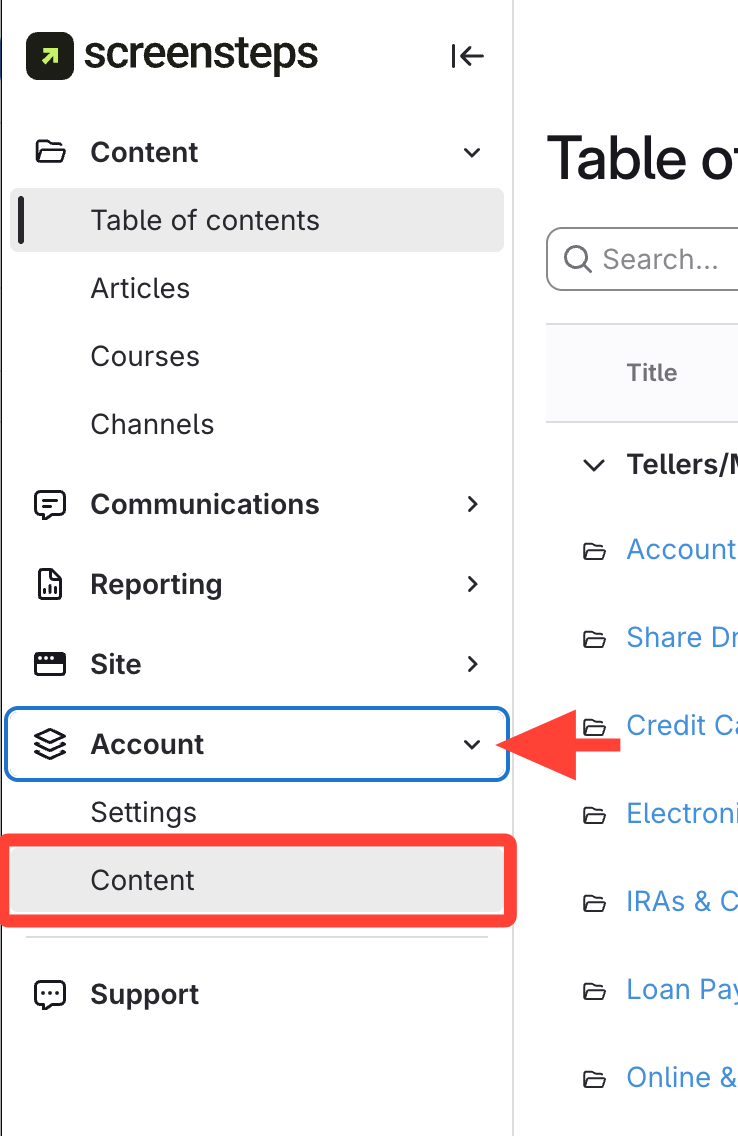
- Expand Account > Click Content
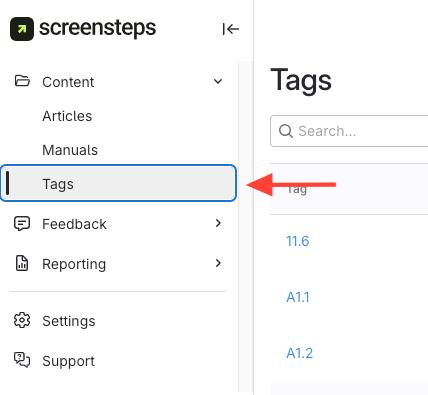
- Click Tags under the Content section
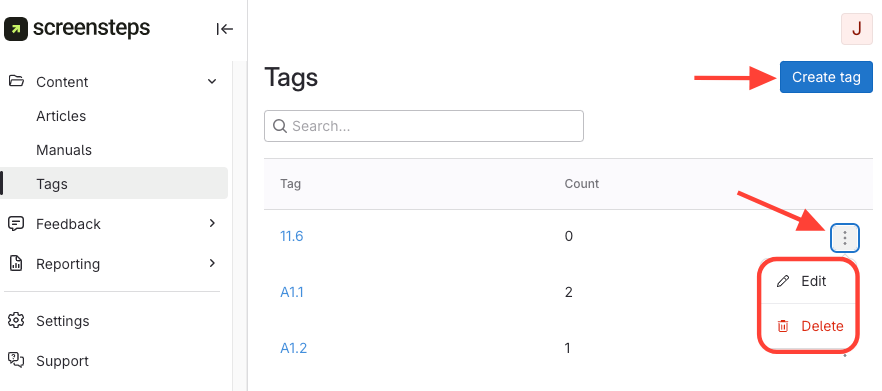
- To manage tags:
- Edit or Delete: Click the action menu next to a tag, then choose Edit or Delete.
- Create a new tag: Use the option provided on the Tags page.
How to Manage Your List of Tags
Updated on