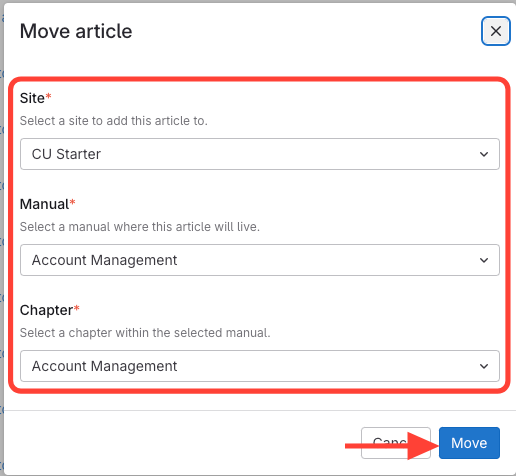
Move from the Chapter
- Add existing Article to Chapter
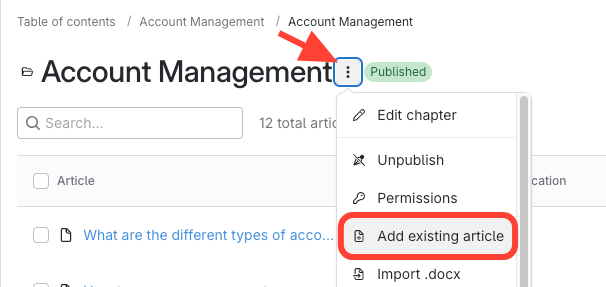
- Go to the target chapter.
Click the action menu next to the chapter title.
- Select Article > Move
- Select Add Existing Article.
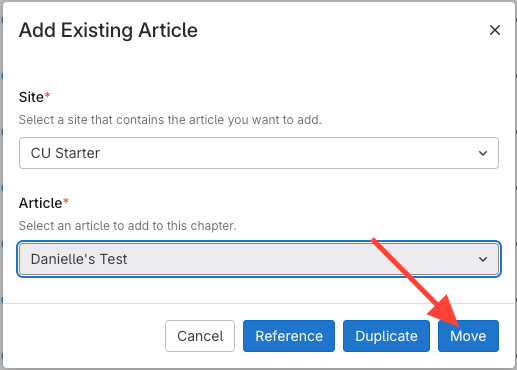
- Choose the article.
Select Move.
Or...Move the Article from the Article Action Menu
- Select Move from Article Action Menu
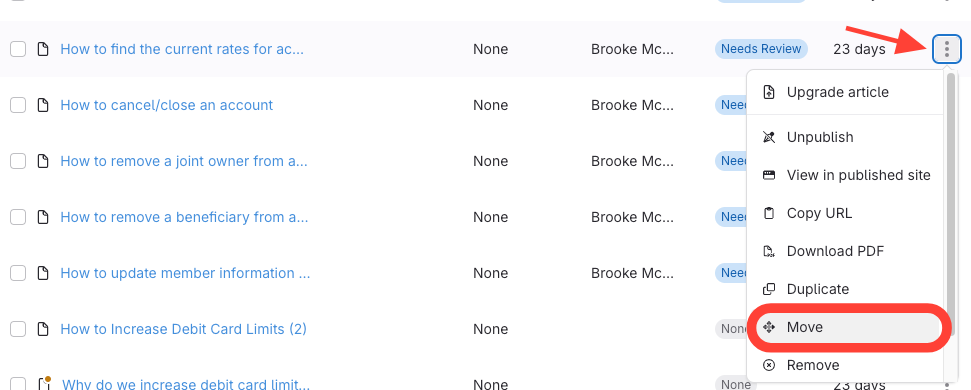
- Go to the article you want to move.
- Click the action menu to the right.
Select Move.
- Choose the destination chapter