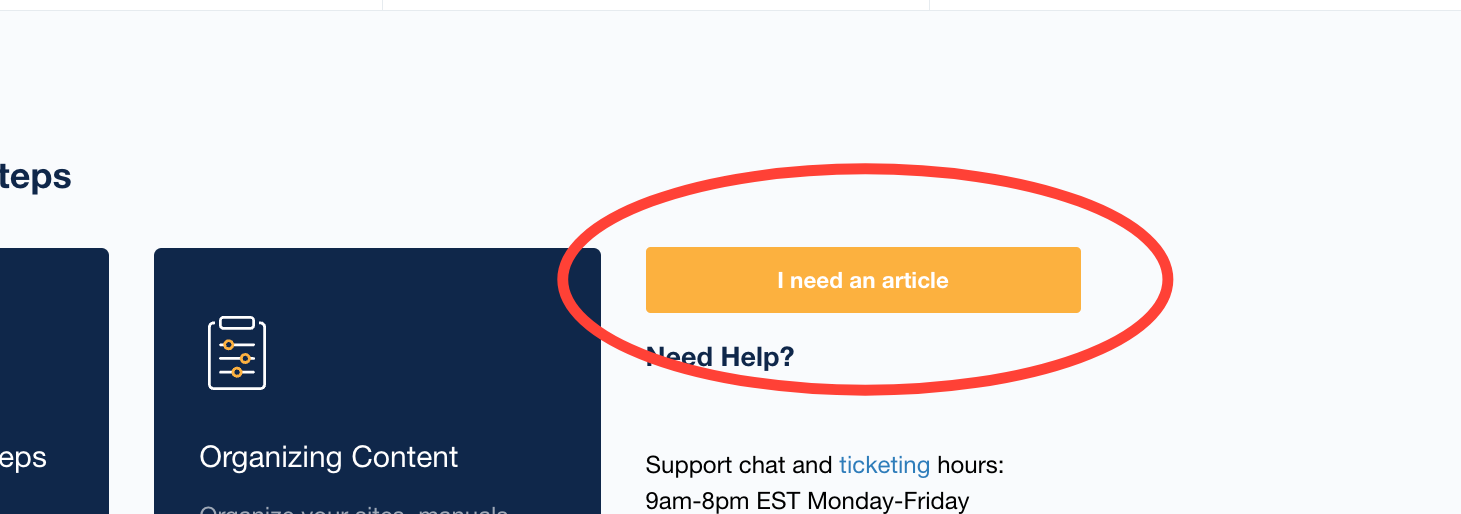
- Click "I need an article"
This button can be found throughout the site.
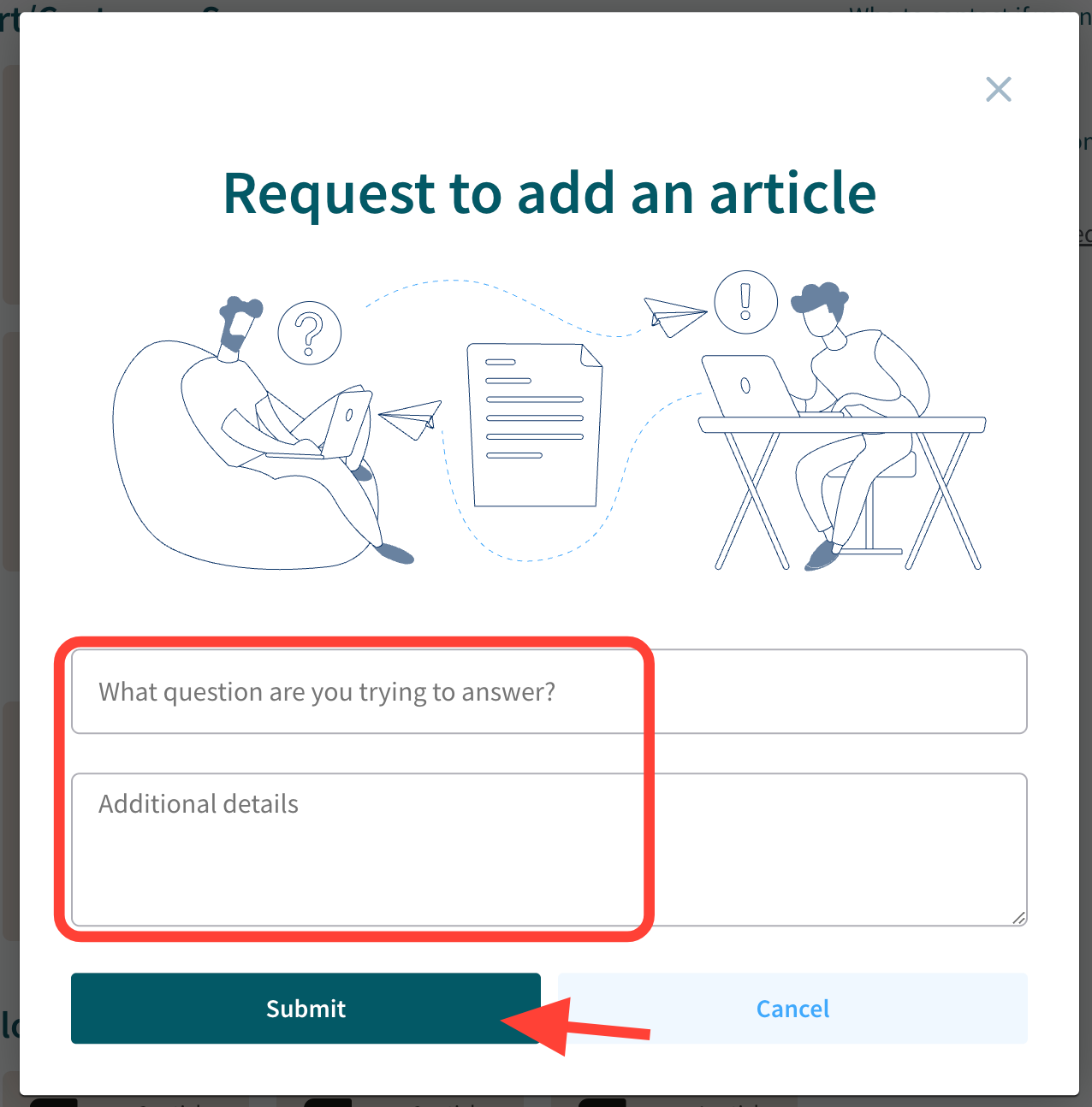
- Complete and Submit the form
- Enter question and details.
- Click Submit
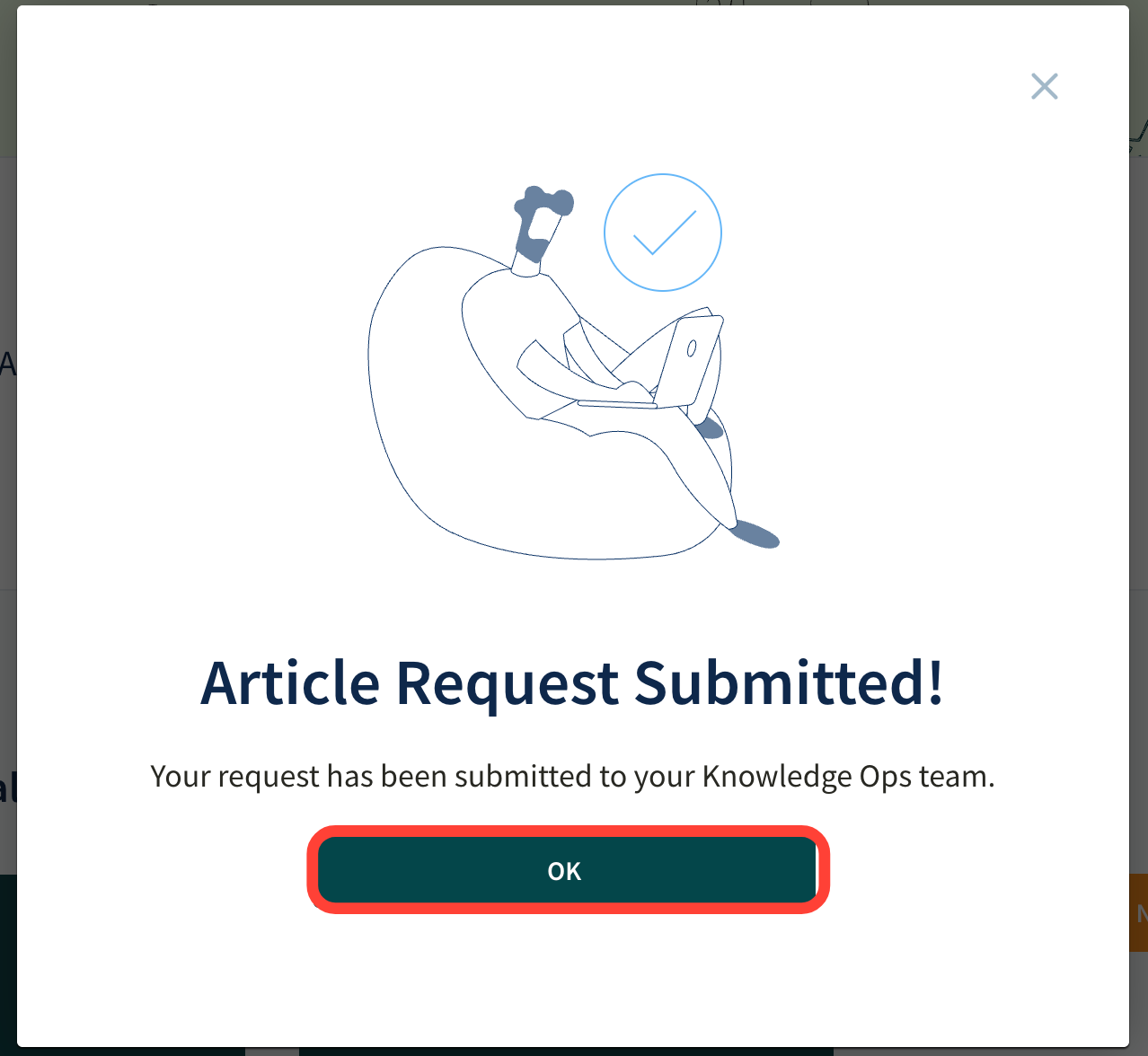
- Click Okay to exit out of the confirmation screen
How End Users Submit an Article Request
Updated on
Updated on
This button can be found throughout the site.