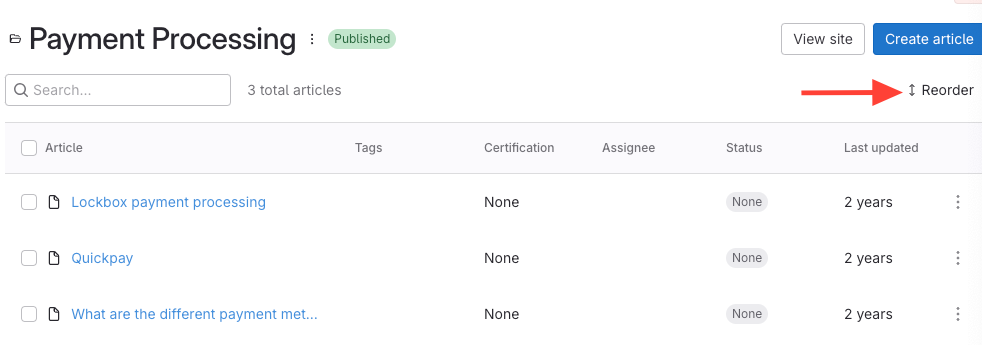
- Click Reorder at the top of the Article list
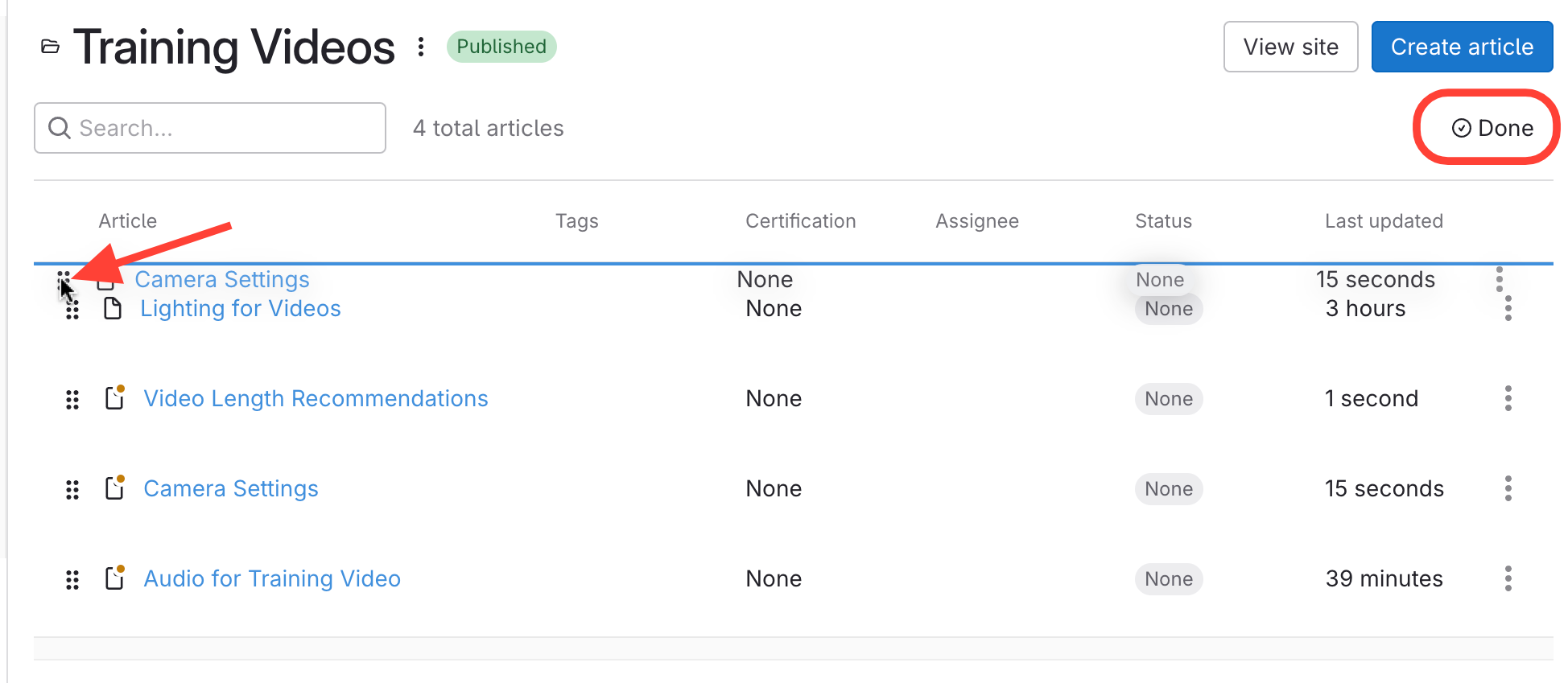
- Rearrange Articles > Click Done
- Click on the handle next to the Article title
- Drag& Drop to the article title to move it.
- Click Done to save changes.
How to Change the Position of an Article Within a Chapter
Updated on