Publish or Unpublish from Table of Contents
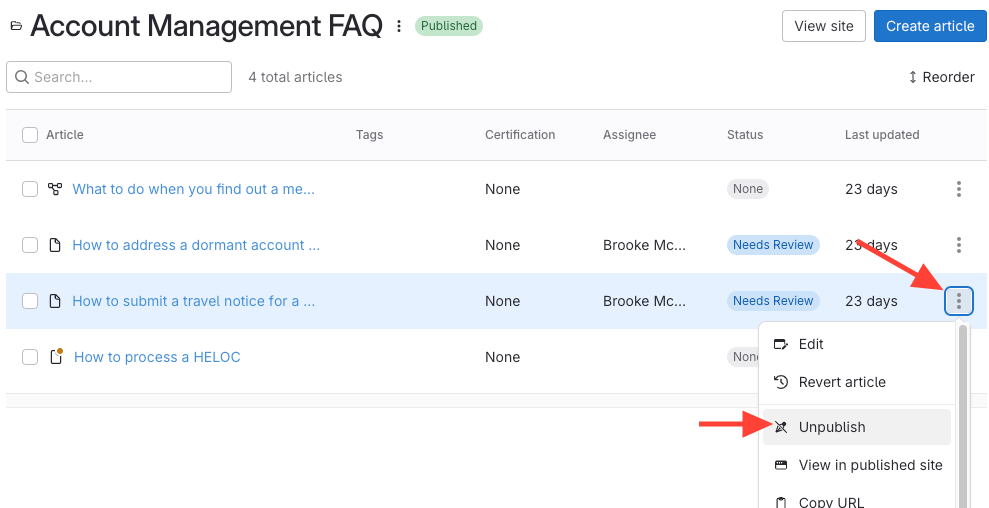
- Click the three dots next to the article.
- If the article is published: Click Unpublish.
- If the article is unpublished: Click Publish.
Publish or Unpublish from Article Editor
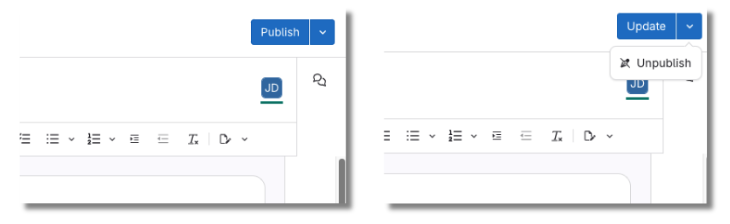
- If the article is unpublished: Click Publish.
- If the article is published:
- Click the Update dropdown.
Select Unpublish.