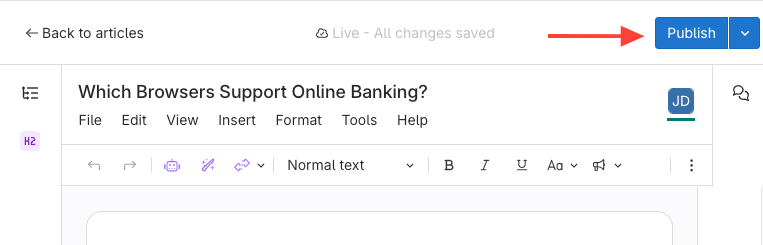
Save a Version by Publishing or Updating (i.e. publishing changes)
- Publish the article to save its current version.
Update the article to save changes as a new version.
Save a Version Without Publishing
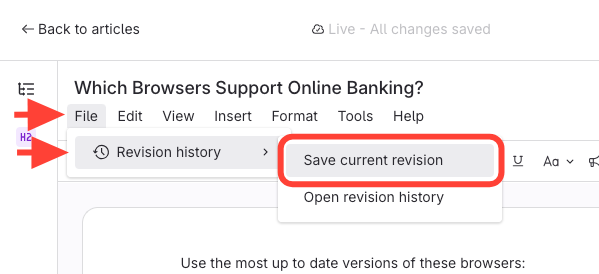
- Click File.
- Select Revision History.
Click Save Current Revision.