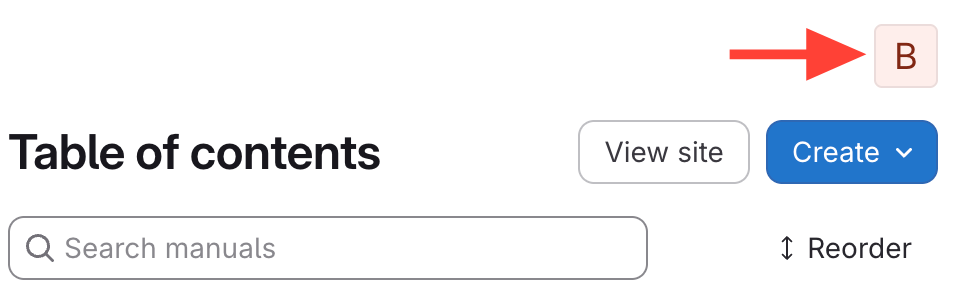
- Click your user icon in the upper right corner
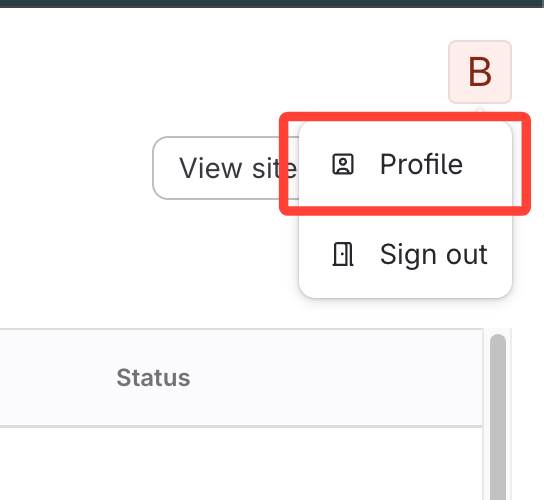
- Select Profile from the menu
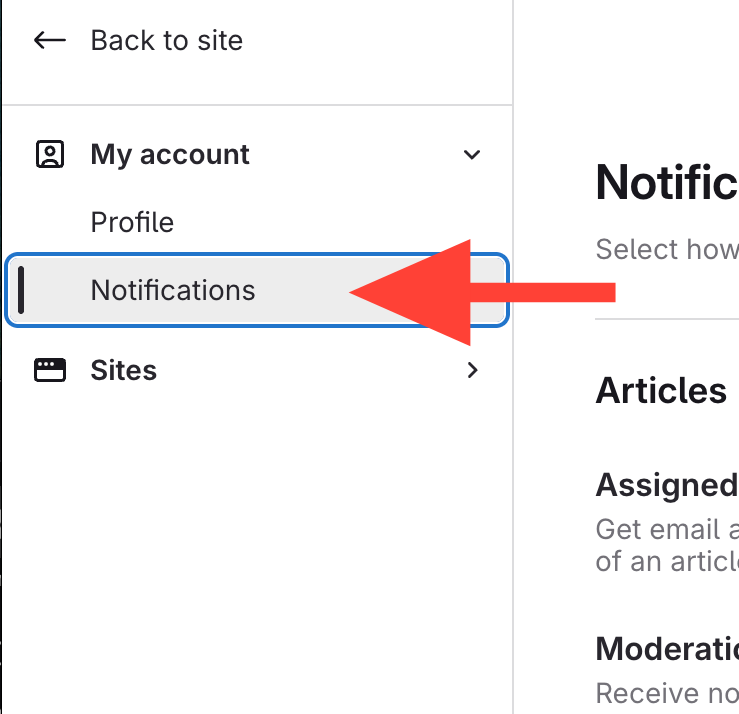
- Open notifications
- Confirm Assigned to me is on
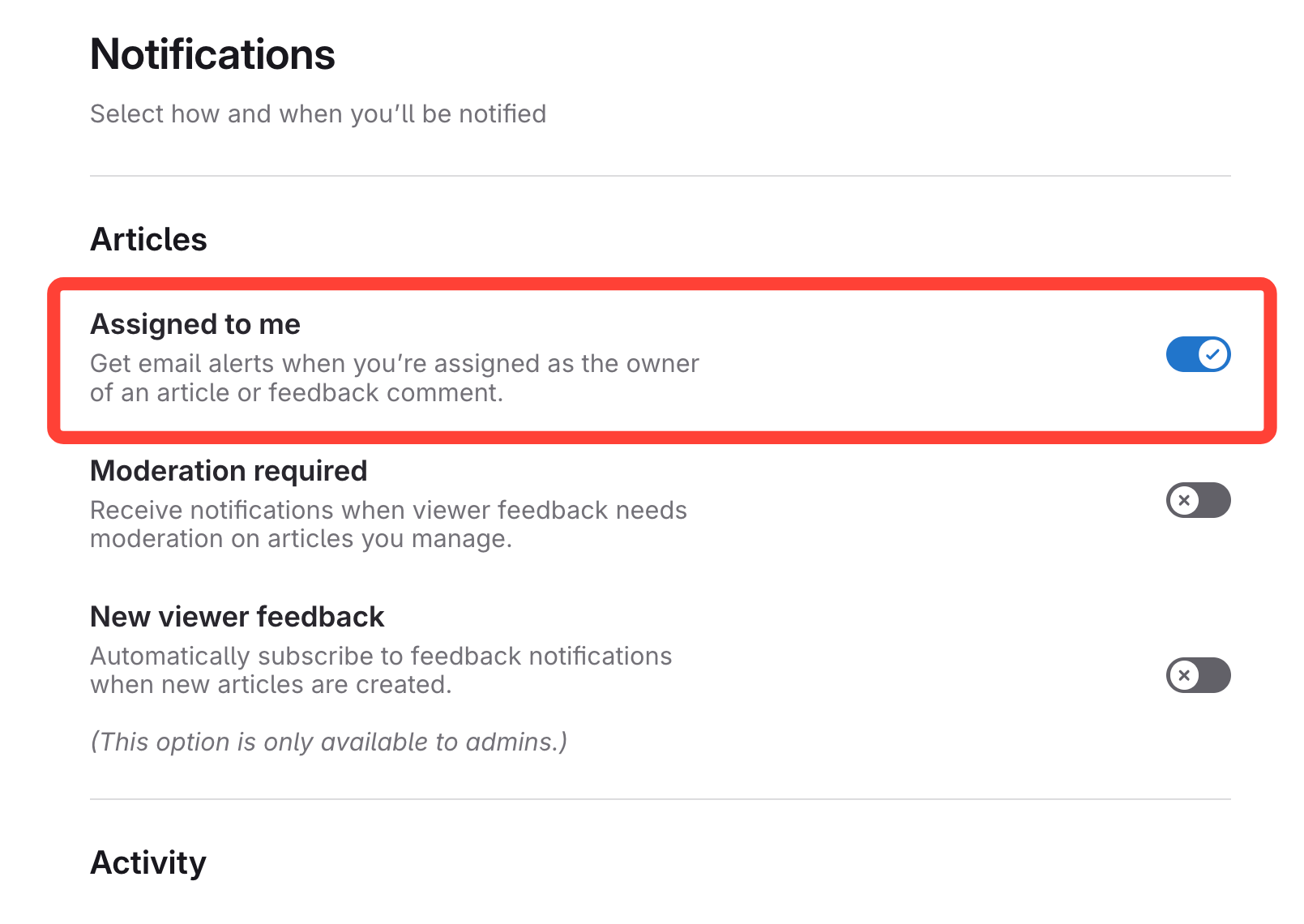
- Receive email alerts when an article is assigned to you
Confirm email notifications for article assignment are enabled
Updated on