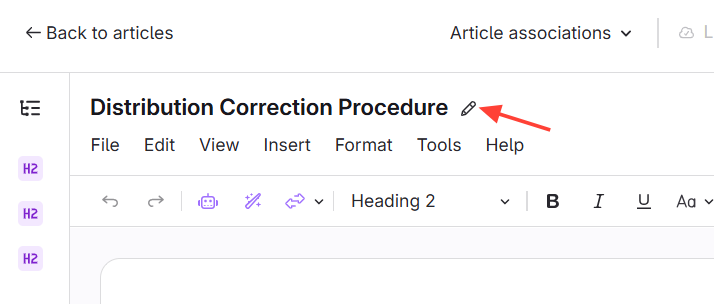
There are two options to edit the name of an article
Option 1: Rename from Preview
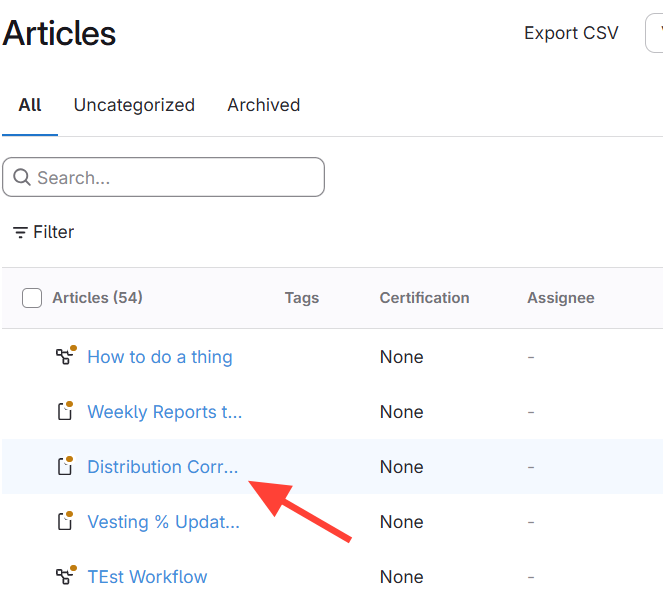
Navigate to the article.
Click the article to open the preview
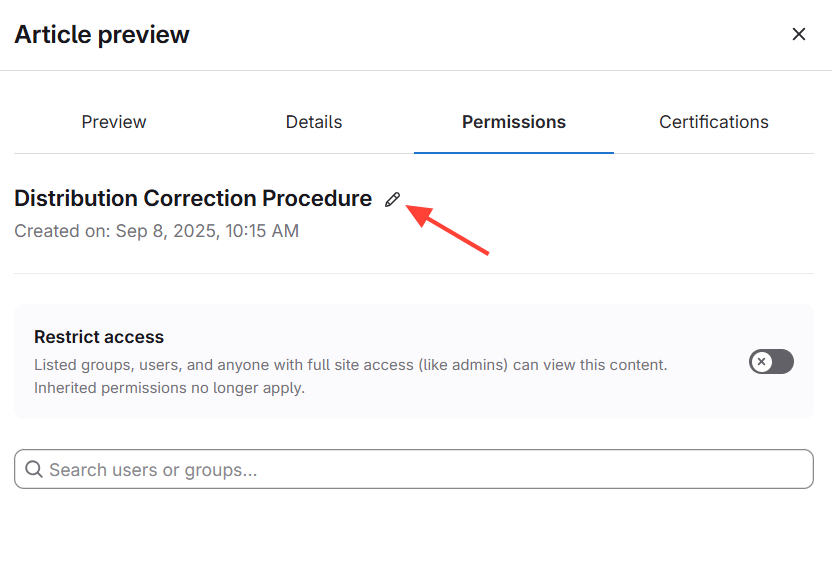
Select the pencil icon next to the article name.
Edit the title
Option 2: Rename from the editor
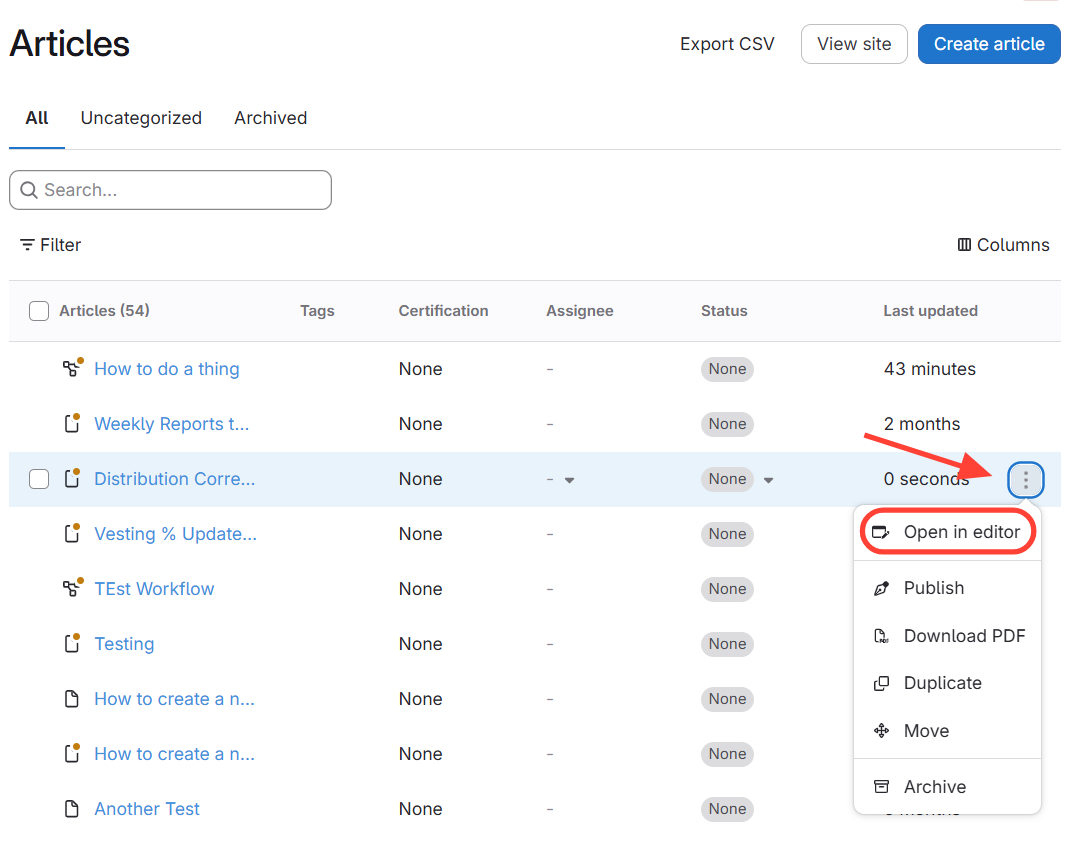
Open the article in the editor.
Select the pencil icon at the top next to the title.
Edit the title.