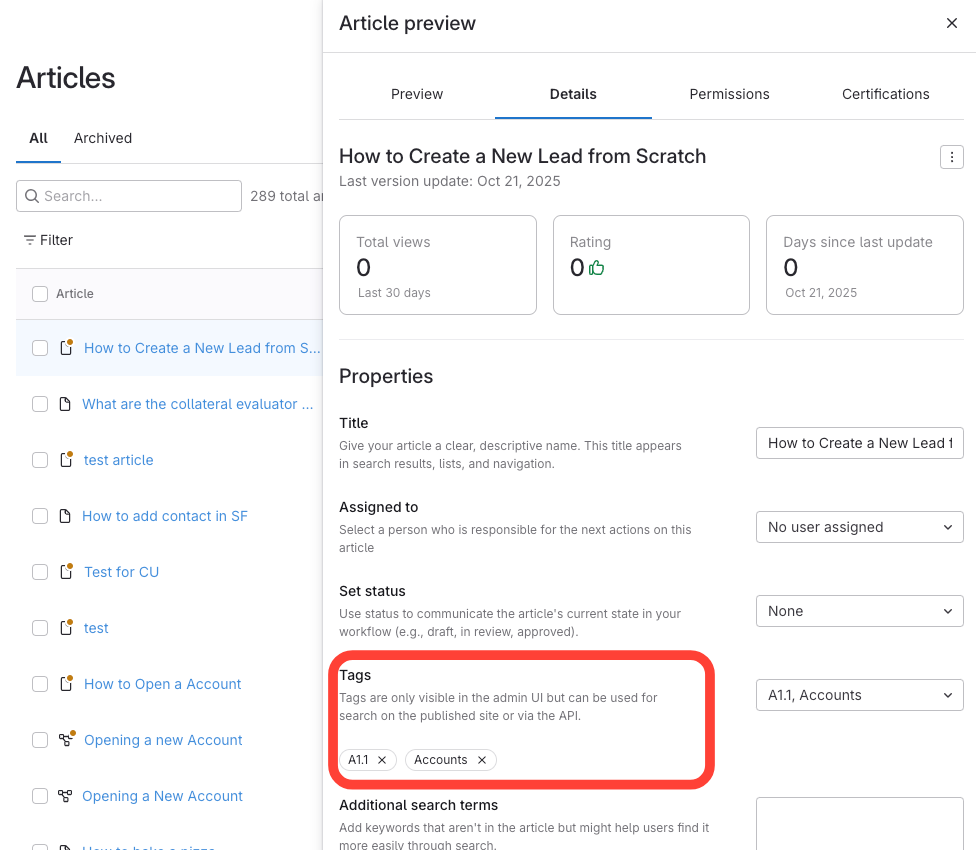
- Confirm Tags have already been created
- Click the Article Title
- Navigate to the article using one of these methods:
- Table of contents: Click the manual >chapter >article title.
- Articles tab: Search for the article and click it.
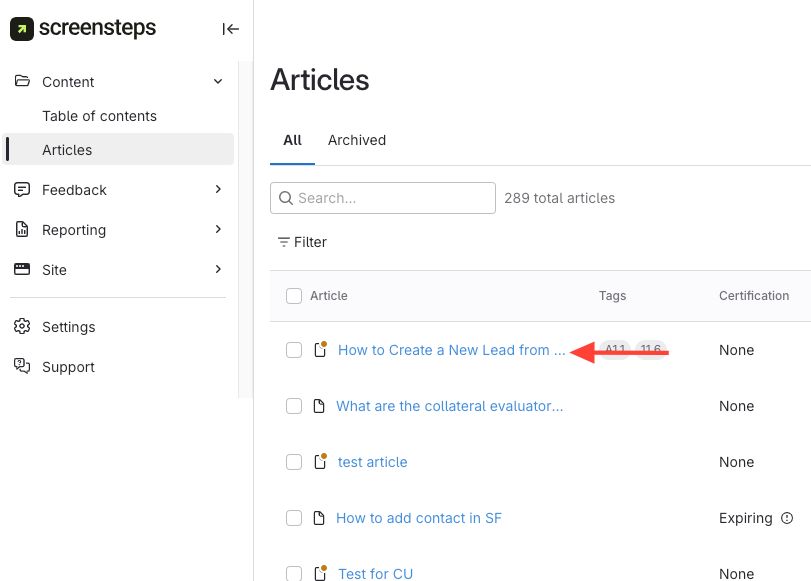
- Navigate to the article using one of these methods:
- Add/Remove Tags in the Details Tab
- Click the Details tab
- Click the Tags dropdown.
- Select or deselect tags to add or remove them.
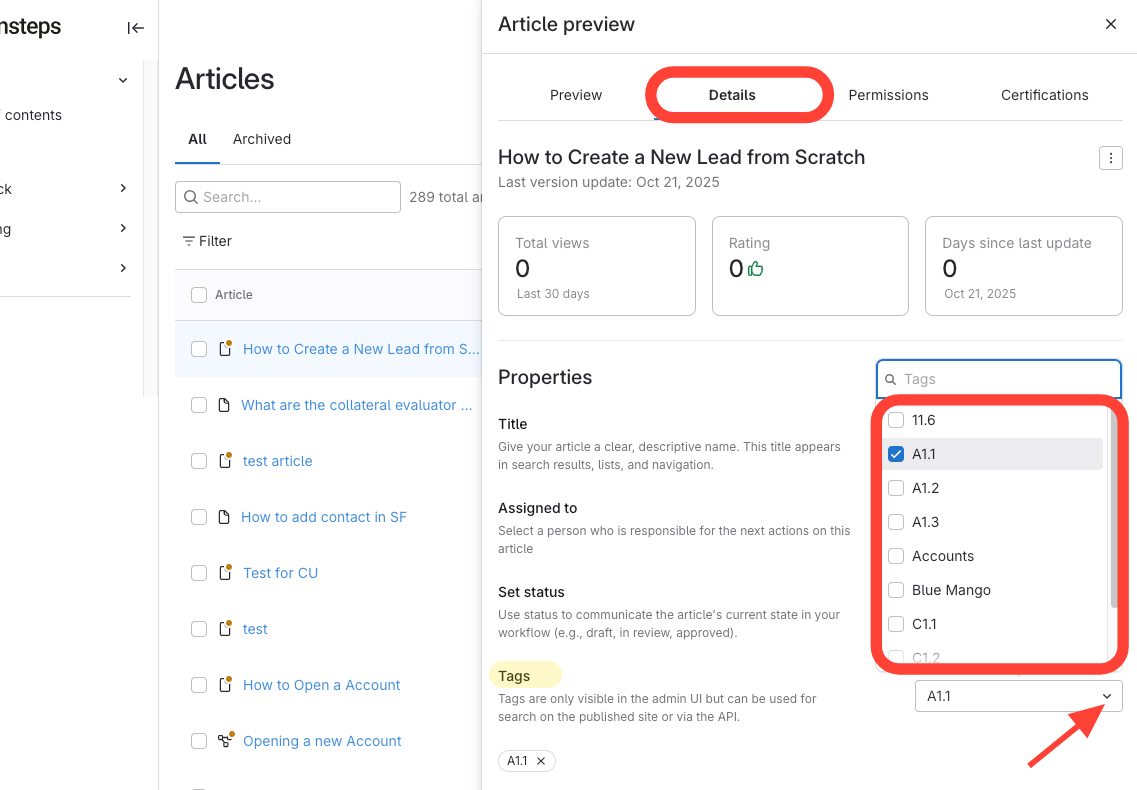
- Verify Tag Changes
- View all tags in the article preview.