- Prepare your CSV file
Click to view an example
Manual Title Chapter Title Article Title Status Assignee HR Dress Code What can we wear to work? HR Benefits When is open enrollment? Needs content [email protected] Accounting Monthly Reports How to run a monthly report Accounting Monthly Reports What monthly reports do we run? Accounting Quarterly Reports How to run a quarterly report Needs content [email protected] - Open the Import Content Structure dialog
Click Import Content Structure to start the import process.
If the TOC is blank If you have manuals in the TOC 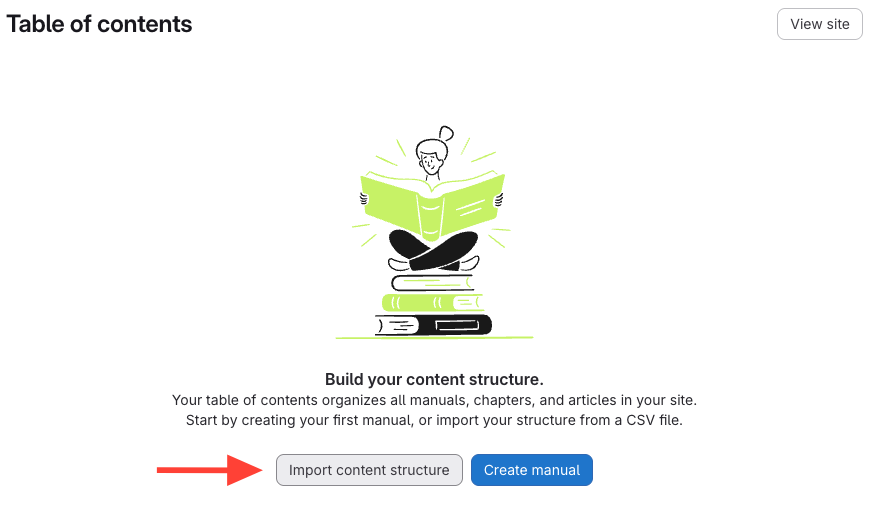
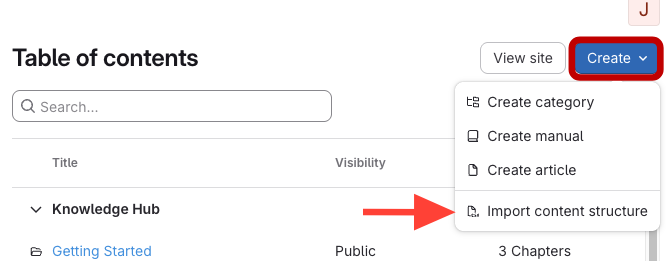
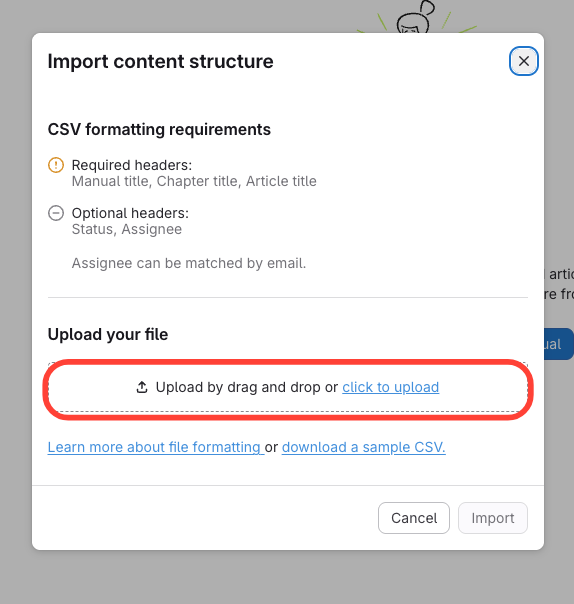
- Upload your CSV file
Click to upload and select your CSV file.
- Refresh to view imported content appears
Importing Manual, Chapter, and Article Structure using a CSV
Updated on