Click to view a video explaining when you would use this
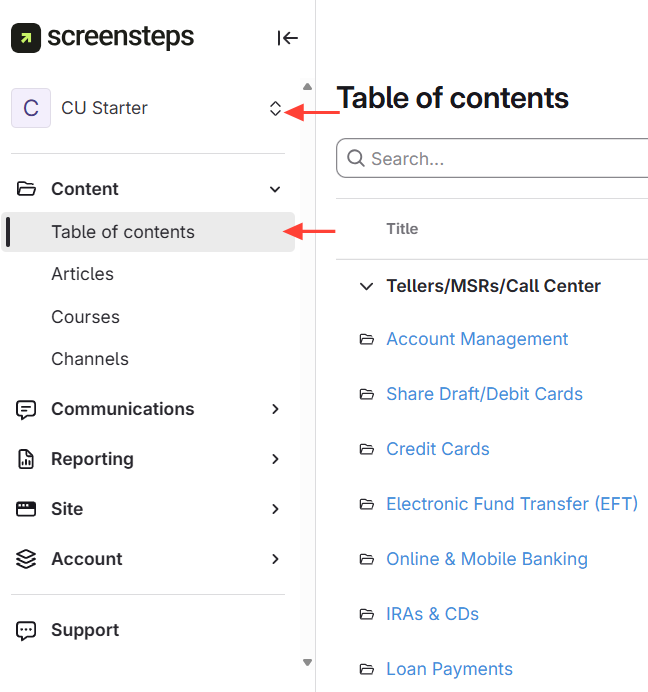
- Navigate to the Site Where You Want to Add the Manual
- Go to the content management area.
- Toggle to the target site.
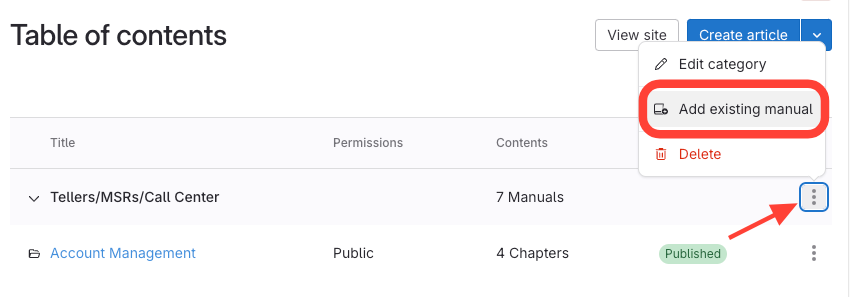
- Click Add Existing Manual
- Click the three dots next to a category.
- Select Add existing manual.
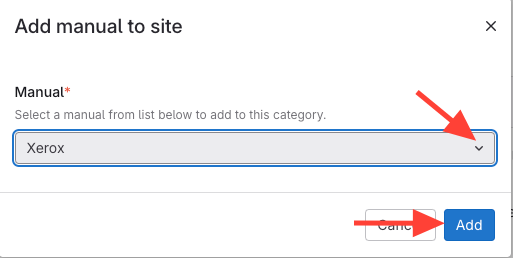
- Select the manual you want to add
- Search for the manual
- Choose the manual you want to add.
- Verify Manual Added
- Manual appears in the table of contents.
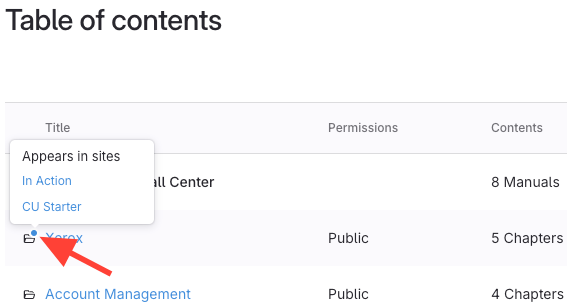
A blue dot shows which sites share the manual (hover to view sites).