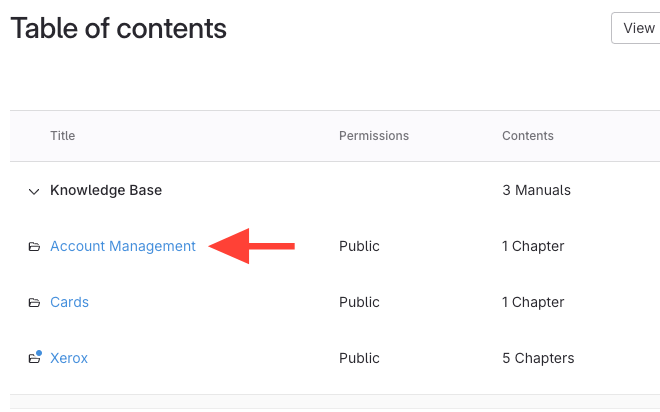
- Click the manual title
Click the manual that contains the chapter you want to publish/unpublish.
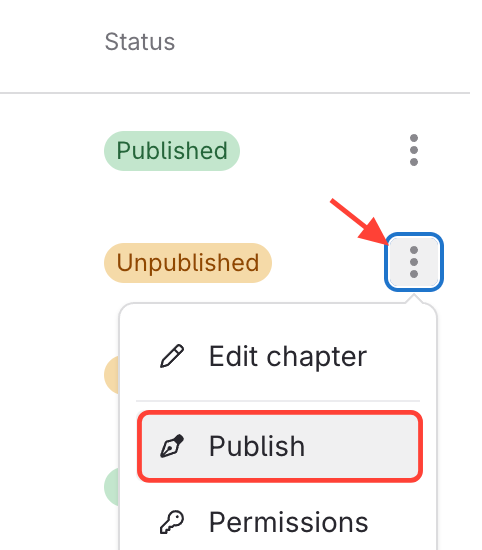
- Click Publish/Unpublish
- Click the three dots next to the chapter.
- Select Publish (the option if the chapter is currently unpblished) or Unpublish (the option if the chapter is currently published).