- Navigate to Settings
- Go to the content management area.
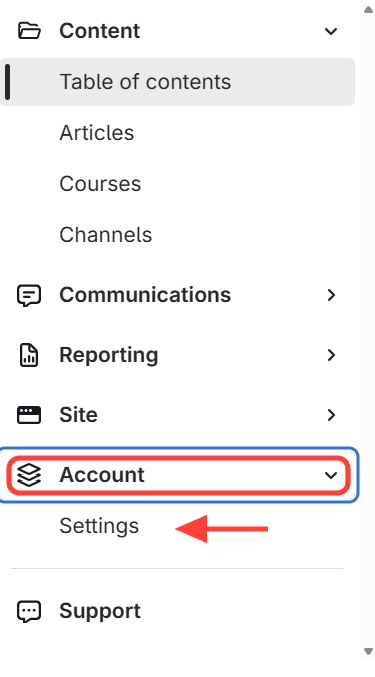
Click Account > Settings on the left side.
- Edit the Site Title
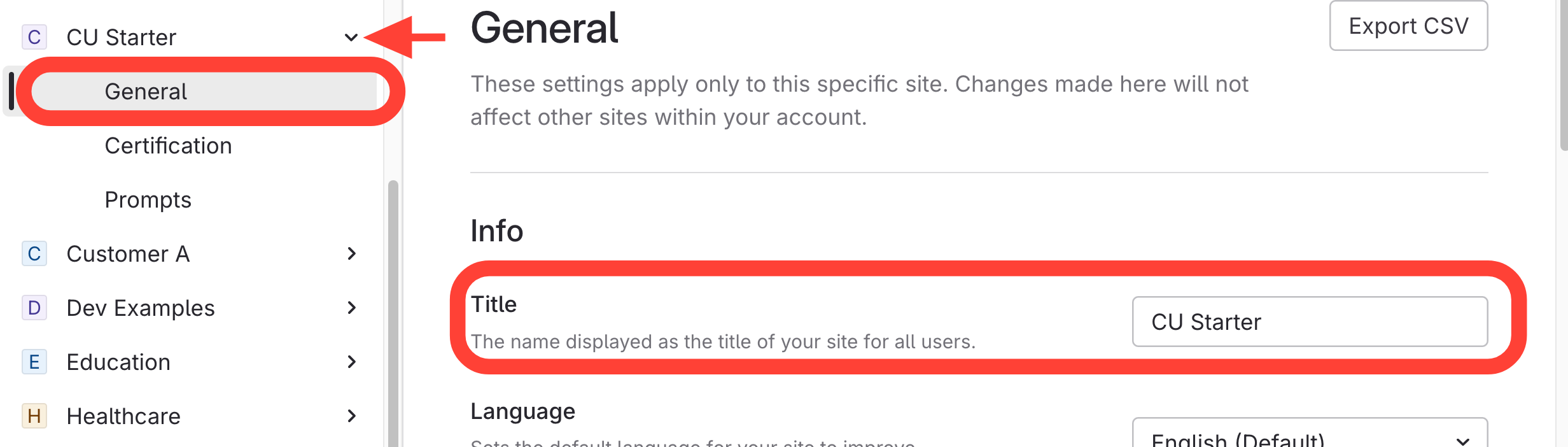
- Select your site from the list.
- ClickGeneral.
- Edit the site title.
How to Rename a Site
Updated on
Click Account > Settings on the left side.