- Expand Content > Table of contents
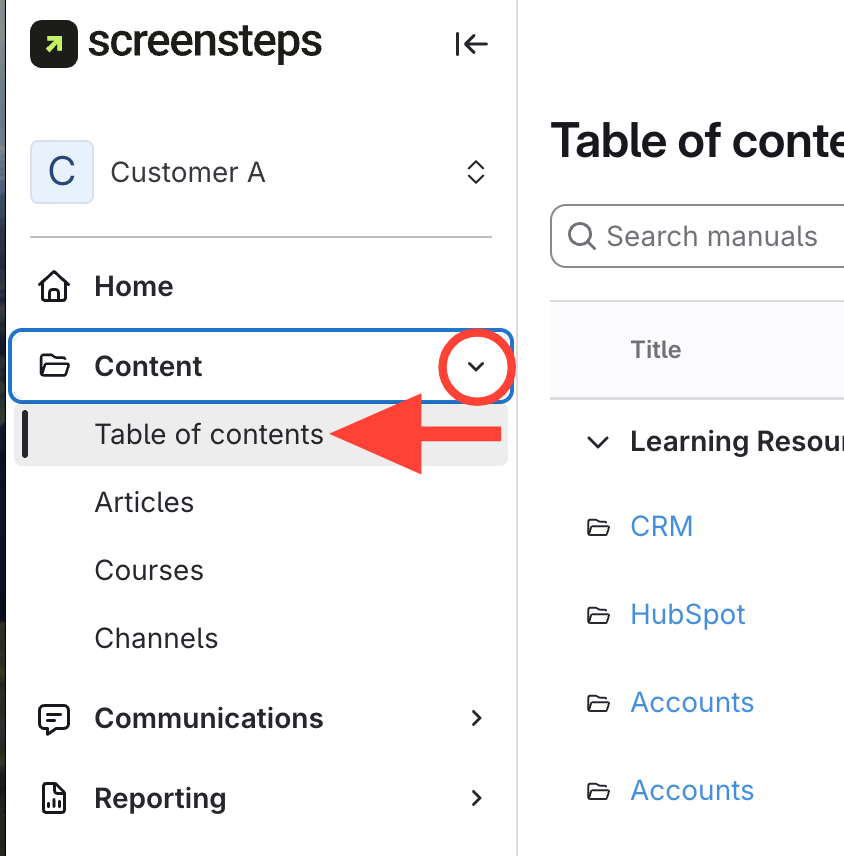
- View Table of Contents (TOC)
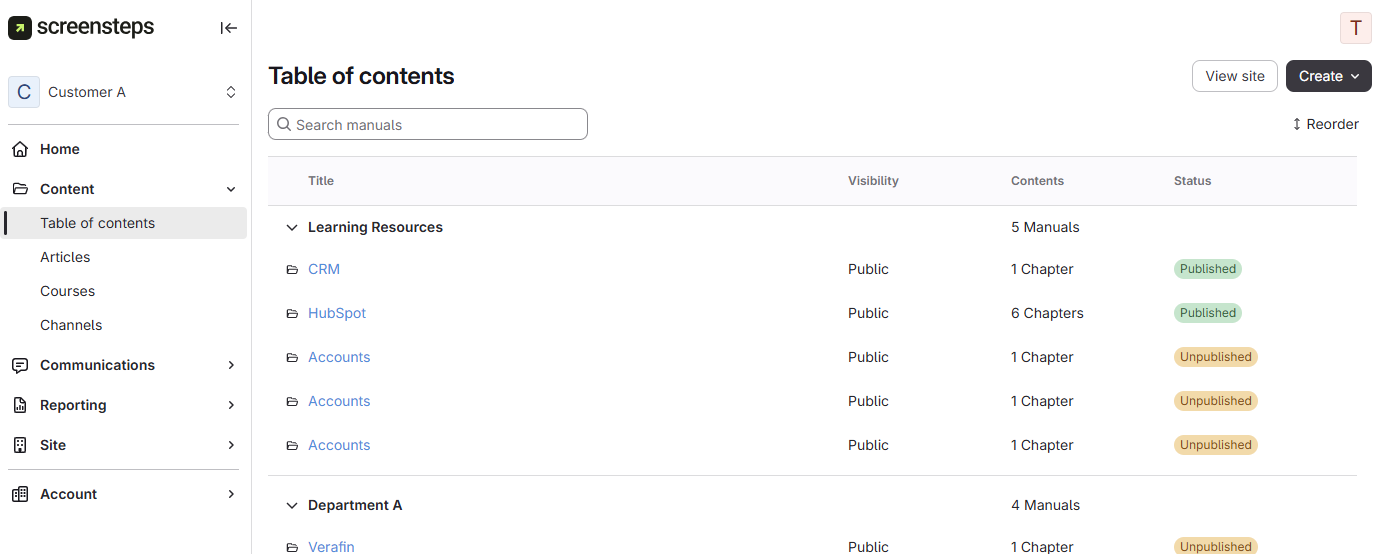
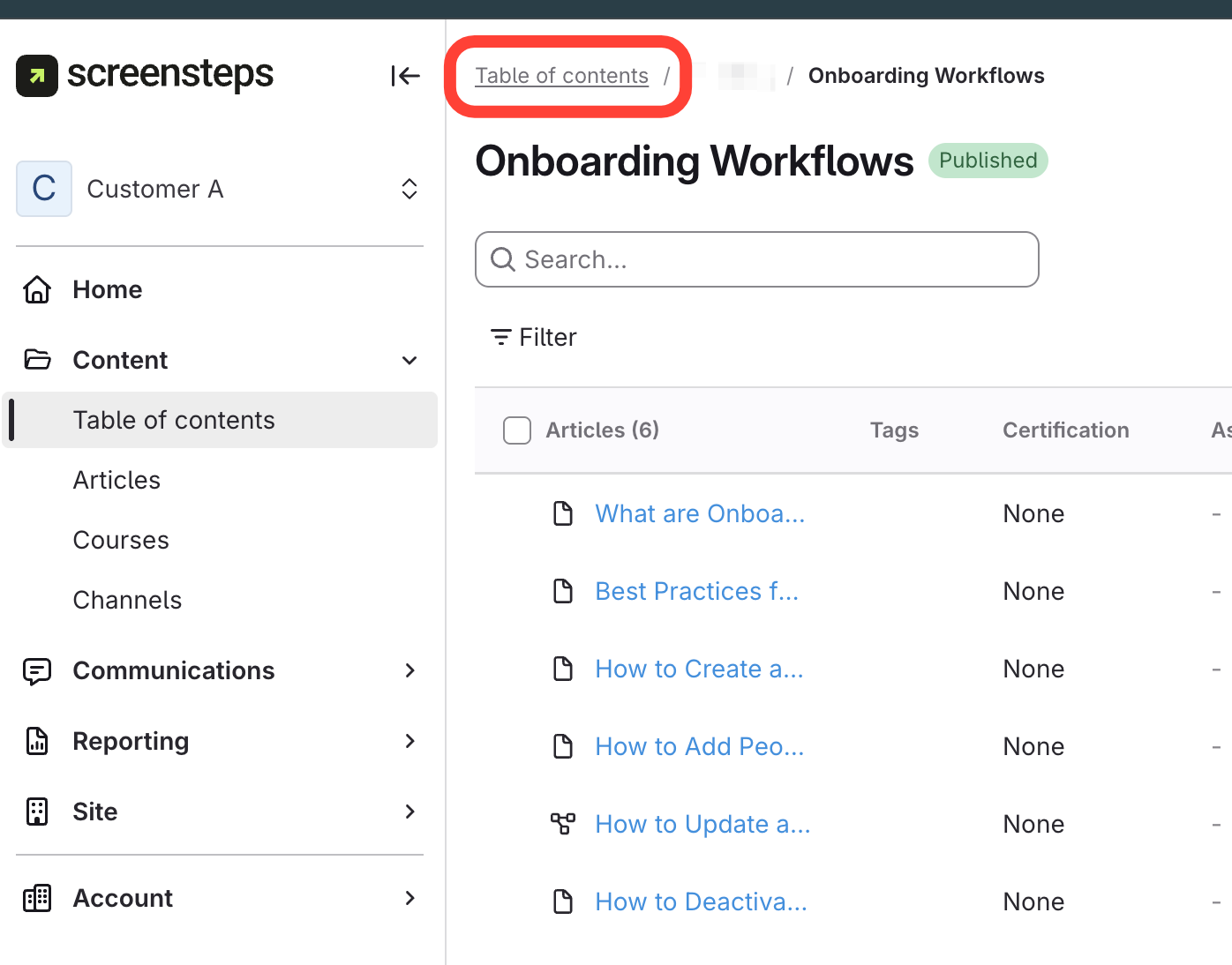
If TOC opens to chapter
The TOC will open to the last visited Manual or Chapter.
Click TOC in the top breadcrumb for Home view.
Updated on
The TOC will open to the last visited Manual or Chapter.
Click TOC in the top breadcrumb for Home view.