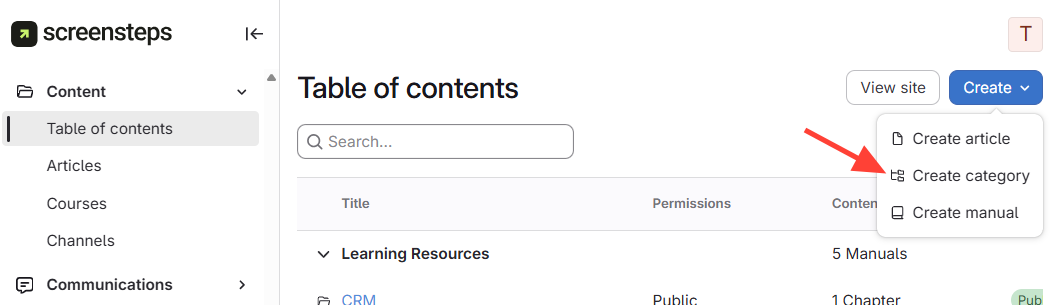
- Click Create Category
- Click the drop-down arrow next to Create article.
- SelectCreate Category.
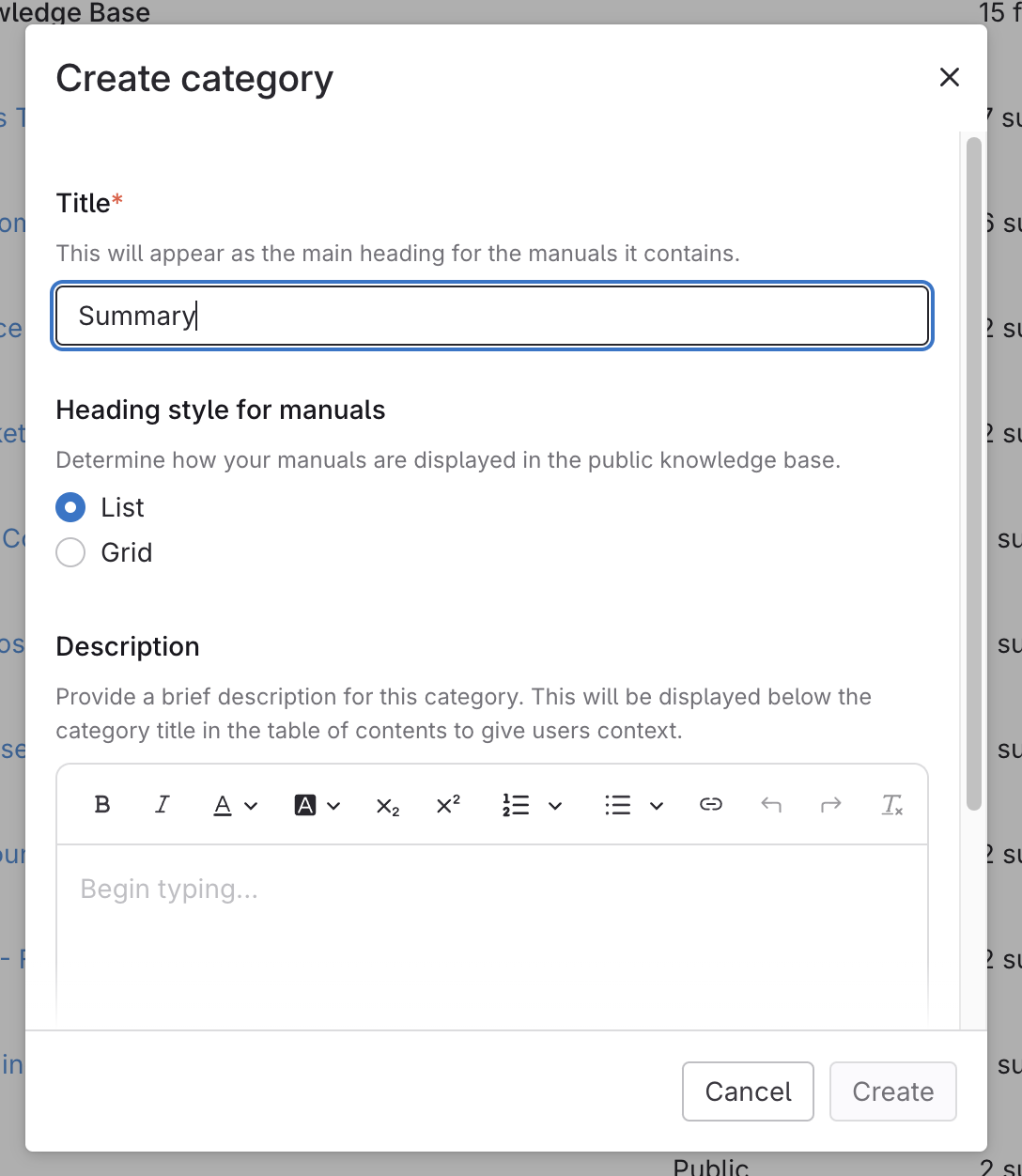
- Add Title and Format Category
- Enter a title for the category.
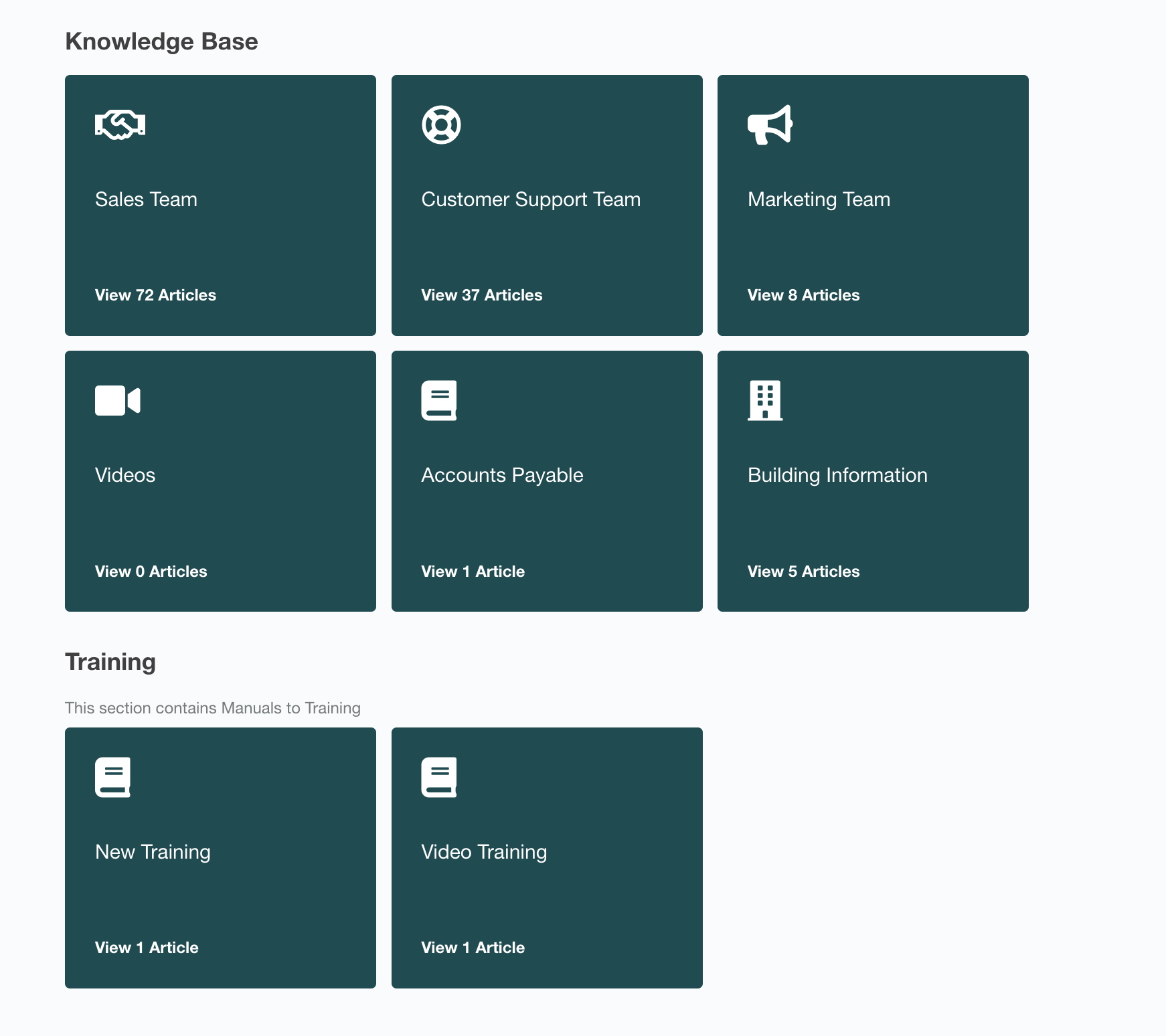
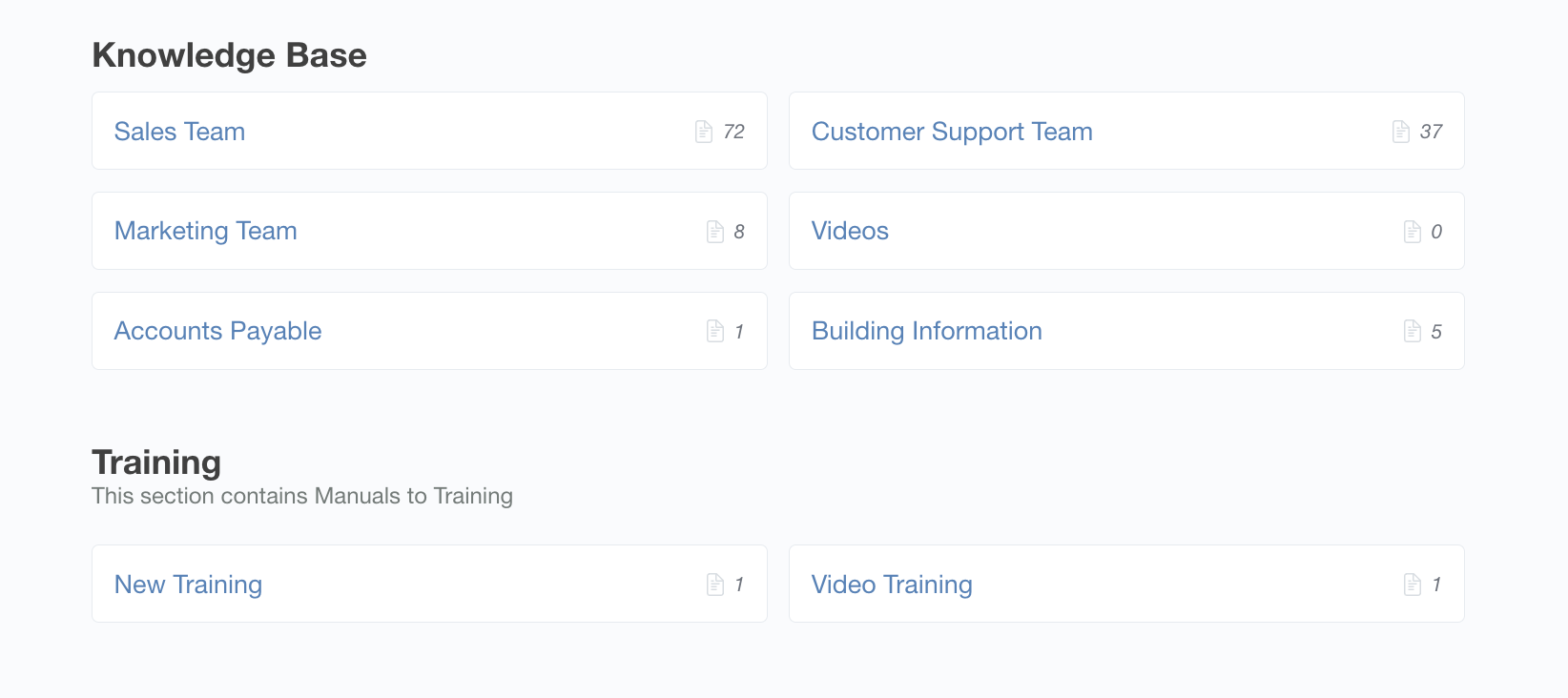
- Choose a heading style: (See images below for an example of each)
- List
- Grid
- Type a description (optional).
- ClickCreate.
Click to View Grid Heading Style
Click to View List Heading Style
How to create a category
Updated on