- Access the Author Action Panel
- Log in to your private knowledge base.
- Go to the homepage.
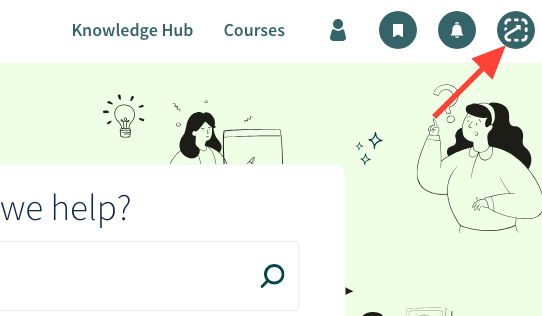
Click the action icon (square with a line) in the upper right corner.
- Create a New Manual
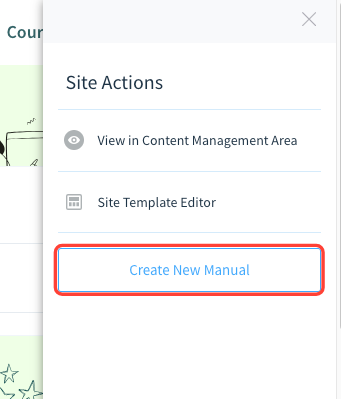
- Select Create New Manual.
- Enter a title for your manual.
Finish to add it to the table of contents.
- Add Content to the Manual
- Open the content management area.
- Add chapters and articles as needed.
How to create a new manual using the Author Action Panel
Updated on