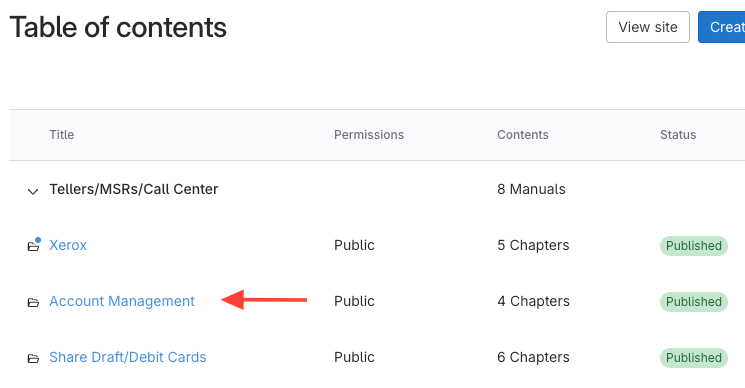
- Click the manual title.
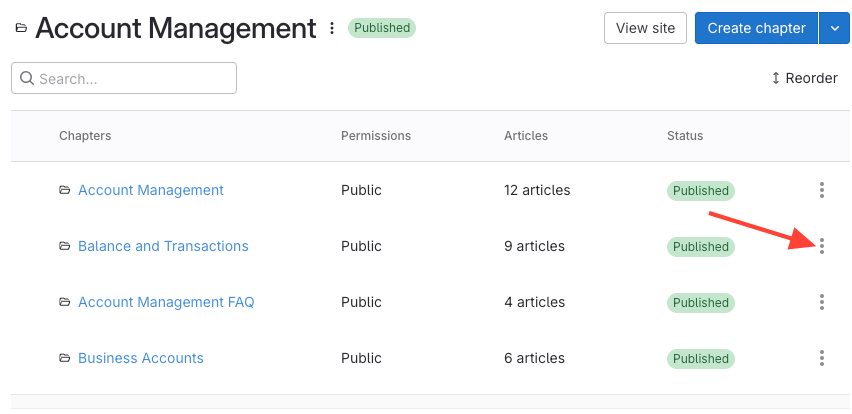
- Click action menu for chapter
- Find the chapter in the list.
Open the action menu (three dots) next to the chapter.
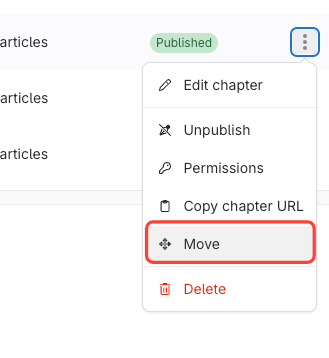
- Select Move.
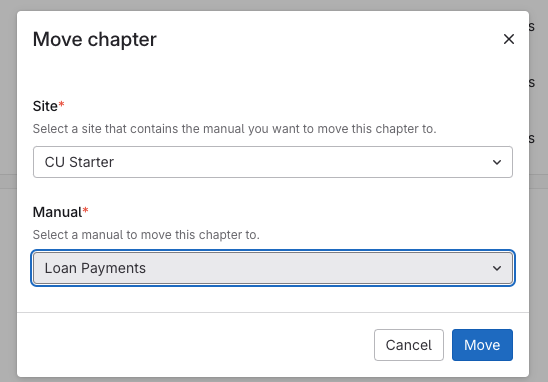
- Select Destination
- Choose the site (if moving to a different site).
Select the destination manual.
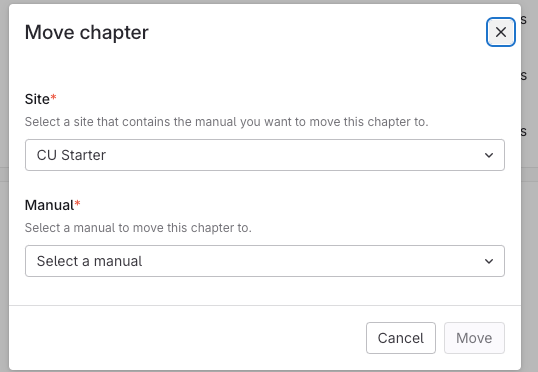
- Confirm the move.
Once you've selected a destination, the Move button will be activated and you can move the chapter.
How to Move a Chapter to Another Manual
Updated on