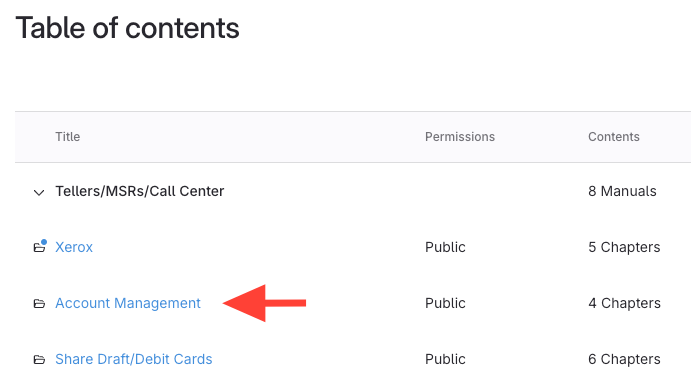
- Click the manual containing the chapter.
- Copy the URL
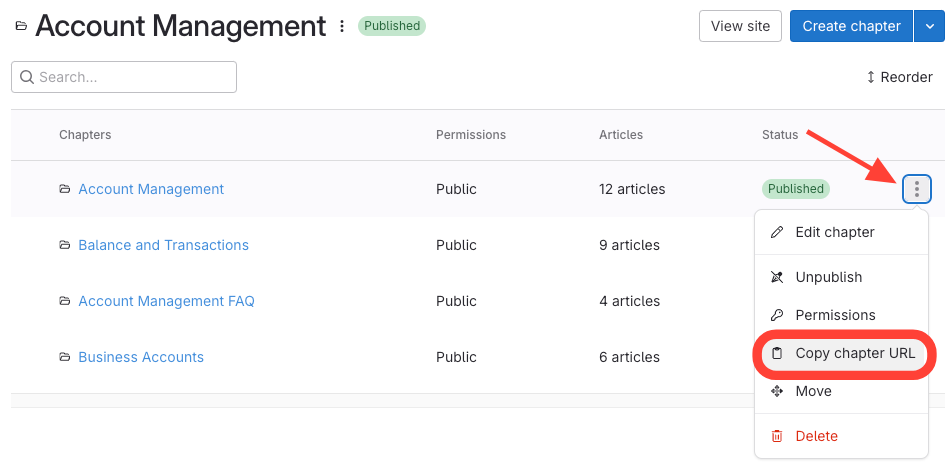
- Find the chapter you want to link to.
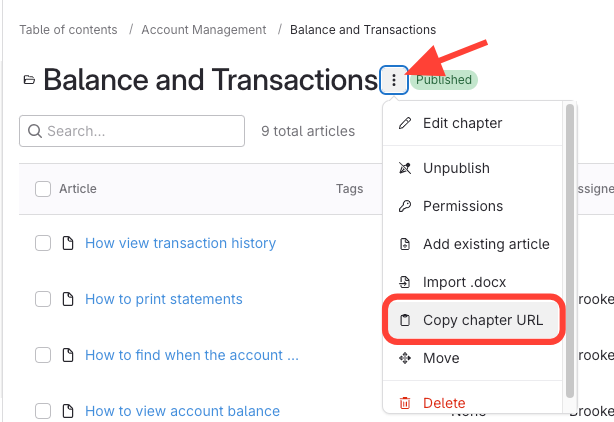
- Click the three dots next to the chapter.
Select Copy chapter URL.
Alternative: Copy from Inside Chapter
- Click into the chapter.
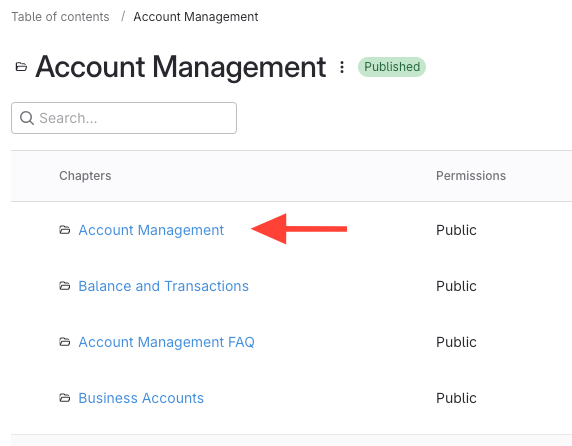
- Use the drop-down menu to select Copy chapter URL.
- Use the Link
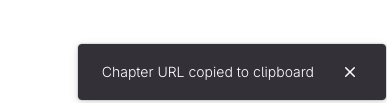
- The URL is now copied to your clipboard.
Paste it where needed to share direct access to the chapter.