Access the Site in Content Management
- Log in to your account at [account].screensteps.app.
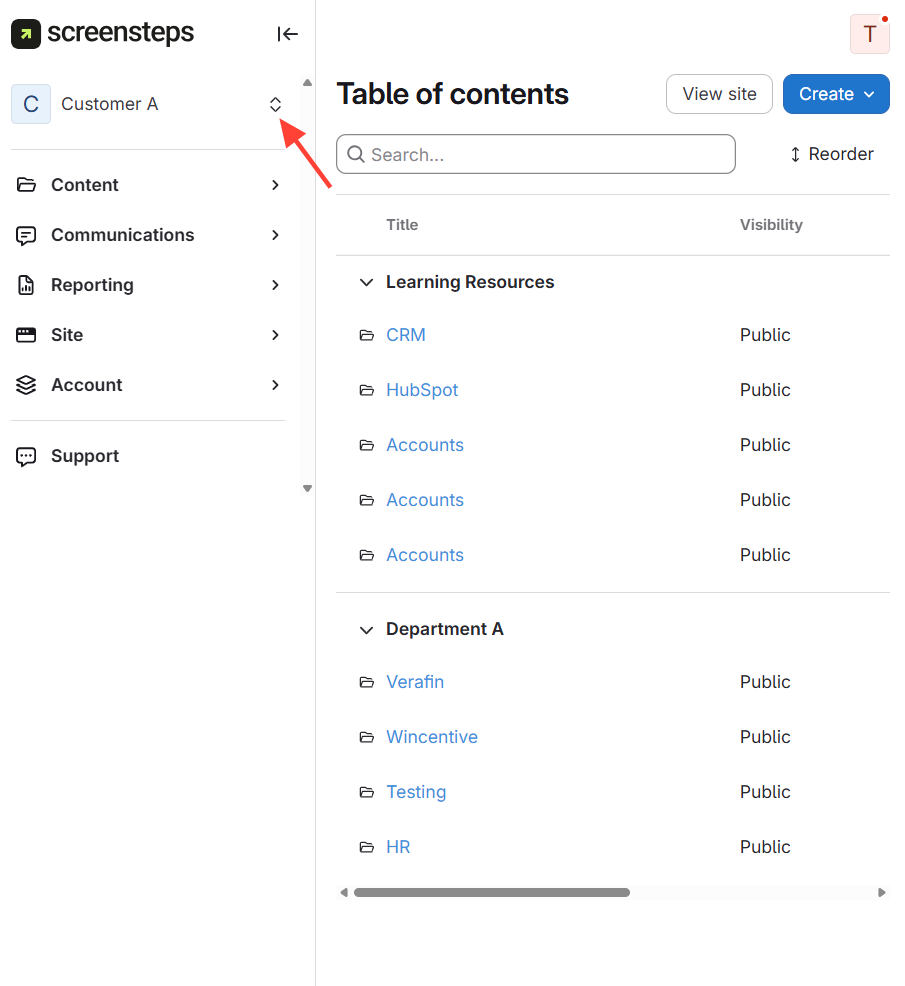
Select the site in the upper left-hand corner.
Access the Published Site View
- Go to the published site URL How to View a Published Site and the Content Area of a Site.