Check for Account Information
- Ask your admin for your account name.
- Search your email for a ScreenSteps invitation.
- Find Account Name on ScreenSteps Website
- Go to screensteps.com.
Click Sign In (upper right corner).
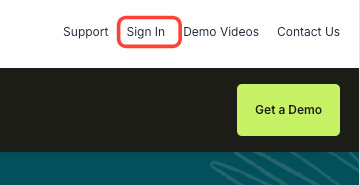
- There is a field you can search for your account (your account name is usually your company name or a variation).
If You Still Can't Find It
- Contact ScreenSteps support and request your account name.
Account URL Format
- Your account URL is: yourcompany.screensteps.app