- Enable Reorder Option
- Go to the table of contents view.
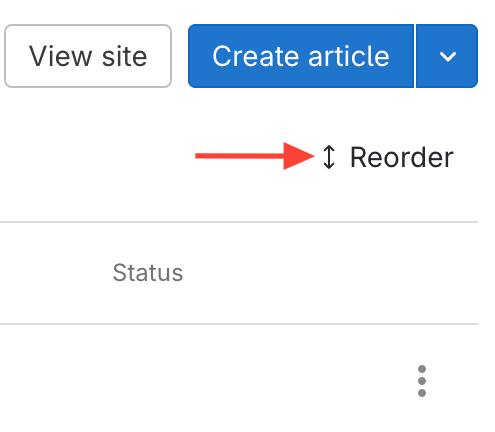
- Click Reorder.
- Move Manuals to Categories
- Click on the dots next to a manual title.
- Drag & Drop the manual under the desired category.

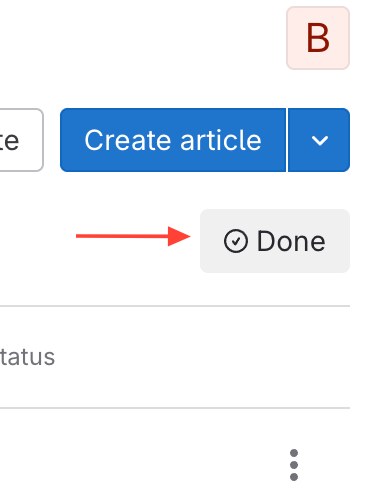
- Click Done at the top when finished
How to Organize Manuals into Categories
Updated on